AI TOOL PROFILE
ClassPoint AI: AI Quiz Generator for PowerPoint

- Education and Training
- AI Assistant
- Schools
- Corporate Training Departments
- Educational Institutions
- Professional Trainers
Pricing
ClassPoint AI offers a free Basic plan, a Pro plan starting at $8/month (or $96 billed annually), and a Premium plan with custom pricing.
At a glance
- Best for
- Schools, Corporate Training Departments, Educational Institutions, Professional Trainers
- Key use cases
- Slide-to-Quiz Conversion, Live Training Engagement, Multilingual Instruction, Collaborative Learning
- Integrations
- Microsoft PowerPoint
- Official website
- Visit ClassPoint AI official website
How AI is used
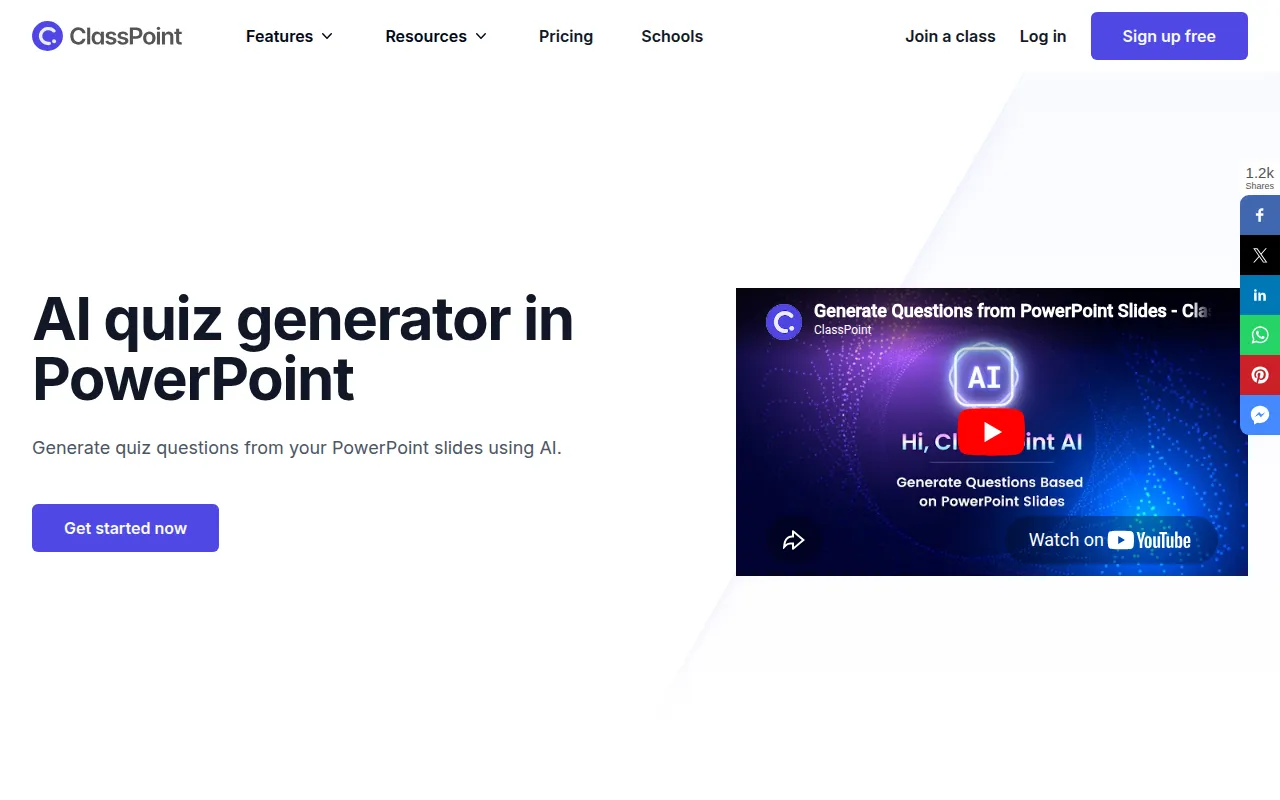
ClassPoint AI is an add-in for Microsoft PowerPoint designed to turn slides into interactive learning experiences. It scans slide content to generate multiple-choice, short answer, and fill-in-the-blank questions for live audience participation.
The tool is intended for schools, training departments, and educational institutions. By integrating into PowerPoint, it supports a workflow where trainers can gather real time feedback and use gamification elements like leaderboards and badges to encourage engagement.
Buyers should note that while there is a free version, certain question types and higher participant capacities are reserved for paid tiers. Those requiring custom branding or advanced administrative controls for large institutions should confirm the offerings in the Premium plan.
Key Features
AI Quiz Generation
Scans PowerPoint slides to generate multiple-choice, short answer, and fill-in-the-blank questions.
Bloom's Taxonomy Support
Supports tailoring the cognitive complexity of generated questions based on different taxonomy levels.
Live Interactive Quizzes
Supports the collection of responses from participants during a live presentation.
Multilingual Support
Uses OpenAI technology to generate quiz questions in multiple languages.
Gamification Tools
Includes a leaderboard, stars, levels, and badges to track participant progress.
Presentation Utilities
Includes a random name picker, timer, stopwatch, and draggable objects within PowerPoint.
Live Q&A
Allows audiences to submit and upvote questions during a session, which the presenter can manage from the slides.
Use Cases
Slide-to-Quiz Conversion
Generating assessment questions based on existing presentation content to check for understanding.
Live Training Engagement
Conducting interactive polls and quizzes during a corporate training session.
Multilingual Instruction
Creating quizzes in different languages to support diverse learner groups.
Collaborative Learning
Organizing participants into manual or automatic groups for team-based activities.
Integrations
- Microsoft PowerPoint
FAQ
What is ClassPoint AI?
- It is an AI-powered tool integrated with Microsoft PowerPoint that generates quiz questions from slides.
Which plan should I choose based on class size?
- The Basic plan supports up to 25 participants, the Pro plan supports up to 200, and the Premium plan supports up to 500.
Does it support different languages?
- Yes, ClassPoint AI uses OpenAI technology to generate quizzes in multiple languages.
Source category: Education & Training
Source subcategory: AI Assistant
More tools in Education & Training
Other published listings in the Education & Training category.


More tools in the AI Assistant software type
Related listings that share the same software type for comparison and shortlisting.


