AI TOOL PROFILE
ShareFile: Secure Document Workflow and File Sharing

- Productivity
- Document Management
- Small businesses
- Mid-market companies
- Enterprise companies
- Client-serving professional teams
Pricing
Pricing starts at $16.50 per user/month for the Advanced plan (annual billing), with a 3-user minimum. Higher tiers include Premium, Industry Advantage, and Virtual Data Room.
At a glance
- Best for
- Small businesses, Mid-market companies, Enterprise companies, Client-serving professional teams
- Key use cases
- Secure Client Document Exchange, Client Onboarding, Tax and Audit Preparation, Confidential Deal Management
- Integrations
- Microsoft 365, Google Drive, QuickBooks, Salesforce, Zapier
- Official website
- Visit Citrix Sharefile official website
How AI is used
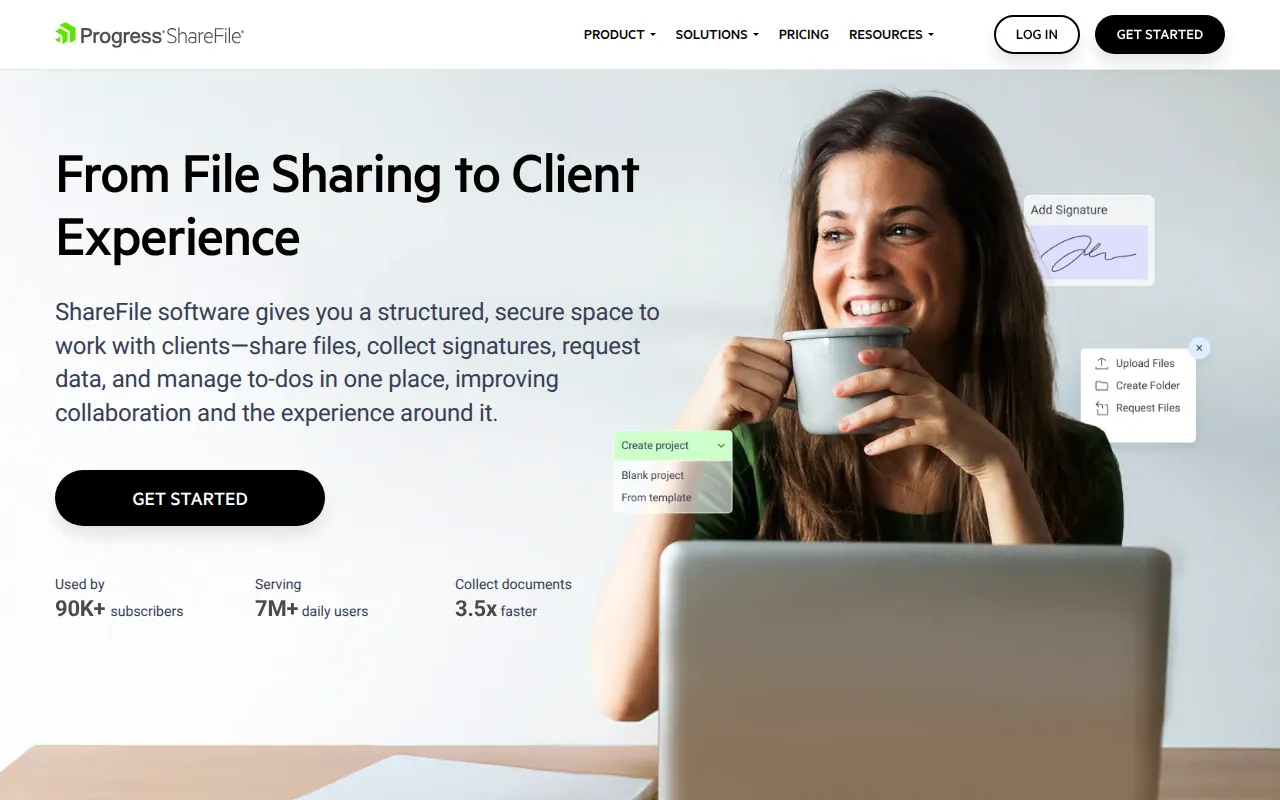
ShareFile is a document management platform designed for secure file exchanges and client-facing workflows. It provides structured ways to request data, collect signatures, and organize project-specific files.
The tool is built for client-serving teams, particularly those in legal, accounting, healthcare, and finance. It allows businesses to create branded portals where clients can upload documents and track tasks.
Users can utilize AI-powered tools for document generation and summarization. The platform also includes a Virtual Data Room for managing confidential transactions such as audits or M&A deals.
Buyers should confirm the user minimums for various plans and verify which tier is required for specific regulatory compliance needs, as certain security features are limited to higher-priced plans.
Key Features
Custom-Branded Client Portals
A password-protected, branded space for clients to share files, complete tasks, and communicate.
Integrated E-Signature
Supports sending documents for electronic signatures and automatically saving them back to folders.
Document Request Lists
Helps digitally create and manage lists of required documents for clients to upload.
Regulatory Compliance Support
Includes settings and security controls designed to support HIPAA, SEC, and FINRA requirements.
AI Document Automation
Supports document generation, summarization, and secure share recommendations.
Virtual Data Room
A secure environment for confidential deals with audit trails and dynamic watermarking.
Use Cases
Secure Client Document Exchange
Using secure links and portals to share sensitive files with external partners instead of email attachments.
Client Onboarding
Using agreement templates and workflows to collect initial data and signatures from new clients.
Tax and Audit Preparation
Managing the collection of tax documentation through request lists and accounting-specific templates.
Confidential Deal Management
Using a Virtual Data Room to manage M&A or litigation documents with granular access controls.
Integrations
- Microsoft 365
- Google Drive
- QuickBooks
- Salesforce
- Zapier
- FreshBooks
- Pipedrive
- Xero
FAQ
What is the difference between an employee user and a client user in ShareFile?
- Employee users are internal staff who manage the account and can request files. Client users are external partners who can upload and download files via their portal.
Does ShareFile support regulatory compliance?
- Yes, it is designed to support HIPAA, SEC, and FINRA compliance, though some features are available only in the Premium plan and above.
Are there user minimums for ShareFile plans?
- Yes, the Advanced, Premium, and Industry Advantage plans generally require a minimum of 3 users, while the Virtual Data Room plan requires a minimum of 5 users.
Can I use ShareFile with my existing email provider?
- ShareFile offers plugins for Microsoft Outlook and Google Workspace to send and request files directly from your email.
Source category: Productivity
Source subcategory: Document Management
More tools in Productivity
Other published listings in the Productivity category.


More tools in the Document Management software type
Related listings that share the same software type for comparison and shortlisting.