AI TOOL PROFILE
Checkmk: IT Infrastructure and Application Monitoring

- Operations
- IT Infrastructure Monitoring
- ITOps teams
- DevOps teams
- Managed Service Providers (MSPs)
- Mid-market companies
- Enterprise IT departments
Pricing
Paid editions range from €190 to €300 per month. A free open-source Community edition is available, and a 30-day trial of the Ultimate edition is offered upon download.
At a glance
- Best for
- ITOps teams, DevOps teams, Managed Service Providers (MSPs), Mid-market companies, Enterprise IT departments
- Key use cases
- Hybrid Infrastructure Monitoring, Kubernetes and Container Tracking, MSP Client Management, SLA and Availability Reporting
- Integrations
- ServiceNow, Jira, Slack, Mattermost, Opsgenie
- Official website
- Visit check mk official website
How AI is used
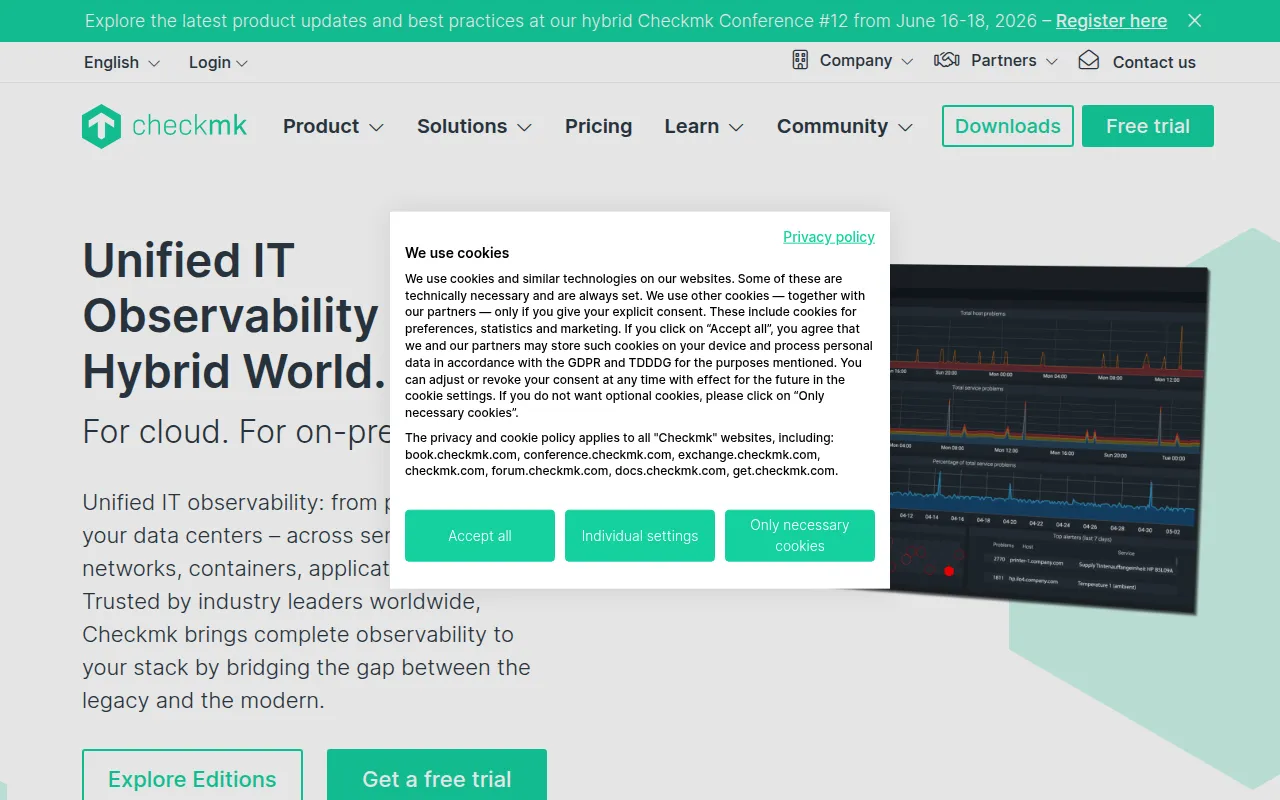
Checkmk is an IT monitoring platform designed to provide visibility into servers, networks, applications, databases, and cloud environments. It features a core designed to scale to millions of services, making it available for various organizational sizes, from mid-sized companies to large enterprises.
The tool helps IT teams identify performance bottlenecks through automated discovery of services and a library of over 2,000 vendor-maintained plug-ins. It supports several deployment methods, including self-hosted versions, a SaaS cloud platform, and dedicated physical or virtual appliances.
Buyers should confirm their specific support needs and scaling requirements, as features like multi-tenancy for MSPs and advanced cloud dashboards are available in specific paid editions.
Key Features
Automatic Service Discovery
Designed to recognize relevant data to monitor and display key metrics in graphs.
Vendor-Maintained Plug-ins
Includes over 2,000 plug-ins for the acquisition of health statuses from servers, clouds, and applications.
Business Intelligence Dashboards
Provides a view of business process availability by mapping application dependencies.
Alert Handler
Supports automated remediation by triggering actions when problems are detected.
Ask Checkmk AI
A chatbot designed to guide users to answers for platform-related questions.
Granular Access Control
Includes role and permission management with support for two-factor authentication (2FA).
Use Cases
Hybrid Infrastructure Monitoring
Tracking health and performance across on-premises data centers and public cloud providers.
Kubernetes and Container Tracking
Collecting metrics and status for nodes, pods, and containers in Kubernetes and OpenShift environments.
MSP Client Management
Using multi-tenant editions to manage multiple customer environments with data segregation.
SLA and Availability Reporting
Generating PDF reports to track system availability and SLA fulfillment.
Integrations
- ServiceNow
- Jira
- Slack
- Mattermost
- Opsgenie
- PagerDuty
- Splunk On-Call
- Cisco WebEx Teams
- Prometheus
- Grafana
- MS Teams
- LDAP
- Active Directory
FAQ
How is Checkmk pricing calculated?
- Pricing is based on the number of services monitored, as different devices require different levels of monitoring.
What is the difference between the Community and Pro editions?
- The Community edition is free and open source for mid-sized infrastructures, while the Pro edition adds automation for monitoring operations and professional 8x5 support.
Can Checkmk be deployed in the cloud?
- Yes, it can be deployed via a Cloud SaaS platform or installed within AWS and Azure marketplaces using a Bring Your Own License (BYOL) model.
Source category: Operations
Source subcategory: IT Infrastructure Monitoring
More tools in Operations
Other published listings in the Operations category.


More tools in the IT Infrastructure Monitoring software type
Related listings that share the same software type for comparison and shortlisting.