AI TOOL PROFILE
Faddom Review: Application Dependency Mapping Software

- Software Development
- IT Infrastructure Monitoring
- IT Operations Managers
- Cybersecurity Teams
- Enterprise Architects
- Infrastructure Managers
- Mid-market companies
- Enterprise companies
Pricing
Faddom offers a free community plan for up to 50 servers and paid plans starting at $19,000 per year for up to 300 servers. A 14-day free trial is available.
At a glance
- Best for
- IT Operations Managers, Cybersecurity Teams, Enterprise Architects, Infrastructure Managers, Mid-market companies
- Key use cases
- Data Center Migration Planning, Change Impact Analysis, Asset Discovery and Documentation, Vulnerability and Shadow IT Detection, Microsegmentation Planning
- Integrations
- AWS Flow logs, Azure flow logs, Netflow, Sflow, SNMP
- Official website
- Visit faddom official website
How AI is used
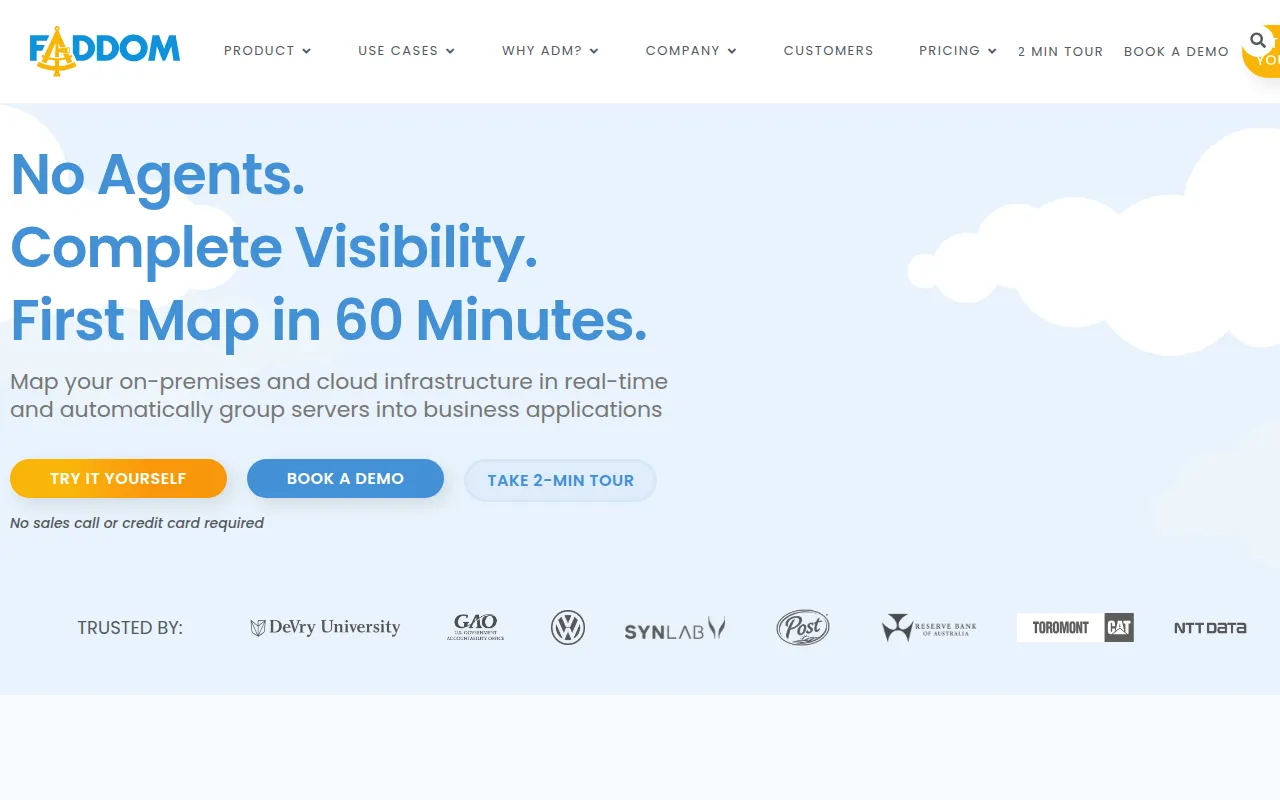
Faddom is a passive application dependency mapping platform designed to provide a real-time view of an organization's IT infrastructure. Using an agentless approach, the tool maps dependencies between servers and applications across on-premises and cloud environments without requiring server credentials or firewall changes.
The software is designed for IT operations, cybersecurity teams, and enterprise architects who need to understand how their applications communicate. It supports identifying shadow IT, detecting vulnerabilities, and planning for infrastructure changes by providing visibility into potential impacts.
Buyers should note that the platform is designed for various scales, from small environments to large enterprises, with pricing tiers based on server counts. It is intended for those who prefer a read-only, non-intrusive method of network discovery.
Key Features
Agentless Deployment
Collects infrastructure data without requiring agents, server credentials, or modifications to firewalls.
Real-Time Mapping
Provides visualization of on-premises and cloud infrastructure dependencies that updates in real time.
Automatic Server Grouping
Groups servers into business applications to help teams understand application-level topology.
Compass AI
A conversational intelligence engine that allows users to query their infrastructure using natural language.
Lighthouse AI
A deep learning engine designed to detect traffic anomalies and potential security threats.
Passive Discovery
Analyzes network traffic using standard protocols to map assets without impacting system performance.
Use Cases
Data Center Migration Planning
Using dependency maps and migration waves to support the transition of workloads to the cloud or new hardware.
Change Impact Analysis
Visualizing dependencies to understand how changes to a specific server may affect business applications.
Asset Discovery and Documentation
Maintaining an updated inventory of on-premises and cloud assets and their communication patterns.
Vulnerability and Shadow IT Detection
Identifying undocumented applications and detecting common vulnerabilities (CVEs) in installed software.
Microsegmentation Planning
Analyzing application traffic patterns to inform the design of security group policies and network segmentation.
Integrations
- AWS Flow logs
- Azure flow logs
- Netflow
- Sflow
- SNMP
- SSH
- WMI
- Syslog
- Webhooks
- Active Directory
FAQ
Does Faddom require agents to be installed on servers?
- No, Faddom is agentless and uses passive data collection via standard protocols, so no software is installed on the servers themselves.
How long does it take to deploy Faddom?
- The platform is designed for fast deployment, with evidence stating it can be deployed in under 60 minutes.
Which environments does Faddom support?
- Faddom supports on-premises, cloud, and hybrid infrastructures, including integration with AWS and Azure flow logs.
What is the pricing for small to medium businesses?
- Faddom provides a free community plan for up to 50 servers, with paid plans for small and medium businesses starting at $19,000 per year for up to 300 servers.
Source category: Software Development
Source subcategory: IT Infrastructure Monitoring
More tools in Software Development
Other published listings in the Software Development category.


More tools in the IT Infrastructure Monitoring software type
Related listings that share the same software type for comparison and shortlisting.