AI TOOL PROFILE
Tella: Screen Recording and Video Editing Software

- Productivity
- Video and Animation
- Founders
- Course Creators
- Sales Teams
- Educators
- Designers
Pricing
Tella offers a 7-day free trial with no credit card required.
At a glance
- Best for
- Founders, Course Creators, Sales Teams, Educators, Designers
- Key use cases
- Product Demos, Online Courses and Tutorials, Team Updates, Sales Content
- Integrations
- Zapier, Linear, Notion, Slack
- Official website
- Visit tella official website
How AI is used
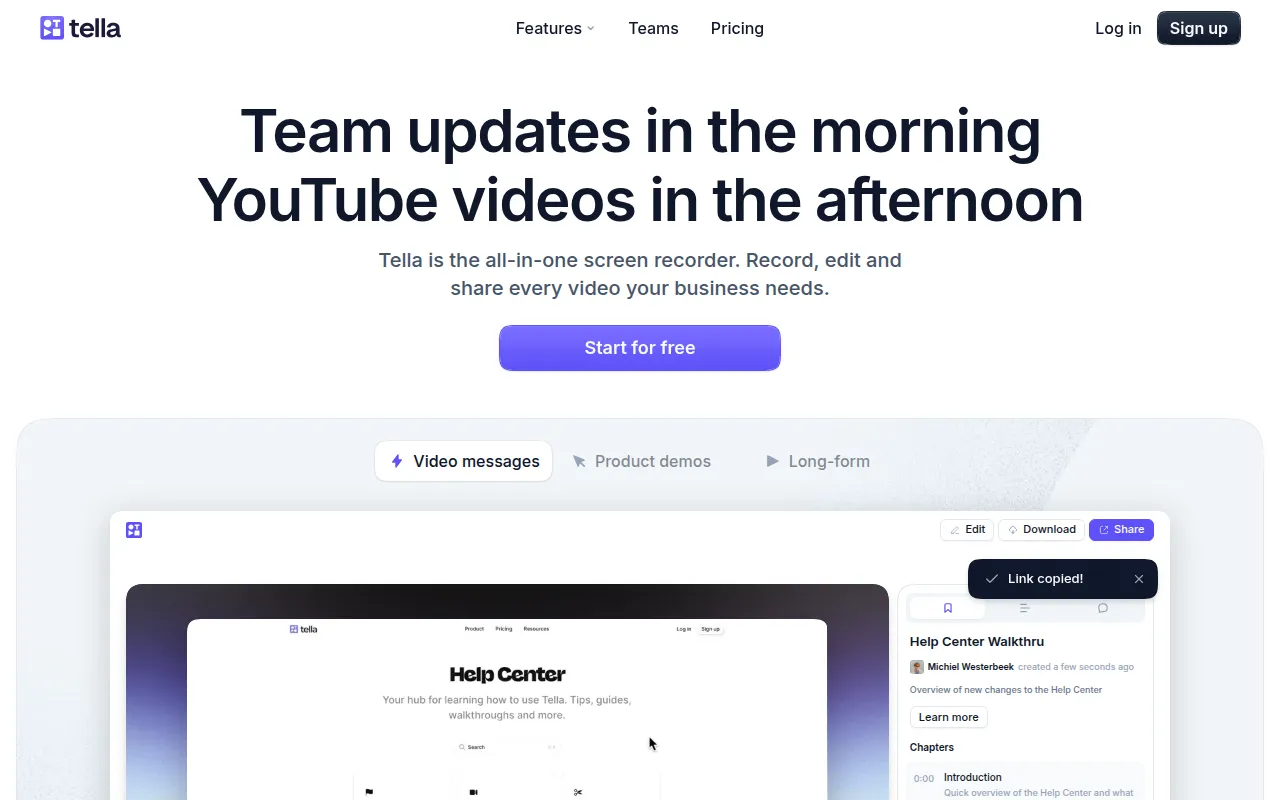
Tella is a screen recording tool available as a browser-based web app, Chrome extension, and macOS application. It allows users to record video in small, manageable clips that can be rearranged and edited later.
It is designed for users who need more polished results than a basic screen share without using complex video editing software. The tool includes speaker notes to help keep recordings on track and various visual effects to highlight specific screen areas.
Buyers should note that the tool supports 4K exports and AI-driven editing. Cloud-based access is available via the browser, and users can confirm if this workflow meets their specific production requirements.
Overall, it provides a middle ground between simple screen capture and full-scale video production, focusing on a practical path from recording to publishing.
Key Features
Clip-based Recording
Records video in small parts rather than one long take, which supports easier rearranging and editing.
AI Video Editing
Includes tools designed to remove filler words, delete silences, and automatically trim the start and end of videos.
Text-based Editing
Supports editing videos by modifying the text transcript.
Visual Effects
Supports zoom effects to highlight details, multi-shot layouts, and custom backgrounds.
Speaker Notes
Provides a space for talking points or scripts to use during the recording process.
4K Export and Hosting
Supports downloading videos in 4K or sharing them via a Tella-hosted link.
Use Cases
Product Demos
Creating videos to showcase software features for launches or sales outreach.
Online Courses and Tutorials
Recording instructional content that may require zooming in on specific details.
Team Updates
Sharing internal video updates with a team using links.
Sales Content
Producing outbound video content for potential customers.
Integrations
- Zapier
- Linear
- Notion
- Slack
FAQ
What makes Tella different from standard screen recorders?
- Tella records video in small, manageable clips rather than one long take, which supports a different editing and rearranging process.
Does Tella have AI editing features?
- Yes, it includes AI tools designed to remove filler words, delete silent gaps, and automatically trim the beginning and end of recordings.
Can I try Tella before paying?
- Tella offers a 7-day free trial that does not require a credit card for sign-up.
Source category: Productivity
Source subcategory: Video & Animation
More tools in Productivity
Other published listings in the Productivity category.


More tools in the Video and Animation software type
Related listings that share the same software type for comparison and shortlisting.


