AI TOOL PROFILE
AVCLabs Video Enhancer AI: AI Video and Photo Upscaling

- Marketing
- Video and Animation
- Marketing Agencies
- Content Creators
- Small Businesses
- Mid-Market Companies
- Enterprise Companies
Pricing
Pricing is subscription-based per product. Photo Enhancer AI starts at $19.95/month, while Video Enhancer AI and PhotoPro AI are $39.95/month; a bundle option is available for $49.95/month.
At a glance
- Best for
- Marketing Agencies, Content Creators, Small Businesses, Mid-Market Companies, Enterprise Companies
- Key use cases
- Improving Low-Res Footage, Privacy Protection, E-commerce Visual Enhancement, Old Photo Recovery
- Official website
- Visit avclabs video enhancer ai official website
How AI is used
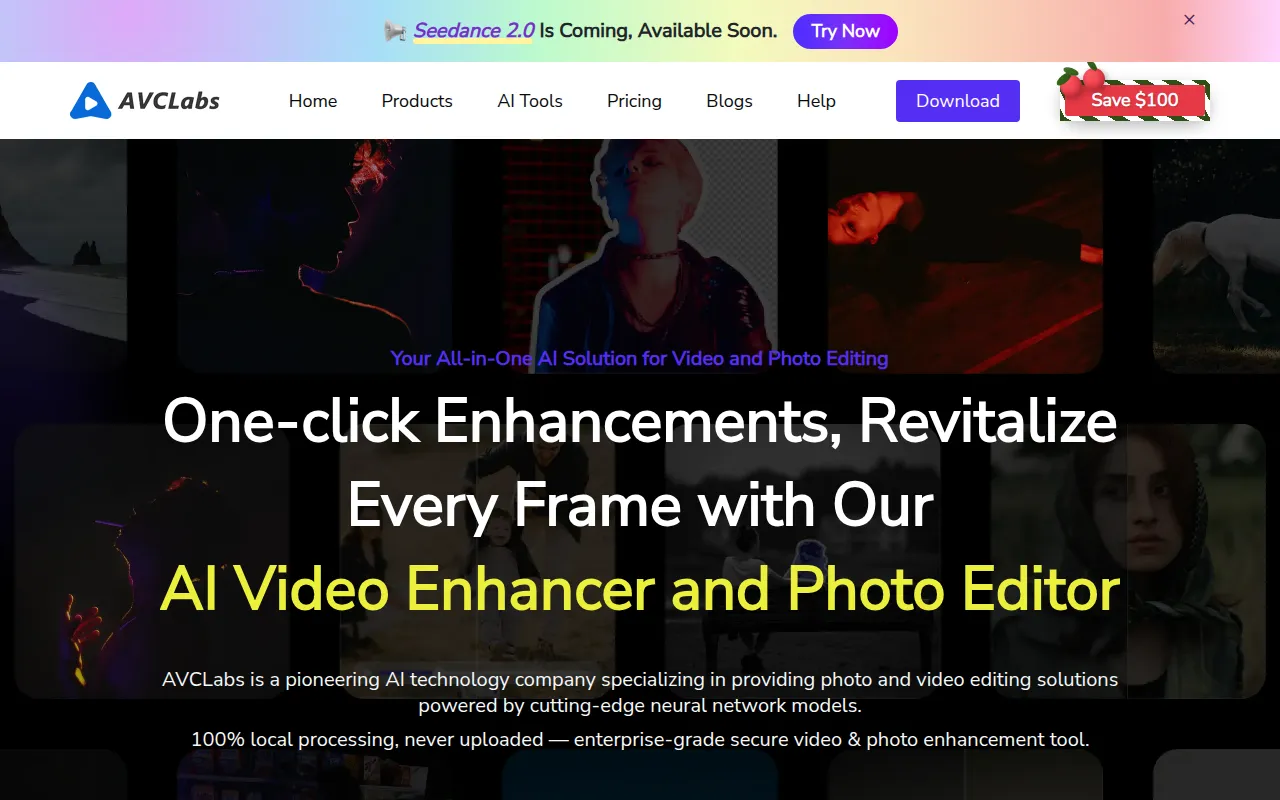
AVCLabs is a suite of AI-powered tools designed for video and photo enhancement. It uses deep-learning neural networks to upscale low-resolution footage to HD, 4K, or 8K, and is designed to help fix blurry or noisy clips by refining facial details and stabilizing footage.
The software is designed for professional and amateur content creators, marketing agencies, and enterprises. Beyond upscaling, the toolset includes specialized software for automatic face and object blurring, as well as photo restoration tools that handle colorization and background removal.
Buyers should note that the software is available as desktop applications for Windows and macOS, as well as browser-based access via online tools. Because video processing depends on hardware, those using the desktop version should confirm their GPU specifications to support processing speeds.
Users can choose between individual product subscriptions or bundled options depending on whether they need video enhancement, photo editing, or a combination of both.
Key Features
Video Upscaling
Increases video resolution from SD to HD, 4K, and up to 8K using AI algorithms.
AI Video Blurring
Automatically detects and blurs faces, license plates, and backgrounds for privacy protection.
Photo Restoration
Helps fix noise, blur, and imperfections in images, including colorizing black and white photos.
Object Removal
Is designed to remove unwanted objects, text, or watermarks from videos and images.
Batch Processing
Available in desktop versions to process multiple images or videos.
GPU Acceleration
Supports GPU selection as the AI processor to help increase processing speeds on compatible hardware.
Use Cases
Improving Low-Res Footage
Upscaling old home movies or low-resolution recordings to HD or 4K quality.
Privacy Protection
Applying automatic blur to faces and sensitive information in corporate or social media videos.
E-commerce Visual Enhancement
Improving product textures and highlighting details for product displays.
Old Photo Recovery
Removing scratches, stains, and noise from old family or historical photographs.
FAQ
Can AVCLabs upscale video to 4K or 8K?
- Yes, the software is designed to upscale low-resolution footage to HD, 4K, and 8K.
Does the software work on both Mac and Windows?
- Yes, AVCLabs offers versions for both macOS and Windows, though license codes are specific to the operating system purchased.
What happens if the video processing speed is slow?
- Processing speed depends on hardware, resolution, and settings. It is recommended to ensure a compatible GPU is selected as the AI Processor in the settings.
Source category: Marketing
Source subcategory: Video & Animation
More tools in Marketing
Other published listings in the Marketing category.


More tools in the Video and Animation software type
Related listings that share the same software type for comparison and shortlisting.


