AI TOOL PROFILE
Boris FX: Post-Production Visual Effects Software
- Productivity
- Video and Animation
- Video Production Companies
- Media Companies
- VFX Artists
- Motion Graphics Artists
- Professional Video Editors
Pricing
Pricing varies by product; Sapphire and Mocha plugins are approximately $62 per month or $495 per year. Perpetual licenses are also available.
At a glance
- Best for
- Video Production Companies, Media Companies, VFX Artists, Motion Graphics Artists, Professional Video Editors
- Key use cases
- Visual Effects Compositing, Cinematic Styling, Footage Repair, Object Removal, 3D Matchmoving
- Integrations
- Adobe After Effects, Adobe Premiere Pro, Blackmagic DaVinci Resolve, Avid Media Composer, The Foundry Nuke
- Official website
- Visit boris software official website
How AI is used
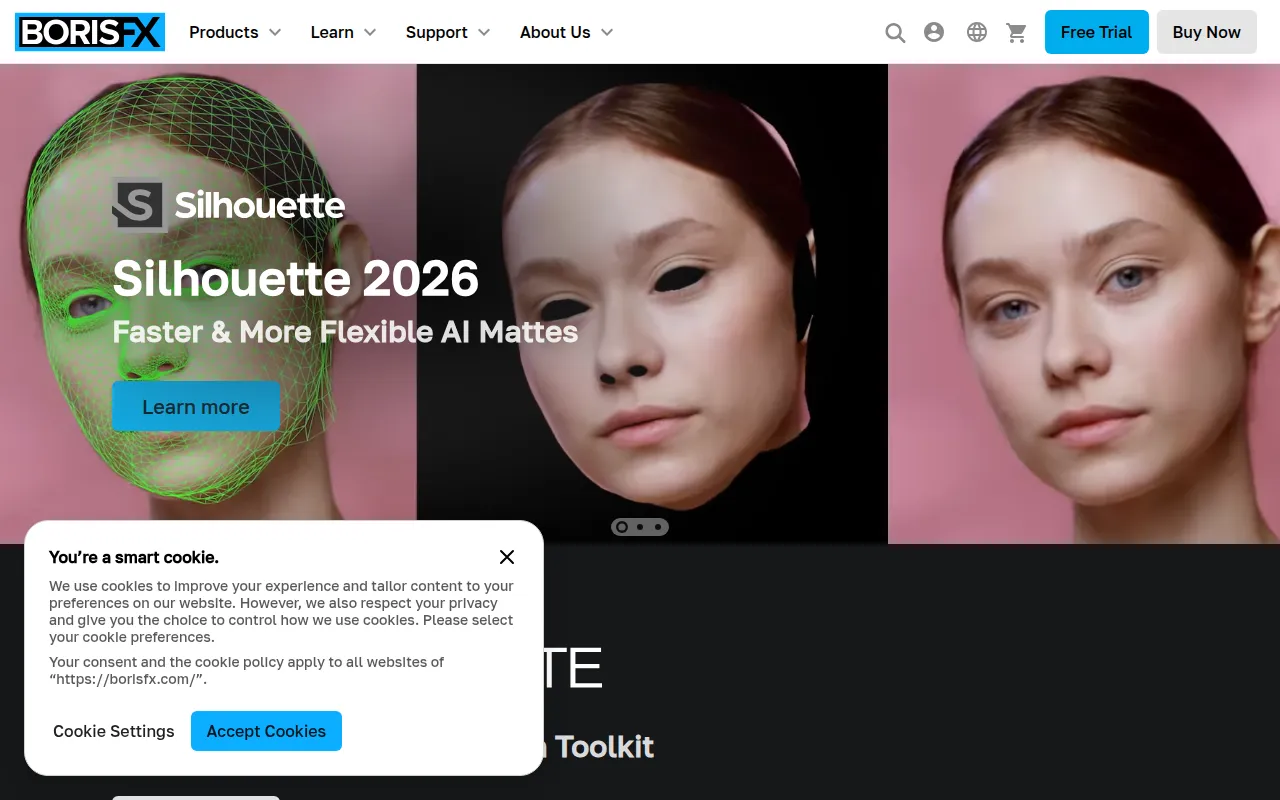
Boris FX provides a collection of specialized plugins and applications for the post-production industry. The suite includes Sapphire for cinematic lighting and flares, Continuum for content creation and image restoration, and Mocha Pro for planar tracking and rotoscoping. It also offers SynthEyes for 3D camera solving and Optics for photo editing.
These tools are designed for professional video editors, VFX artists, compositors, and motion graphics artists. The software supports tasks such as skin retouching, noise removal, 3D matchmoving, and organic warp tracking.
Many tools are available as plugins for hosts such as Adobe After Effects, Premiere Pro, DaVinci Resolve, and Avid Media Composer, while others function as standalone applications. Buyers should confirm that their hardware meets the GPU and RAM requirements, as AI-powered features may rely on specific NVIDIA or Apple silicon hardware for intended performance.
Key Features
Planar and 3D Tracking
Includes Mocha planar tracking and SynthEyes 3D camera solving to track objects and cameras in a scene.
AI-Powered Masking
Includes tools such as Object Brush ML and Face ML that help automate the isolation of subjects and facial regions.
Cinematic Effects Library
Provides lighting effects, lens flares, and film grain emulation through the Sapphire and Continuum suites.
Image Restoration
Provides ML-driven tools for denoising, upscaling footage via UpRes ML, and repairing damaged frames.
GPU Acceleration
Supports CUDA and Metal to help render speeds across various host applications.
Particle Generation
Includes Particle Illusion for creating 3D particle animations such as smoke, fire, and sparks.
Use Cases
Visual Effects Compositing
Using planar tracking and rotoscoping to integrate CG elements into live-action footage.
Cinematic Styling
Applying lens flares, light leaks, and film stock emulations to achieve a specific visual look.
Footage Repair
Using AI tools to reduce noise in low-light shots or replace corrupted frames.
Object Removal
Removing unwanted wires, rigs, or objects from a scene using the Remove Module.
3D Matchmoving
Solving 3D camera and object motion to align digital assets with a real-world scene.
Integrations
- Adobe After Effects
- Adobe Premiere Pro
- Blackmagic DaVinci Resolve
- Avid Media Composer
- The Foundry Nuke
- VEGAS Pro
- Autodesk Flame
- Blender export
- Houdini export
FAQ
What does Boris FX do?
- Boris FX provides a suite of plugins and applications for visual effects, including tools for 3D tracking, rotoscoping, image restoration, and adding cinematic lighting effects to video and photos.
Which video editing software is compatible with Boris FX?
- It supports a wide range of hosts including Adobe After Effects, Premiere Pro, DaVinci Resolve, Avid Media Composer, The Foundry Nuke, and VEGAS Pro.
Does Boris FX offer a free trial?
- Yes, a watermarked trial is available through the Boris FX Hub.
Are there different pricing models for Boris FX?
- Yes, they offer monthly and annual subscriptions, as well as perpetual licenses for several of their products.
Source category: Productivity
Source subcategory: Video & Animation
More tools in Productivity
Other published listings in the Productivity category.


More tools in the Video and Animation software type
Related listings that share the same software type for comparison and shortlisting.


