AI TOOL PROFILE
Spellbound: Primary Literacy Software

- Education and Training
- Educational Software
- Primary schools
- Homeschooling parents
- Literacy educators
- Students aged 4-11
Pricing
Pricing was not clearly available from the provided evidence. Buyers should confirm current pricing on the vendor website.
At a glance
- Best for
- Primary schools, Homeschooling parents, Literacy educators, Students aged 4-11
- Key use cases
- Classroom Literacy Instruction, Homeschooling Support, Guided Reading Practice, Curriculum Alignment
- Official website
- Visit spellbound official website
How AI is used
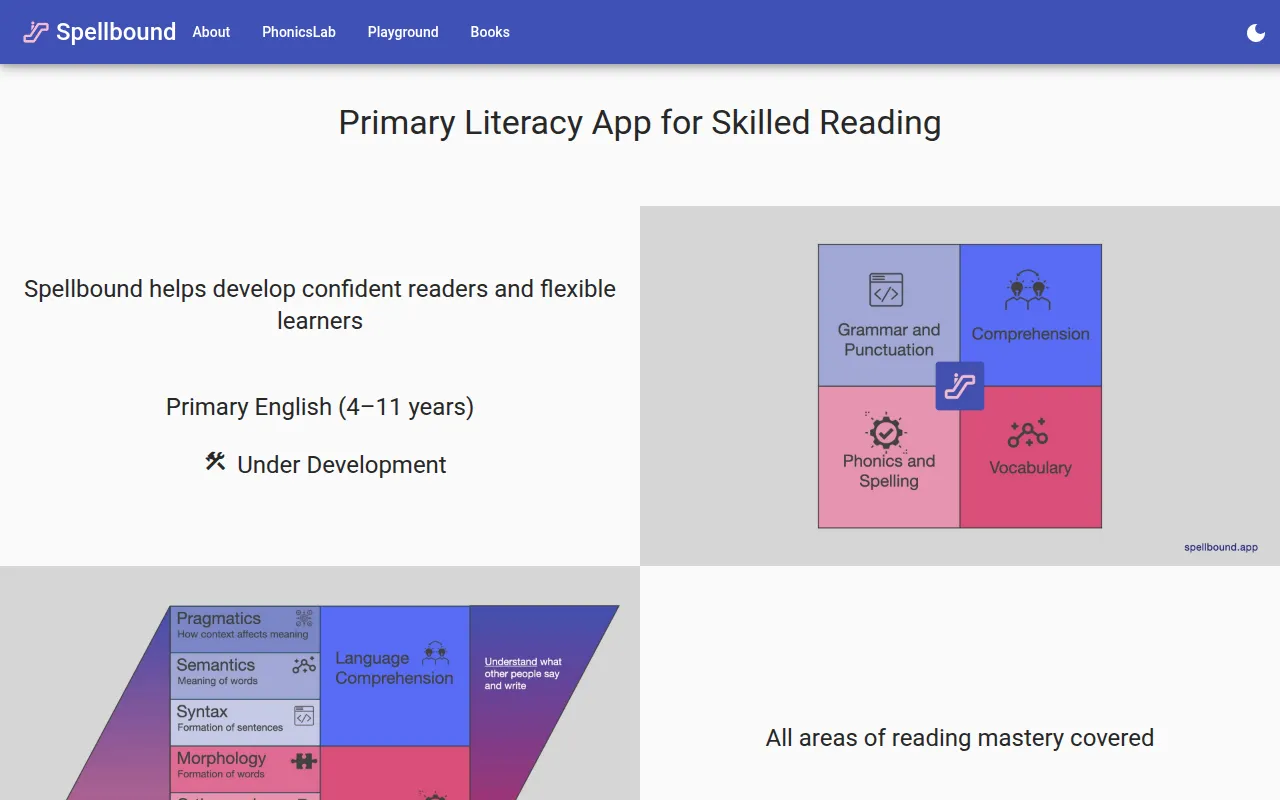
Spellbound is a primary literacy application designed for students aged 4 to 11. It focuses on reading mastery by covering phonics, spelling, vocabulary, grammar, punctuation, and comprehension through interactive microlessons.
The software is designed for use by classroom teachers, homeschooling parents, and students. It employs a microlearning approach that breaks content into smaller pieces and includes a guided review tool called Onyx.
As a progressive web app, it provides browser-based access across various operating systems including Windows, macOS, Android, and iOS. The tool is designed to be inclusive, providing learning paths that align with both UK and international education standards.
Buyers should confirm how the app's progress tracking and roadmap features fit into their existing curriculum reporting and how the adaptive technology aligns with their specific student needs.
Key Features
Adaptive Microlearning
Breaks literacy materials into bite-sized lessons that are designed to adapt to the learner's pace.
Interactive Microlessons
Includes problem types such as drag and drop, matching images, and fill-in-the-blanks with instant feedback.
Onyx Guided Review
A tool that guides learners through reviews, spending more time on challenging units and less on mastered ones.
Learning Roadmaps and Trackers
Provides visual paths and progress tracking to help students and parents monitor advancement.
Qognitive Technology Stack
An AI-enabled backend designed to support adaptive learning and educational data analysis.
Cross-Platform Access
Operates as a progressive web app compatible with Windows, Linux, macOS, Android, and iOS.
Use Cases
Classroom Literacy Instruction
Supporting primary students in learning phonemes, graphemes, and grammar within a school setting.
Homeschooling Support
Providing parents with a guided learning path and interactive tools for literacy education at home.
Guided Reading Practice
Using the Onyx guided review tool to help students practice retrieving information and review challenging units.
Curriculum Alignment
Applying literacy lessons that align with UK school years and international grade levels.
FAQ
What age group is Spellbound designed for?
- Spellbound is designed for primary school students aged 4 to 11.
Does Spellbound work on tablets and phones?
- Yes, it is a progressive web app that supports Android, iOS, and modern browsers on tablets and smartphones.
How does the adaptive learning work in Spellbound?
- It uses a proprietary AI-enabled technology stack called Qognitive to tailor the experience and a guided review tool called Onyx to focus on challenging areas.
Source category: Education & Training
Source subcategory: Educational Software
More tools in Education & Training
Other published listings in the Education & Training category.


