AI TOOL PROFILE
SchoolBlocks Review: K-12 School Website Platform

- Education and Training
- Website Builder
- K-12 School Districts
- School Administrators
- District Webmasters
Pricing
SchoolBlocks uses a yearly subscription model that includes unlimited users, training, and support. Pricing was not clearly available from the provided evidence. Buyers should confirm current pricing on the vendor website.
At a glance
- Best for
- K-12 School Districts, School Administrators, District Webmasters
- Key use cases
- District Website Management, Digital Policy Distribution, Automated Community Support, Safe Community Interaction
- Integrations
- Google Workspace, Google Drive, Google Calendar
- Official website
- Visit schoolblocks official website
How AI is used
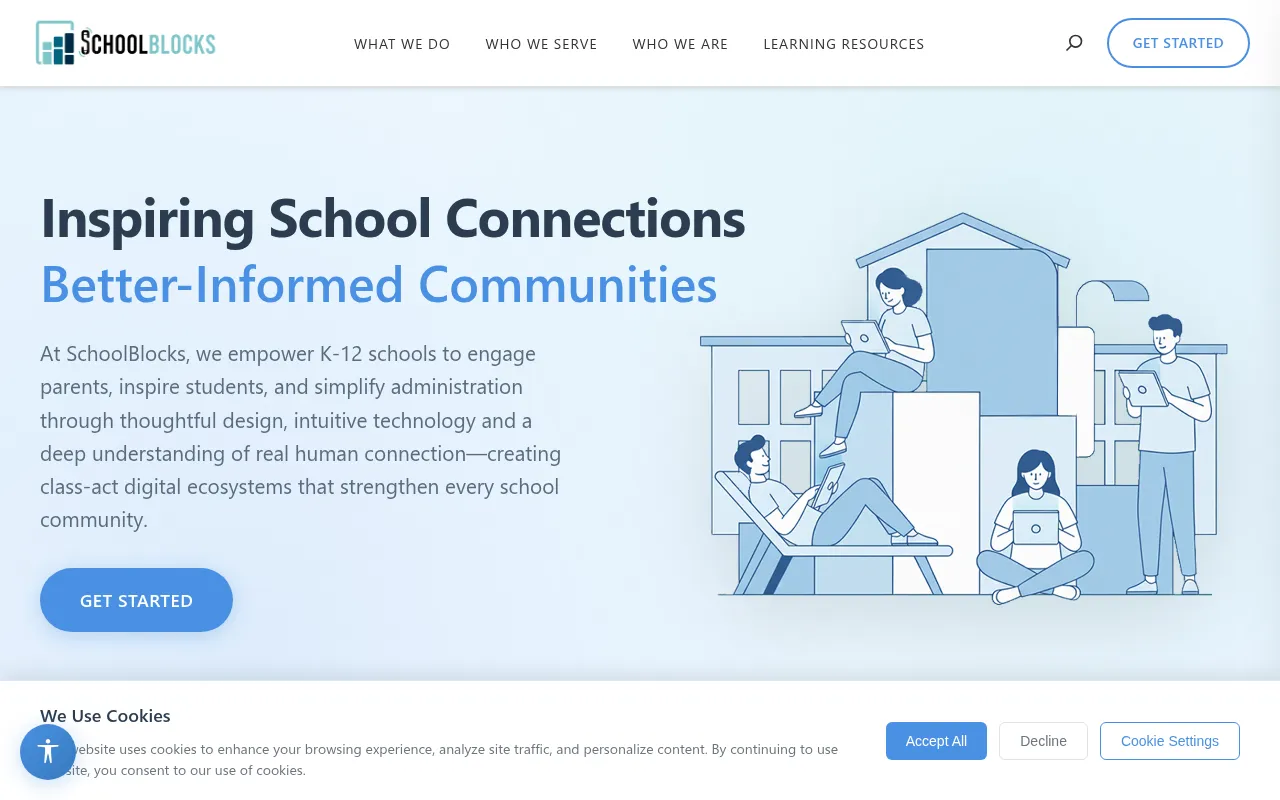
SchoolBlocks is a digital platform designed for K-12 schools and districts. It combines website building with tools for mobile engagement, document management, and community social networking.
The platform is intended for school administrators and webmasters who need to maintain an accessible, mobile-friendly site. It includes a drag-and-drop editor and is hosted on Amazon Web Services with auto-scaling to support traffic spikes.
Beyond the website, it provides AI-driven support tools to answer routine inquiries and a secure environment for school-based social interactions. It also integrates with Google Workspace to sync calendars and documents.
Buyers should confirm if the yearly subscription model and the specific set of integrated tools, such as the PWA mobile app and document manager, align with their district's current digital strategy.
Key Features
Drag-and-Drop Interface
A visual editor designed to help webmasters update site content.
AI Answers and Chatbot
An AI companion that learns from website content to provide natural language responses to community inquiries.
DocMersion
A tool that converts core documents, such as handbooks and policies, into searchable and mobile-friendly pages.
SchoolFeed
A secure social networking platform for school communities with moderation tools.
Google Workspace Integration
Supports embedding Google Drive documents, displaying Google Calendars, and syncing staff directories.
Progressive Web App (PWA)
Technology that supports branded mobile apps with push notifications and offline capabilities.
Accessibility Compliance
Designed to meet ADA, WCAG 2.2, and CIPA compliance standards.
Use Cases
District Website Management
Using the responsive design and drag-and-drop editor to maintain a hub of information for parents and students.
Digital Policy Distribution
Using DocMersion to make school handbooks and procedures searchable and accessible on mobile devices.
Automated Community Support
Deploying the AI chatbot to handle routine questions 24/7, which may reduce manual inquiries for staff.
Safe Community Interaction
Establishing a moderated social space via SchoolFeed for member-to-member interaction.
Integrations
- Google Workspace
- Google Drive
- Google Calendar
FAQ
Who is SchoolBlocks designed for?
- It is specifically designed for K-12 schools and school districts to manage their online presence and community communication.
Does SchoolBlocks meet accessibility standards?
- Yes, the platform is ADA, WCAG 2.2, and CIPA compliant.
How does the pricing work?
- SchoolBlocks uses a yearly subscription model that includes training, support, and unlimited users.
What AI features are included?
- The platform includes an AI chatbot and AI Answers that learn from the website's content to provide responses to users.
Source category: Education & Training
Source subcategory: Website Builder
More tools in Education & Training
Other published listings in the Education & Training category.


More tools in the Website Builder software type
Related listings that share the same software type for comparison and shortlisting.


