AI TOOL PROFILE
bowwe Review: AI-Powered No-Code Website Builder

- Marketing
- Website Builder
- Small business owners
- Content creators
- Freelance professionals
- Non-technical buyers
Pricing
bowwe offers a free plan for basic use. Premium plans (Standard, Advanced, Professional, Business) are available with monthly or yearly billing, with yearly options offering up to 25% savings.
At a glance
- Best for
- Small business owners, Content creators, Freelance professionals, Non-technical buyers
- Key use cases
- Business Website Launch, Landing Page Creation, Professional Portfolio or CV, Global Market Expansion, Business Blogging
- Integrations
- Stripe, PayPal, Avalara, YouTube, Facebook
- Official website
- Visit bowwe official website
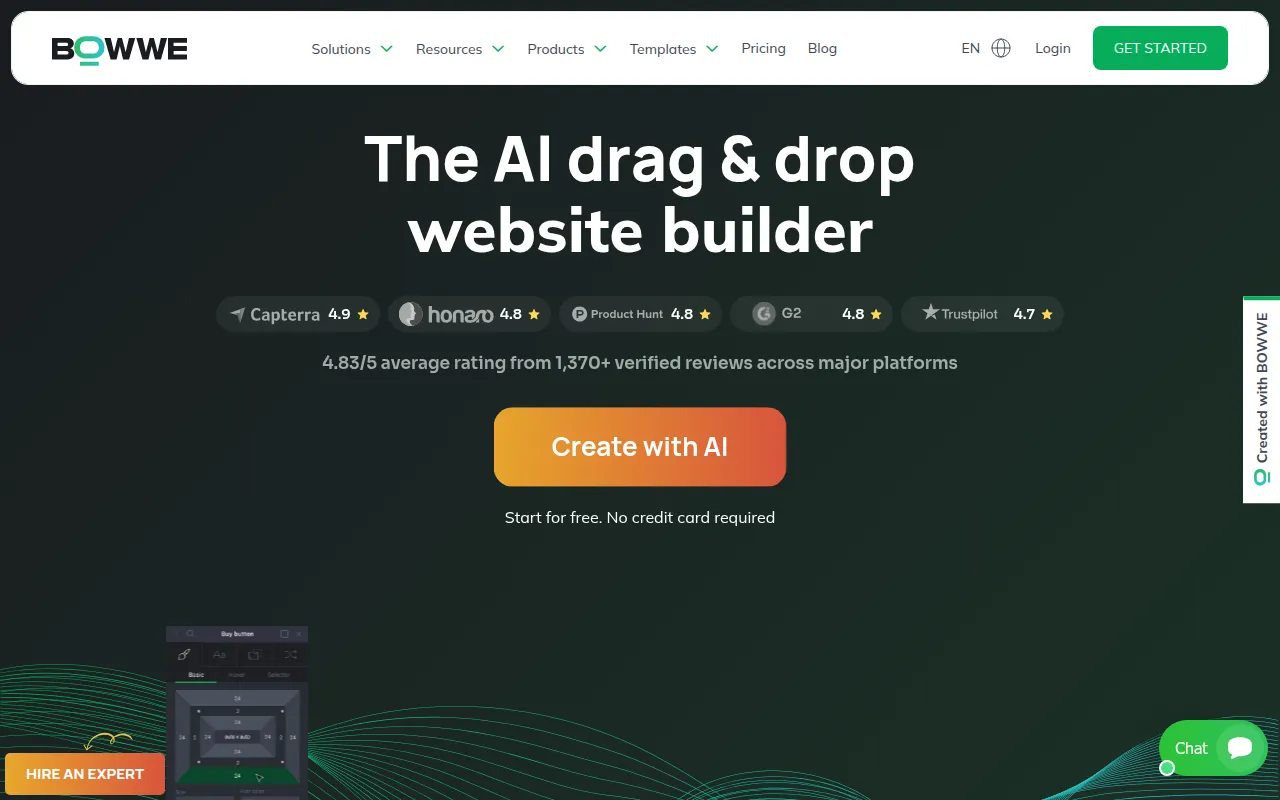
How AI is used
bowwe is a no-code website building platform designed for creators, professionals, and small businesses. It allows users to create various online presences, including websites, landing pages, portfolios, and CVs, using a visual drag-and-drop interface.
The tool includes AI Agents that support different aspects of the process, such as SEO optimization, content creation, and project management, which may help non-technical users launch a site more quickly.
For businesses expanding into new markets, the platform provides AI-powered translation tools to create multilingual versions of a site. It also includes hosting and SSL certificates to assist with deployment.
Buyers should confirm that the free plan has limitations on subpages and does not allow for custom domain connection, which is reserved for premium tiers.
Key Features
AI Website Generation
Supports the generation of website layouts, design, and content based on business goals and industry.
Drag-and-Drop Builder
Visual editor that allows users to place elements and use ready-made sections without coding.
AI Agents Team
Specialized AI assistants for roles like SEO Specialist and Content Creator to help guide site growth.
Multilingual Translation
AI-powered tools designed to translate website content, buttons, and blogs into multiple languages.
Team Collaboration
Supports inviting team members and guests with customizable roles and permissions.
Integrated Hosting and SSL
Provides built-in hosting and one-click SSL activation for secure site deployment.
Use Cases
Business Website Launch
Using industry-tailored templates to establish a professional online presence for a small business.
Landing Page Creation
Building landing pages for specific marketing campaigns.
Professional Portfolio or CV
Creating a digital showcase of work or an online resume for professionals.
Global Market Expansion
Using AI translation to make a website accessible to audiences in different languages.
Business Blogging
Setting up a blog with a publication scheduler to share industry insights.
Integrations
- Stripe
- PayPal
- Avalara
- YouTube
- X
FAQ
Can I build a website with bowwe without knowing how to code?
- Yes, bowwe is designed as a no-code platform using a drag-and-drop builder and AI assistance.
Is there a free version of bowwe?
- Yes, there is a free plan that allows users to create and publish websites on a bowwe domain.
Can I use my own domain name with bowwe?
- Connecting a custom domain is possible for all premium paid plans.
Does bowwe support multilingual websites?
- Yes, it features AI-powered automatic translation to help create sites in multiple languages.
Source category: Marketing
Source subcategory: Website Builder
More tools in Marketing
Other published listings in the Marketing category.


More tools in the Website Builder software type
Related listings that share the same software type for comparison and shortlisting.


