AI TOOL PROFILE
riyo.ai Review: User Behavior Analytics Software

- Data and Analytics
- Analytics and Reporting
- Ecommerce Stores
- Product Teams
- UX Designers
- SaaS Companies
Pricing
Pricing includes a free tier (1 user, 500 recordings). Paid plans are Basic ($39/month), Starter ($79/month), and Premium ($159/month).
At a glance
- Best for
- Ecommerce Stores, Product Teams, UX Designers, SaaS Companies
- Key use cases
- Analyzing User Friction, Technical Debugging, Conversion Rate Optimization (CRO), Visitor Engagement
- Integrations
- HubSpot, Slack, Google Search Console
- Official website
- Visit riyo ai tools official website
How AI is used
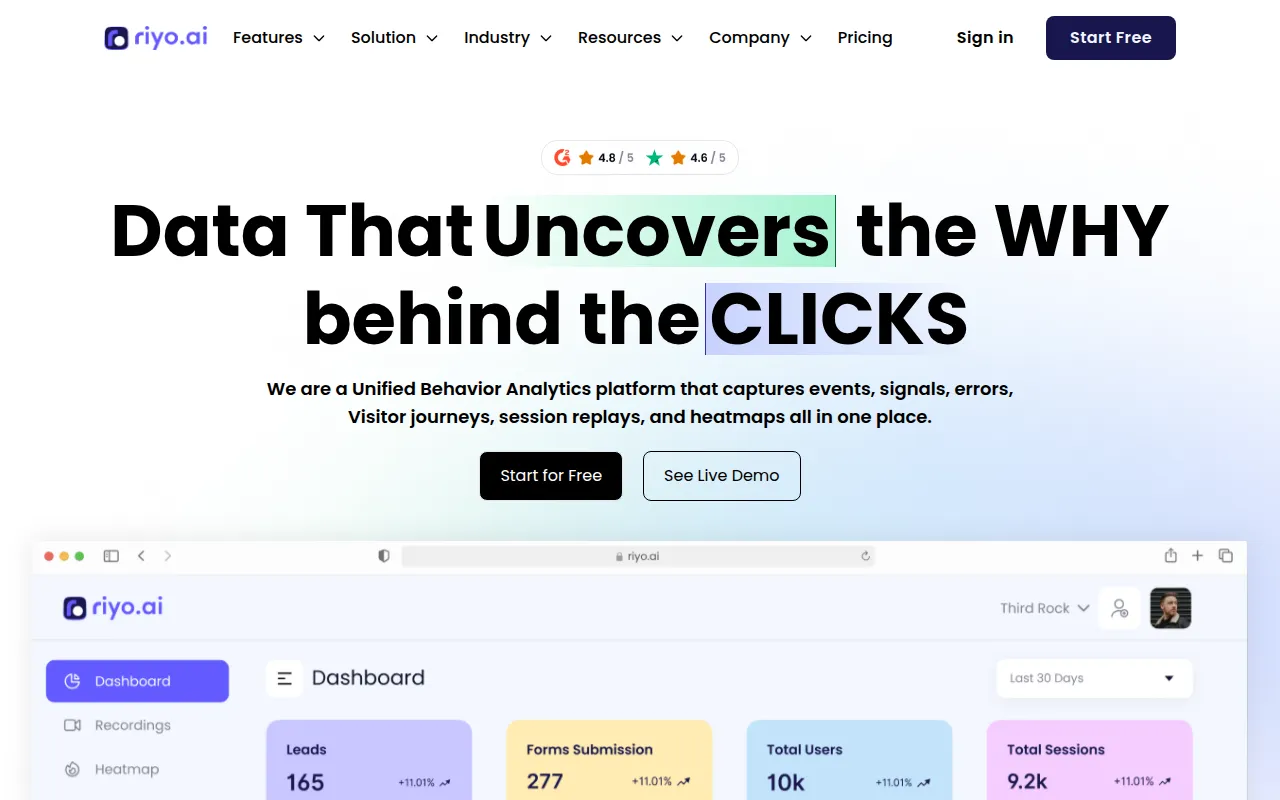
riyo.ai is a behavior analytics tool designed to capture visitor journeys, events, and technical errors. It allows teams to view how users navigate a site, identify where they encounter bugs, and determine which page elements attract the most attention.
The platform is intended for a variety of users, including e-commerce stores and product teams in SaaS, fintech, and healthcare. It provides visual data via heatmaps and technical data such as API and console error logs.
Users can monitor visitor activity and collect form submissions. The tool also includes a communication layer with real-time chat and AI chatbots to engage with visitors.
Buyers should confirm the session recording and data retention limits for their specific plan, as these vary between the free and paid tiers.
Key Features
Session Replay
Records user interactions on the website to help teams visualize visitor journeys and behavior.
Heatmaps
Visualizes where users click, scroll, and spend time on a page.
Error Tracking
Monitors API to console errors, stack traces, and network logs to identify technical glitches.
Form Capture
Collects and views completed forms and visitor data in a central location.
AI Chatbots and Real-time Chat
Provides tools to communicate with visitors in real time and automate engagement.
Product Analytics
Supports tracking of events, signals, and adoption trends for B2B and B2C organizations.
Use Cases
Analyzing User Friction
Using session replays and heatmaps to identify where users may get stuck or confused during their website journey.
Technical Debugging
Combining error tracking with session recordings to see the context of technical issues users encountered.
Conversion Rate Optimization (CRO)
Supporting page optimizations by analyzing which design elements and layouts drive engagement.
Visitor Engagement
Using real-time chat and AI tools to interact with visitors based on their navigation history.
Integrations
- HubSpot
- Slack
- Google Search Console
FAQ
Is there a free version of riyo.ai?
- Yes, there is a free plan limited to 1 user and 500 session recordings per month.
Does riyo.ai offer a free trial?
- Yes, a 14-day free trial is available and does not require a credit card to sign up.
What is the difference between the riyo.ai plans?
- Plans differ based on the number of users, monthly session recording volume, data retention periods, and access to integrations like HubSpot and Slack.
Can riyo.ai track technical errors?
- Yes, it can track errors from the API to the console, including stack traces and network logs.
Source category: Data & Analytics
Source subcategory: Analytics & Reporting
More tools in Data & Analytics
Other published listings in the Data & Analytics category.


More tools in the Analytics and Reporting software type
Related listings that share the same software type for comparison and shortlisting.


