AI TOOL PROFILE
Renaissance: Educational Assessment and Learning Tools

- Education and Training
- Educational Assessment
- Schools
- School Districts
- Educational Institutions
- Pre-K-12 Educators
Pricing
Pricing was not clearly available from the provided evidence. Buyers should confirm current pricing on the vendor website.
At a glance
- Best for
- Schools, School Districts, Educational Institutions, Pre-K-12 Educators
- Key use cases
- Universal Student Screening, Instructional Planning, Intervention Tracking, Standards Proficiency Benchmarking
- Official website
- Visit renaissance official website
How AI is used
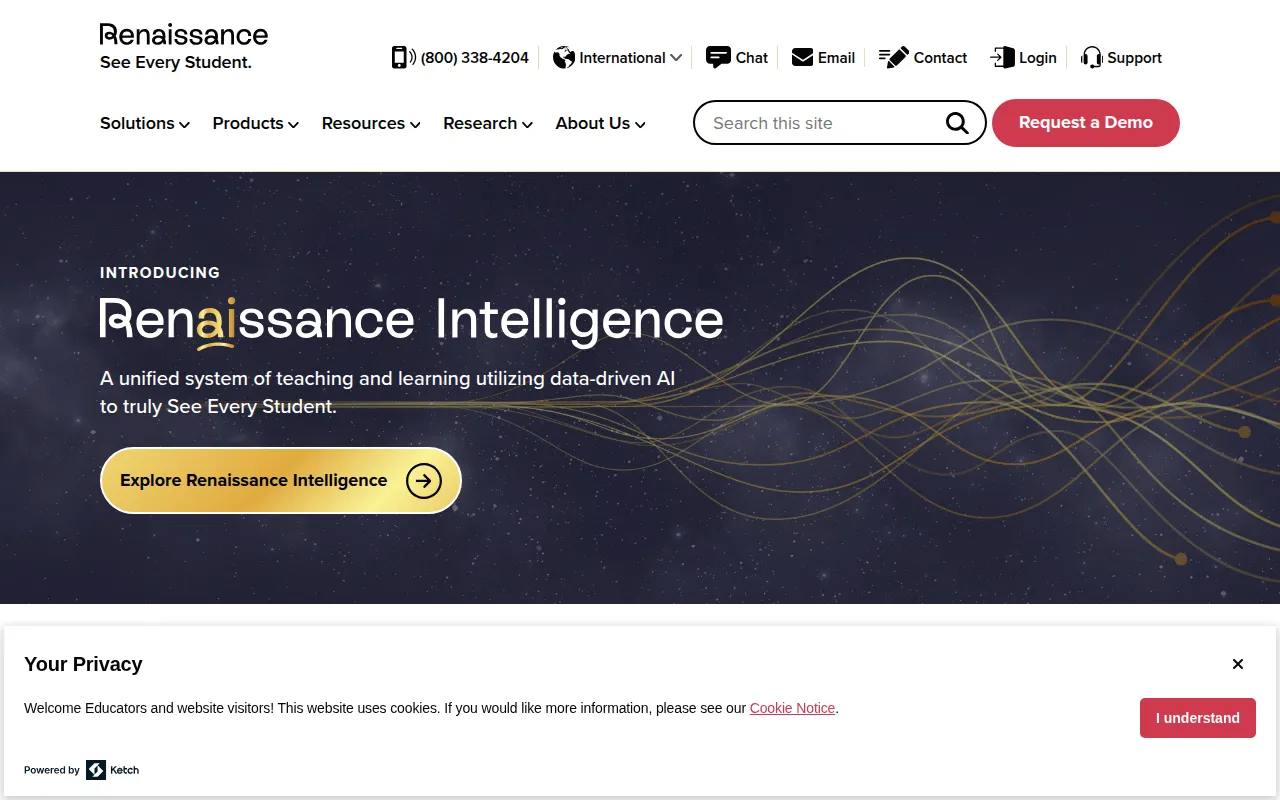
Renaissance is an education technology platform designed for pre-K-12 educators, teachers, and students. It provides a suite of tools that combine assessment and instruction, which may help educators identify learning gaps and personalize student practice in reading and math.
The platform includes various product lines, such as Star Assessments, Accelerated Reader, and Nearpod. It uses computer-adaptive tests (CATs) and curriculum-based measures (CBMs) to provide data on student proficiency and growth across different grade levels.
For administrators and school leads, the system is designed to support Multi-Tiered Systems of Support (MTSS) by offering universal screening and progress monitoring. This may help schools determine which students may need additional interventions.
Buyers should confirm which specific assessment types—such as formative, summative, or diagnostic—are required for their district's standards, as Renaissance offers a variety of specialized tools.
Key Features
Computer-Adaptive Tests (CATs)
Assessments that adjust question difficulty based on student skill levels to measure broad achievement.
Curriculum-Based Measures (CBMs)
Brief, focused assessments that track growth in specific skills over time.
Universal Screening
Tools designed to identify students who may need extra support to meet learning goals.
Progress Monitoring
Evaluates a student's growth toward a specific learning target during an intervention.
Diagnostic Assessment
Identifies specific skill areas of need to help teachers target instruction.
Personalized Practice
Reading and math practice tools, including Accelerated Reader and Freckle, to support student mastery.
Use Cases
Universal Student Screening
Identifying students who may be at risk 3-5 times per year to monitor growth.
Instructional Planning
Using formative assessment data to inform what to teach next in the classroom.
Intervention Tracking
Monitoring students in Tier 2 or Tier 3 interventions to evaluate if the support is effective.
Standards Proficiency Benchmarking
Measuring student proficiency against state or district standards through benchmark testing.
FAQ
Who is Renaissance designed for?
- It is designed for pre-K-12 educators, teachers, and school districts.
What is the difference between CATs and CBMs in Renaissance?
- Computer-Adaptive Tests (CATs) measure broad achievement by adjusting to student skill levels, while Curriculum-Based Measures (CBMs) focus on a few specific skills to track growth over time.
Does the platform support non-English speakers?
- Yes, several assessment tools, such as Star Assessments, are available in both English and Spanish.
Source category: Education & Training
Source subcategory: Educational Assessment
More tools in Education & Training
Other published listings in the Education & Training category.


More tools in the Educational Assessment software type
Related listings that share the same software type for comparison and shortlisting.
