AI TOOL PROFILE
QuickWhisper: macOS Transcription Software

- Productivity
- Voice AI
- macOS users
- Apple Silicon M1+ owners
- Professionals needing local transcription
- Journalists
- Product Managers
Pricing
QuickWhisper offers a free plan with basic models. The Pro version is available for a one-time purchase of $59 and includes advanced models, speaker diarization, batch transcription, and 24/7 support.
At a glance
- Best for
- macOS users, Apple Silicon M1+ owners, Professionals needing local transcription, Journalists, Product Managers
- Key use cases
- Meeting Documentation, Content Conversion, Interview Transcription, Voice-to-Text Dictation
- Integrations
- Notion, Obsidian, N8N, Zapier, Make.com
- Official website
- Visit QuickWhisper official website
How AI is used
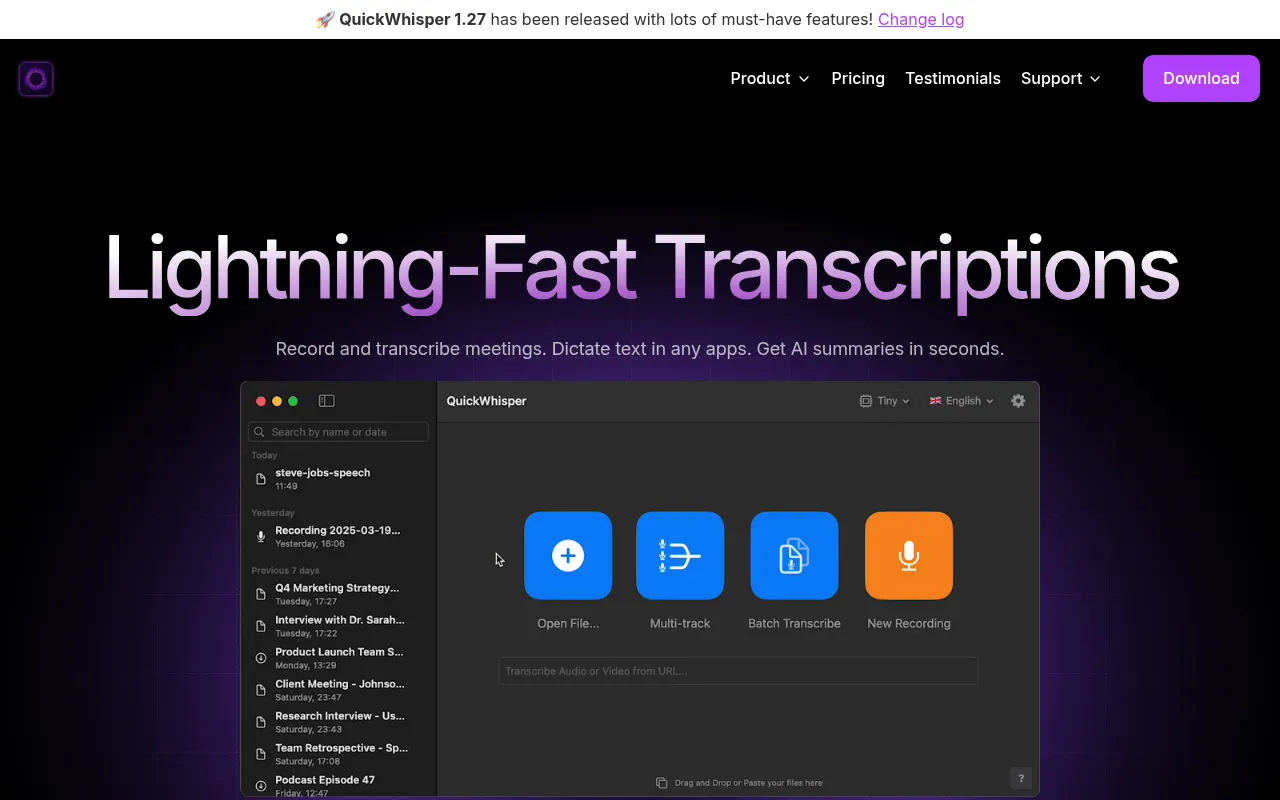
QuickWhisper is a transcription tool designed for macOS 14.6+ and Apple Silicon M1+ devices. It allows users to record audio from microphones or online meetings and transcribe existing media files into text.
The software supports the conversion of voice recordings, webinars, or podcasts into written documents. It includes tools for cleaning up transcripts and generating AI summaries.
Because the app processes all data locally on the user's machine, it may appeal to buyers with data privacy requirements.
Buyers should confirm that their hardware meets the macOS and Apple Silicon requirements before purchasing.
Key Features
Local Processing
Transcriptions are processed and stored on the user's machine without sending data to the cloud.
AI Summaries
Generates summaries of recordings and meetings.
Speaker Diarization
Detects and labels different speakers in a recording.
Automatic Meeting Recording
Records audio from online platforms such as Zoom, Google Meet, and MS Teams without using bots.
Batch Transcription
Supports transcribing multiple files in a queue.
Transcript Clean-up
Designed to remove standard filler words and inaudible segments.
Use Cases
Meeting Documentation
Recording and transcribing work calls to create minutes and summaries.
Content Conversion
Transcribing YouTube videos or podcasts to extract text.
Interview Transcription
Converting recorded interviews into text and merging individual speaker recordings.
Voice-to-Text Dictation
Using voice input to dictate text into other macOS applications.
Integrations
- Notion
- Obsidian
- N8N
- Zapier
- Make.com
FAQ
Does QuickWhisper send my data to the cloud?
- No, all transcriptions are processed and stored locally on your machine.
What are the system requirements for QuickWhisper?
- The software is designed for macOS 14.6+ and is optimized for Apple Silicon M1+ devices.
What is the difference between the Free and Pro plans?
- The free plan uses basic models, while the Pro version ($59 one-time) adds advanced models, speaker diarization, batch transcription, and 24/7 support.
Source category: Productivity
Source subcategory: Voice AI
More tools in Productivity
Other published listings in the Productivity category.


More tools in the Voice AI software type
Related listings that share the same software type for comparison and shortlisting.





