AI TOOL PROFILE
ProctorLink: Online Exam Proctoring Software

- Education and Training
- Exam Proctoring
- Educational institutions
- Certification bodies
- Corporate training teams
- Online course providers
Pricing
Plans start at INR 4,000 per month for up to 500 sessions. A free plan is available for up to 20 sessions for one month, and a one-time license for ProctorLink Lite is also available.
At a glance
- Best for
- Educational institutions, Certification bodies, Corporate training teams, Online course providers
- Key use cases
- University Online Exams, Online Certification Tests, Corporate Training Assessments
- Integrations
- Moodle integration
- Official website
- Visit ProctorLink official website
How AI is used
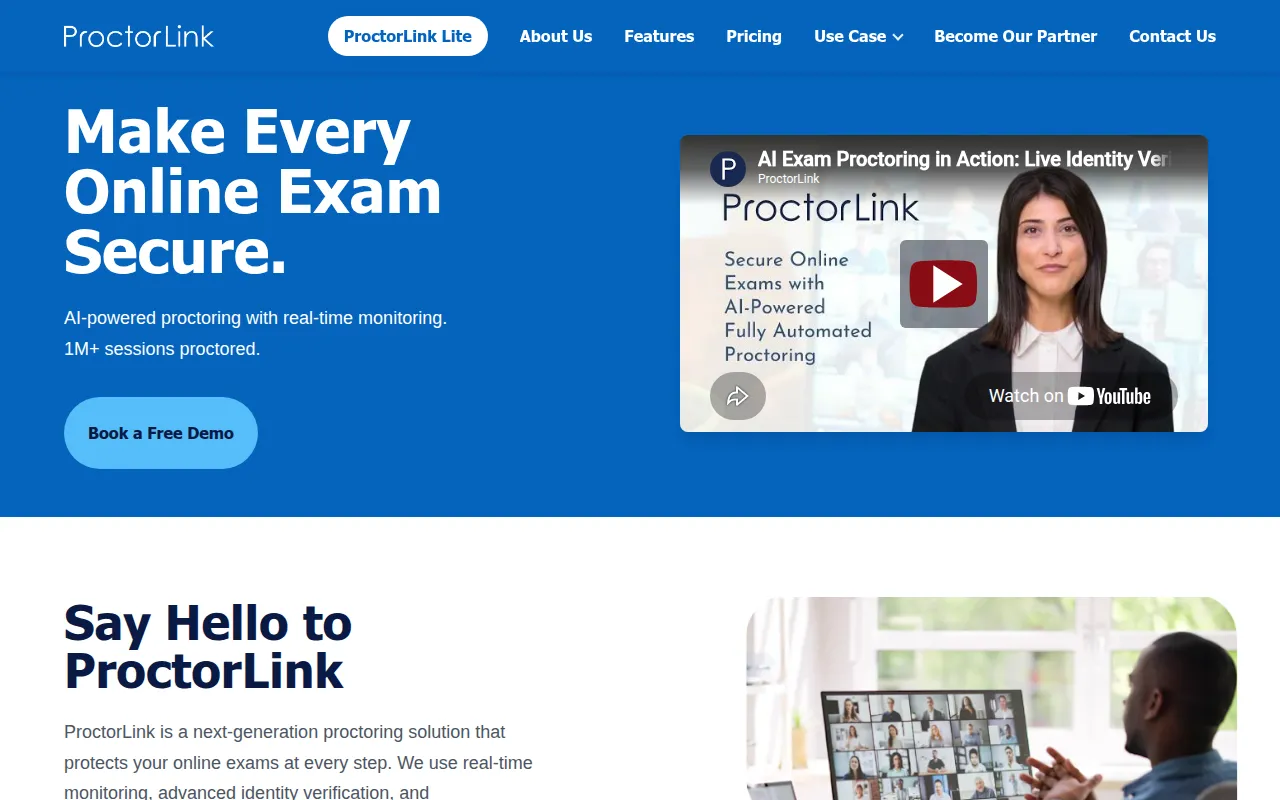
ProctorLink is an online proctoring tool designed to monitor digital exams and detect suspicious behavior using AI. It provides monitoring options ranging from automated alerts to live human oversight, depending on the selected plan.
The software is intended for schools, universities, certification bodies, and enterprise companies that manage online testing. It helps these organizations verify student identities and monitor testing environments.
Key functionality includes AI-driven identity checks that match a user's live video feed against an uploaded ID, as well as support for Safe Exam Browser to restrict access to unauthorized websites. The software includes a plugin for Moodle LMS integration.
Buyers should note that the ProctorLink Lite version excludes live proctoring and advanced identity verification; those requiring human oversight should confirm the features of the Standard subscription plans.
Key Features
Automated Proctoring
Uses AI to monitor exam sessions and detect suspicious behavior.
AI-Powered Identity Verification
Matches uploaded profile photos or ID proofs against live video feeds at customizable intervals.
Real time Monitoring
Allows proctors to view live video feeds and listen to audio during an active exam session.
Smart Alert System
Detects patterns such as multiple faces in view, absence of a face, or tab switching.
Configurable Warning Thresholds
Allows administrators to set warning limits that may trigger an automatic test submission.
Safe Exam Browser Support
Supports Safe Exam Browser (SEB) to help prevent students from opening new tabs or windows.
Proctoring Reports
Generates logs with timestamps, captured images, and session durations for review.
Use Cases
University Online Exams
Monitoring student behavior during remote academic testing.
Online Certification Tests
Verifying the identity of candidates during professional certification exams using AI verification.
Corporate Training Assessments
Overseeing employee training tests for internal certifications.
Integrations
- Moodle integration
FAQ
Where is the exam data stored in ProctorLink?
- ProctorLink does not store data on its own servers; images and proctoring information are stored locally on the institution's own server.
What is the difference between ProctorLink Lite and Standard?
- ProctorLink Lite is a one-time license covering essential automated proctoring, while the Standard subscription includes features like Live Proctoring and Identity Verification.
How are session limits calculated in the subscription plans?
- Limits are calculated as one student multiplied by one quiz attempt. For example, 100 students taking 5 quizzes each equals 500 sessions.
Source category: Education & Training
Source subcategory: Exam Proctoring
More tools in Education & Training
Other published listings in the Education & Training category.


