AI TOOL PROFILE
Microsoft Clarity Review: User Behavior Analytics

- Data and Analytics
- Analytics and Reporting
- Small Businesses
- Mid-Market Companies
- Enterprise Companies
- Digital Marketers
- Product Managers
Pricing
Microsoft Clarity is free with no limits on traffic.
At a glance
- Best for
- Small Businesses, Mid-Market Companies, Enterprise Companies, Digital Marketers, Product Managers
- Key use cases
- Identifying UX Friction, Analyzing Page Engagement, Quick Behavior Insights, Mobile App Optimization
- Integrations
- Google Analytics, MCP server
- Official website
- Visit Microsoft Clarity official website
How AI is used
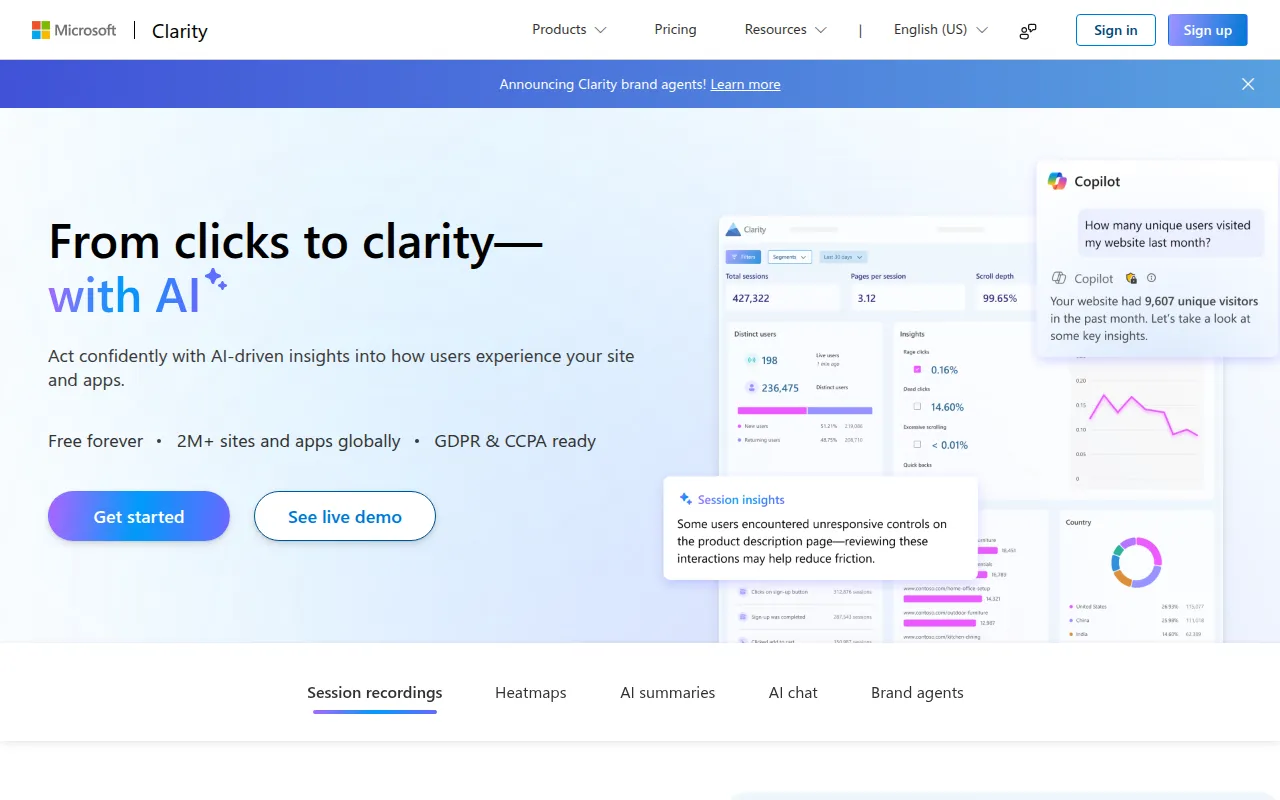
Microsoft Clarity is a behavior analytics platform designed to show how people use a website or mobile app. It provides visual evidence through session replays and heatmaps to show where users click, scroll, and drop off.
It is built for a range of business sizes who want to understand the journey of their visitors. The tool helps users spot problematic areas, such as confusing buttons or layout issues, by recording interactions.
Beyond recordings, it includes AI-driven features that summarize behavior patterns and a chat interface for querying data. It also provides a mobile SDK for those needing visibility into Android or iOS apps.
Buyers should confirm that the provided behavioral data meets their specific reporting needs and check the documentation for the setup process of the mobile SDK if they are not primarily focused on web traffic.
Key Features
Session Recordings
Allows users to watch replays of visitor sessions to identify where people may get stuck.
Heatmaps
Visualizes where users click, scroll, and drop off on a page.
AI Summaries
Provides automated key takeaways and behavior trends to highlight what is working and what is not.
AI Chat Assistant
Allows users to ask questions and receive data-backed answers about their site's performance.
Brand Agents
AI-powered assistants designed to guide shoppers using real time behavioral signals.
Mobile SDK
Supports behavior tracking for Android, iOS, Flutter, and React Native applications.
Compliance
The platform is designed to be GDPR and CCPA compliant.
Use Cases
Identifying UX Friction
Watching session recordings to uncover where visitors struggle or encounter errors on a website.
Analyzing Page Engagement
Using heatmaps to see which sections of a page attract attention and where users stop scrolling.
Quick Behavior Insights
Using AI summaries to get a high-level overview of user trends without manually reviewing every recording.
Mobile App Optimization
Using the mobile SDK to understand how users navigate a mobile application.
Integrations
- Google Analytics
- MCP server
FAQ
How much does Microsoft Clarity cost?
- Microsoft Clarity is free and does not impose limits on the amount of traffic it can track.
Does Microsoft Clarity support mobile apps?
- Yes, it provides a mobile SDK that supports Android, iOS, Flutter, and React Native.
Is Microsoft Clarity compliant with privacy laws?
- The platform is designed to be GDPR and CCPA compliant.
What is the difference between heatmaps and session recordings in Clarity?
- Heatmaps provide an aggregated view of where users click and scroll across a page, while session recordings allow you to watch an individual user's journey.
Source category: Data & Analytics
Source subcategory: Analytics & Reporting
More tools in Data & Analytics
Other published listings in the Data & Analytics category.


More tools in the Analytics and Reporting software type
Related listings that share the same software type for comparison and shortlisting.


