AI TOOL PROFILE
Mac Screen Recorder: Screen Recording Software for macOS

- Productivity
- Video and Animation
- Solo creators
- Educators
- Indie developers
- Small business owners
Pricing
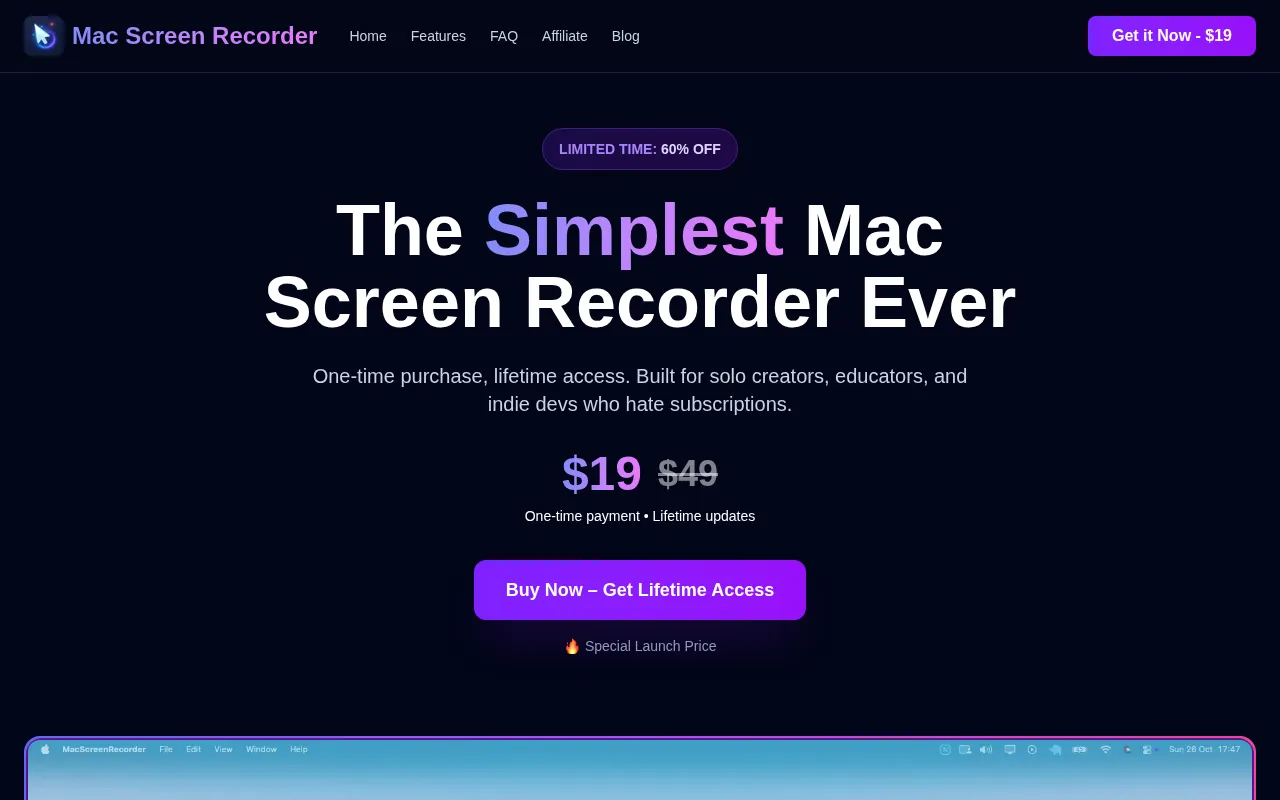
The software is available as a one-time purchase for $19, which includes lifetime access and updates.
At a glance
- Best for
- Solo creators, Educators, Indie developers, Small business owners
- Key use cases
- Educational Tutorials, Software Bug Documentation, Product Walkthroughs, Social Media Demos
- Official website
- Visit Mac Screen Recorder official website
How AI is used
Mac Screen Recorder is a screen capture tool built for macOS users. It allows users to record their full screen or specific windows along with system audio and webcam picture-in-picture overlays.
The software is designed for solo creators, indie developers, and educators who need to produce tutorials, bug reports, or walkthroughs. It includes visual aids like mouse tracking and automatic zooming to help viewers follow on-screen actions.
Buyers should note that while the core recording and export tools are available, some features like AI subtitles and audio transcripts are listed as coming soon. The license supports one device activation.
Key Features
Auto Zoom & Smart Follow
Zooms into the cursor or click locations to emphasize specific on-screen actions.
Mouse Tracking
Adds visual trails and click highlights to help viewers follow mouse movements.
Multi-Format Export
Supports exporting recordings as MP4, WebM, or GIF files.
Webcam Picture-in-Picture
Supports recording a webcam feed as an overlay on the screen capture.
Smart Minimize
Shrinks the recorder to a floating indicator to provide more screen space during capture.
AI Subtitles
A coming-soon feature designed to automatically generate subtitles for exported videos.
Use Cases
Educational Tutorials
Recording lessons with webcam overlays and mouse highlights to guide students.
Software Bug Documentation
Capturing specific window movements and clicks to share technical issues with developers.
Product Walkthroughs
Recording feature demonstrations for stakeholders or client handovers.
Social Media Demos
Creating short GIF exports of app features for social platforms.
FAQ
How is Mac Screen Recorder priced?
- It is sold as a one-time purchase for $19, which includes lifetime access and updates.
Does the software include watermarks on exported videos?
- No, the software does not add watermarks to recordings.
Can I use it on multiple computers?
- The current license terms support one device activation.
Source category: Productivity
Source subcategory: Video & Animation
More tools in Productivity
Other published listings in the Productivity category.


More tools in the Video and Animation software type
Related listings that share the same software type for comparison and shortlisting.


