AI TOOL PROFILE
Inspectivity: Digital Inspection Management Software

- Operations
- Inspection Management
- Operations managers
- Maintenance managers
- Field technicians
- Compliance and safety managers
- Small and medium enterprises
- Enterprise organizations
Pricing
Plans start at AUD 75 per month for 1 user (Essentials). The Professional tier is AUD 600 per month for 5 users, and Enterprise pricing is available upon request.
At a glance
- Best for
- Operations managers, Maintenance managers, Field technicians, Compliance and safety managers, Small and medium enterprises
- Key use cases
- Inspections & Maintenance, Asset Management, Auditing & Compliance, HSE Management, Field Data Capture
- Integrations
- ERP integration, Excel import, Excel export, PDF export
- Official website
- Visit inspectivity official website
How AI is used
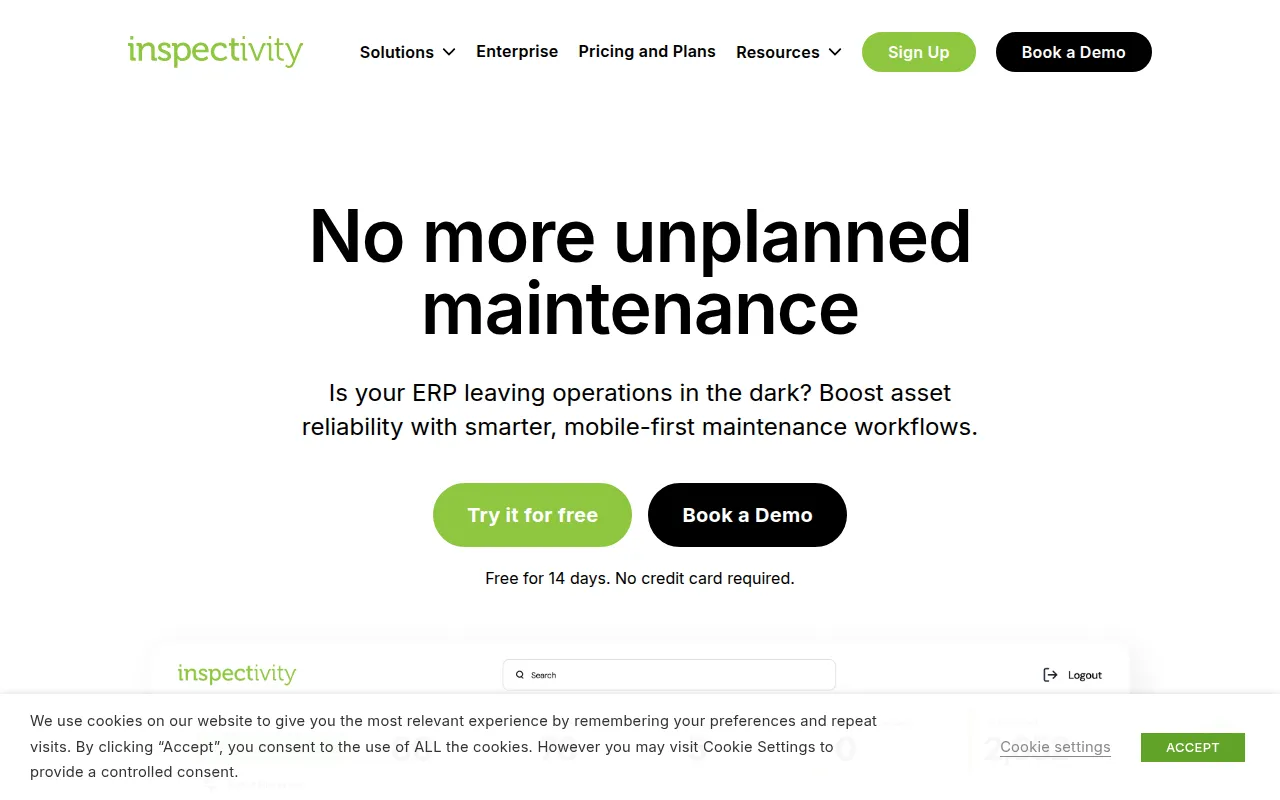
Inspectivity is a digital inspection management tool that replaces manual paperwork and PDFs with cloud-based forms and automated workflows. It includes a mobile application that allows field technicians to record data, attach media, and perform inspections in online or offline modes.
The software supports various organizational sizes, from sole traders to large enterprises. It helps centralize asset data, including planned maintenance and compliance records, to support the reduction of data duplication and manual admin work.
Buyers should confirm which tier is appropriate based on user count and required features. While the Essentials plan covers basic tracking, advanced asset modeling and API integrations are available in the Professional and Enterprise levels.
For those in regulated environments, the platform is ISO 9001 and ISO 27001 certified, which supports data protection and cybersecurity requirements.
Key Features
No-code form builders
Allows users to create digital inspection templates without writing code.
Offline mobile access
Enables field teams to perform inspections and capture data without an active internet connection.
Photo and video attachments
Supports attaching media to tasks and assets with labels and metadata for searching.
Workflow automation
Supports the digitization of operational procedures to help ensure tasks are assigned and reported.
Business Intelligence visualization
Provides data visualization tools and dynamic charts to analyze inspection data.
Single Sign-On (SSO)
Available in the Enterprise tier to simplify user authentication and enhance security.
Use Cases
Inspections & Maintenance
Transitioning paper checklists to digital forms with workflow automation for issue resolution.
Asset Management
Integrating inspection histories and technical data into a centralized cloud platform.
Auditing & Compliance
Creating inspection forms aligned with industry standards to support audit readiness.
HSE Management
Capturing data to help identify and address environmental, health, and safety risks.
Field Data Capture
Using mobile devices to record detailed inspection data on-site for team collaboration.
Integrations
- ERP integration
- Excel import
- Excel export
- PDF export
FAQ
Does Inspectivity work offline?
- Yes, the integrated field app allows users to perform inspections and capture data offline, syncing when connectivity is restored.
What are the different pricing tiers?
- Inspectivity offers an Essentials tier (AUD 75/mo for 1 user), a Professional tier (AUD 600/mo for 5 users), and an Enterprise tier for larger organizations.
Is a credit card required for the free trial?
- No, the 14-day free trial can be activated by filling out a form without providing credit card details.
Who owns the data entered into the platform?
- Users own their data, including the transactions, reports, and configurations they enter into the platform.
Source category: Operations
Source subcategory: Inspection Management
More tools in Operations
Other published listings in the Operations category.


