AI TOOL PROFILE
ImageTranslate.AI Review: AI Image Translation Software

- Operations
- Translation Management
- E-commerce store owners
- Digital marketing teams
- Content localizers
- Manga and comic translators
Pricing
Pricing includes a free plan with 20 basic credits daily. Paid plans are billed annually, with prices starting at $8.3 per month for the Starter tier.
At a glance
- Best for
- E-commerce store owners, Digital marketing teams, Content localizers, Manga and comic translators
- Key use cases
- E-commerce Localization, Document and Report Translation, Manga and Comic Translation, Visual Content Extraction
- Official website
- Visit imagetranslate official website
How AI is used
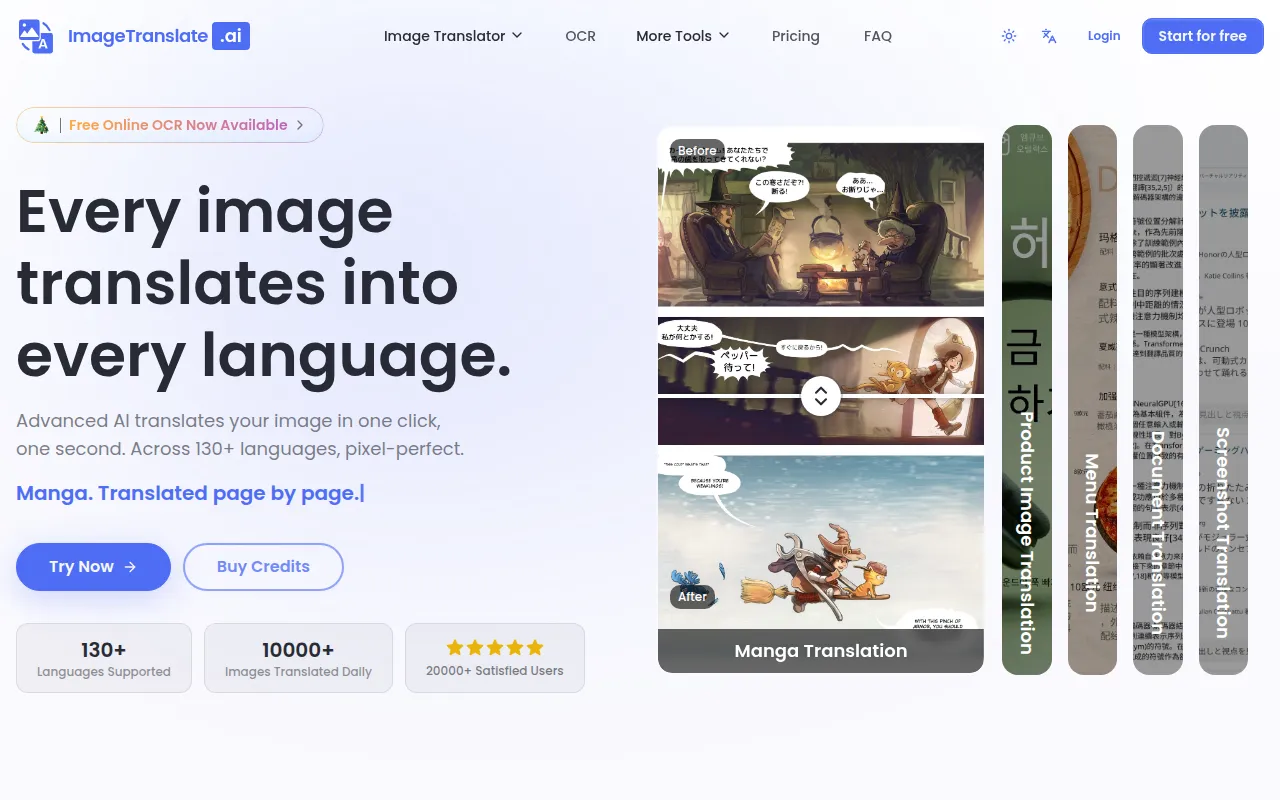
ImageTranslate.AI is an AI-powered tool designed to translate text found in images, screenshots, and documents. It supports over 130 languages and is built to help maintain original fonts, colors, and layout during the translation process.
The tool is intended for e-commerce businesses, marketing departments, and content creators who localize visual assets for global markets. It includes specialized modes for manga and light novels to handle speech bubbles and specific artistic layouts.
Beyond translation, the platform provides utilities for extracting text via OCR and removing existing text from images. Users can select from various AI models, such as ChatGPT, Claude, Gemini, Grok, and DeepSeek, to handle translation tasks.
Buyers should confirm their expected file sizes and volume needs, as file size limits and batch processing capabilities vary across subscription tiers.
Key Features
Layout Preservation
Designed to maintain the original image layout, fonts, and styling while replacing text.
Batch Image Translation
Supports uploading multiple images to be translated into several target languages simultaneously.
AI Model Selection
Supports translation via multiple AI models, including ChatGPT, Claude, Gemini, Grok, and DeepSeek.
Translation Editor
Allows users to adjust translated text, fonts, colors, and positions on the image.
OCR Text Extraction
Recognizes and extracts text from images into formats such as Markdown and JSON.
Text Remover
Includes a tool to erase words, watermarks, or captions from an image.
Use Cases
E-commerce Localization
Translating product images and marketing materials to support global store expansion.
Document and Report Translation
Translating text within screenshots or scanned documents while maintaining structure.
Manga and Comic Translation
Using a specialized mode to translate speech bubbles and panels in graphic novels.
Visual Content Extraction
Using OCR to convert text within images into editable text files.
FAQ
How does ImageTranslate.AI handle the image layout?
- The tool is designed to detect text, translate it, and replace it on the image while supporting the maintenance of the original layout, fonts, and styling.
Can I use the translated images for my business?
- Commercial use rights are included in all paid plans (Starter, Professional, and Enterprise), but the free plan is for personal use only.
What file formats and sizes are supported?
- It supports JPG, JPEG, PNG, and WebP. File size limits range from 10MB for free users up to 50MB for Enterprise users.
Does it support translating multiple images at once?
- Yes, the Batch Image Translator feature allows users to translate multiple images simultaneously, though this is limited to Professional and Enterprise subscribers.
Source category: Operations
Source subcategory: Translation Management
More tools in Operations
Other published listings in the Operations category.


More tools in the Translation Management software type
Related listings that share the same software type for comparison and shortlisting.