AI TOOL PROFILE
O.Translator: AI Document Translation Service

- Productivity
- Translation Management
- Small businesses
- Mid-market companies
- Enterprise companies
- Teams needing layout preservation
Pricing
O.Translator uses a pay-as-you-go model where standard text translation is approximately 20,000 words per 1 USD. Higher-tier models and image translation (charged per page) incur additional fees.
At a glance
- Best for
- Small businesses, Mid-market companies, Enterprise companies, Teams needing layout preservation
- Key use cases
- Legal Contract Review, Technical Documentation, CI/CD Workflow Integration, Scanned Document Processing
- Integrations
- API
- Official website
- Visit O.Translator official website
How AI is used
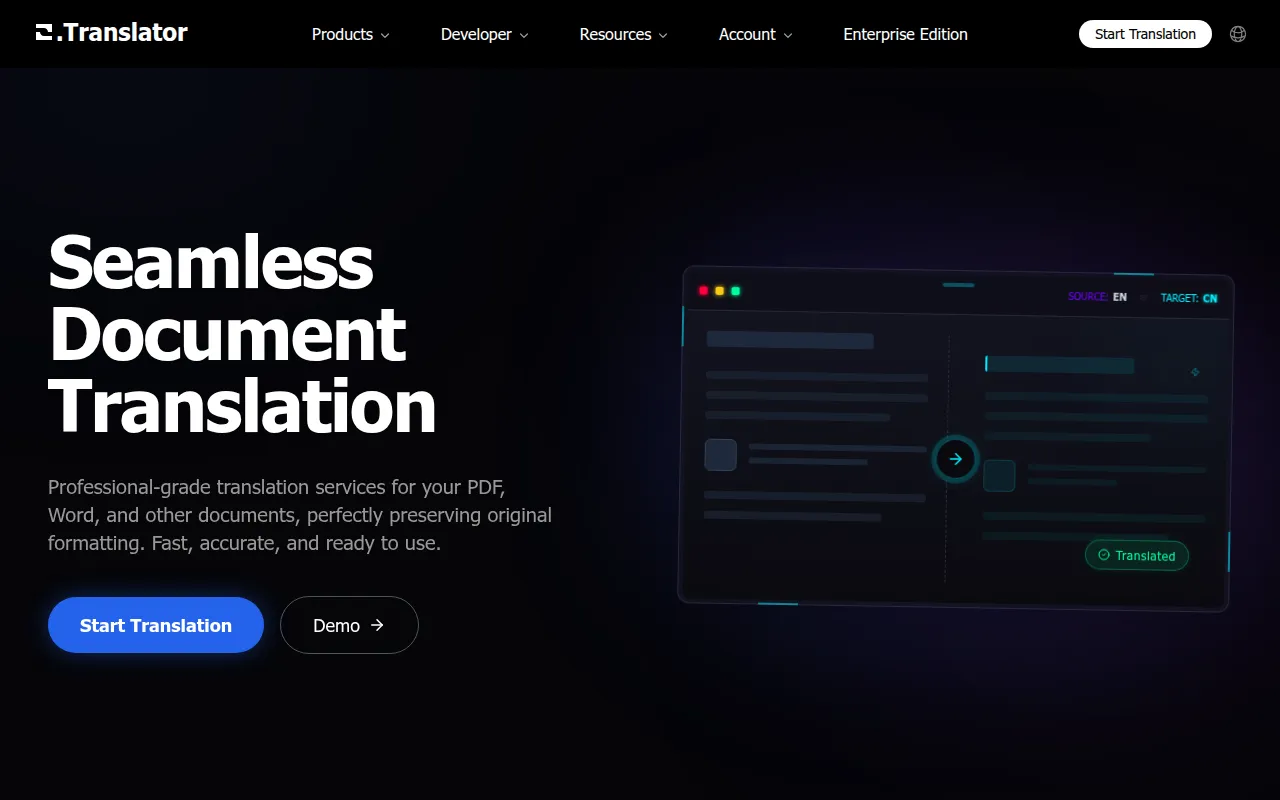
O.Translator is an AI-driven document translation tool designed to handle a wide variety of file types, including PDF, Word, Excel, and EPUB. The service is designed to maintain the original visual layout of the source file during translation.
The tool is intended for small and mid-sized businesses, as well as enterprise users, who need to translate professional documents, academic papers, or legal contracts. It includes OCR technology to extract text from scanned documents and images, as well as options for audio files and comics.
Buyers should note that the tool offers different quality tiers. While a standard preview is provided, documents with high accuracy requirements may benefit from Professional or Expert models. The service also supports team collaboration and custom terminology management to help maintain brand consistency.
Key Features
Format Preservation
Translates documents while supporting the preservation of original layout and formatting.
OCR Text Extraction
Extracts text from scanned documents and images for translation.
Multi-tier Translation Models
Offers Standard, Professional, and Expert quality levels to match different document requirements.
Custom Terminology Management
Supports custom term bases to help ensure consistency of brand and professional language.
Bilingual Parallel PDF Generation
Generates side-by-side translations for tasks such as contract reviews.
Data Encryption
Uses end-to-end encryption with automatic file deletion 7 days after completion.
Use Cases
Legal Contract Review
Using bilingual parallel PDFs to compare original and translated legal text.
Technical Documentation
Translating manuals or papers in PDF or DOCX format while maintaining diagrams and layouts.
CI/CD Workflow Integration
Using the API to integrate document translation into automated development workflows.
Scanned Document Processing
Using OCR to translate text from images or scanned PDFs.
Integrations
- API
FAQ
What files does O.Translator support?
- It supports over 50 formats, including PDF, DOCX, XLSX, PPTX, EPUB, and various image and audio files, with a maximum file size of 1GB.
How does the pricing work?
- It uses a pay-as-you-go model. Standard text translation is approximately 20,000 words per 1 USD, though image translation and higher-tier models cost more.
Can it translate scanned PDFs?
- Yes, it uses built-in OCR technology to extract text from scanned documents, including an 'Enhanced Recognition Mode' for low-quality files.
How are files handled for security?
- Files are protected with encryption and are automatically deleted 7 days after the translation task is finished.
Source category: Productivity
Source subcategory: Translation Management
More tools in Productivity
Other published listings in the Productivity category.


More tools in the Translation Management software type
Related listings that share the same software type for comparison and shortlisting.