AI TOOL PROFILE
Identifix Auto Repair Software

- Operations
- Auto Repair Shop Management
- Auto repair shop owners
- Automotive technicians
- Multi-shop operators
- DIY vehicle hobbyists
Pricing
Pricing was not clearly available from the provided evidence. A low-cost monthly option exists for DIY technicians. Buyers should confirm current pricing on the vendor website.
At a glance
- Best for
- Auto repair shop owners, Automotive technicians, Multi-shop operators, DIY vehicle hobbyists
- Key use cases
- Diagnostic Support, Shop Workflow Management, Preventative Maintenance Scheduling, Technician Training
- Official website
- Visit identifix official website
How AI is used
Identifix is a software suite for automotive technicians and repair shop operators. It combines diagnostic support, shop management, and technician training in a cloud-based environment. Its flagship Direct-Hit software provides a database of over 3 million technician-confirmed fixes.
The platform supports auto repair businesses of various sizes, including single-bay shops and multi-shop operators, as well as DIY hobbyists. It helps technicians find repair solutions through OEM manuals, wiring diagrams, and a live expert hotline.
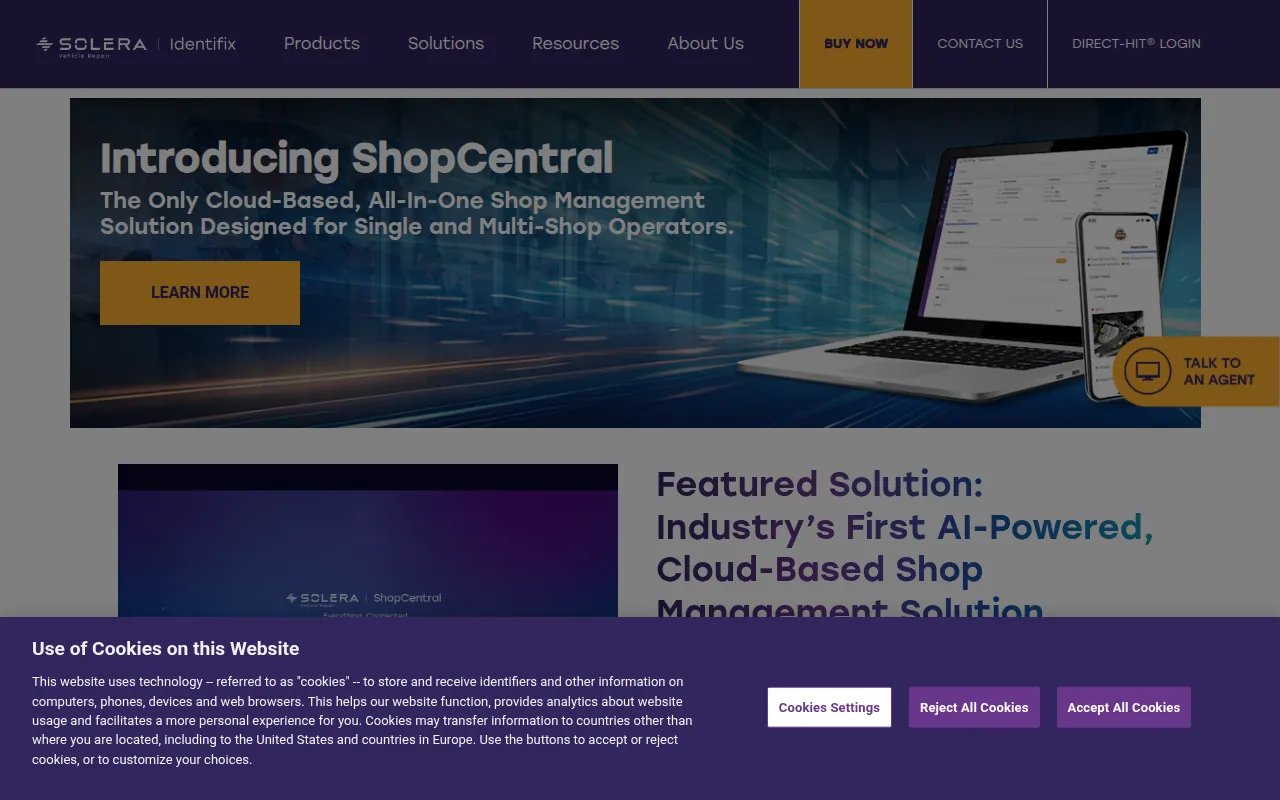
For operational needs, the ShopCentral tool is designed to help owners generate repair orders, manage jobs, and review inventory. This may help shops manage customer communication regarding vehicle status and payments.
Buyers should confirm if they require the full management suite or specific diagnostic tools, as offerings range from DIY subscriptions to professional shop management and marketing services.
Key Features
Direct-Hit Diagnostic Database
Provides access to over 3 million technician-confirmed fixes, OEM manuals, wiring diagrams, and labor guides.
ShopCentral Management
A cloud-based tool used to generate repair orders, manage shop jobs, and review inventory.
Direct-Help Hotline
Provides 1-on-1 diagnostic assistance from certified master technicians via a live hotline.
Autodata Training
Online technician training featuring 79 courses and over 350 training modules.
Mobile App Access
Supports access to repair information and diagnostic tools from mobile devices within the workshop.
Digital Marketing Tools
Includes Direct-Market and Direct-Target services to help shops find new customers and run marketing campaigns.
Use Cases
Diagnostic Support
Technicians can search a database of verified fixes to identify causes of vehicle issues.
Shop Workflow Management
Using ShopCentral to create repair orders and track the progress of jobs.
Preventative Maintenance Scheduling
Accessing Factory Scheduled Maintenance reports to identify and schedule recommended services.
Technician Training
Using on-demand video training modules to keep staff current on automotive technologies.
FAQ
What devices can Identifix be accessed on?
- Identifix is a cloud-based tool available on PC, Mac, tablets, and mobile devices.
Does Identifix provide training for technicians?
- Yes, it offers Autodata Training, which includes 79 online courses and over 350 training modules.
Is there an option for individual vehicle owners?
- Yes, Direct-Hit DIY is a monthly option designed for hobbyists to access repair information for one specific vehicle.
Source category: Operations
Source subcategory: Auto Repair Shop Management
More tools in Operations
Other published listings in the Operations category.


More tools in the Auto Repair Shop Management software type
Related listings that share the same software type for comparison and shortlisting.
