AI TOOL PROFILE
Hush Touch: Voice-to-Text for MacOS
- Productivity
- Voice AI
- MacOS users
- Software engineers
- Medical professionals
- Writers
- Privacy-focused professionals
Pricing
Hush Touch is available for a one-time lifetime license of $20. A 7-day free trial is available, and it includes a 30-day money-back guarantee.
At a glance
- Best for
- MacOS users, Software engineers, Medical professionals, Writers, Privacy-focused professionals
- Key use cases
- Technical Documentation, Medical Note Transcription, Private Drafting, Hands-Free Input
- Official website
- Visit Hush Touch | Voice-to-Text for MacOS official website
How AI is used
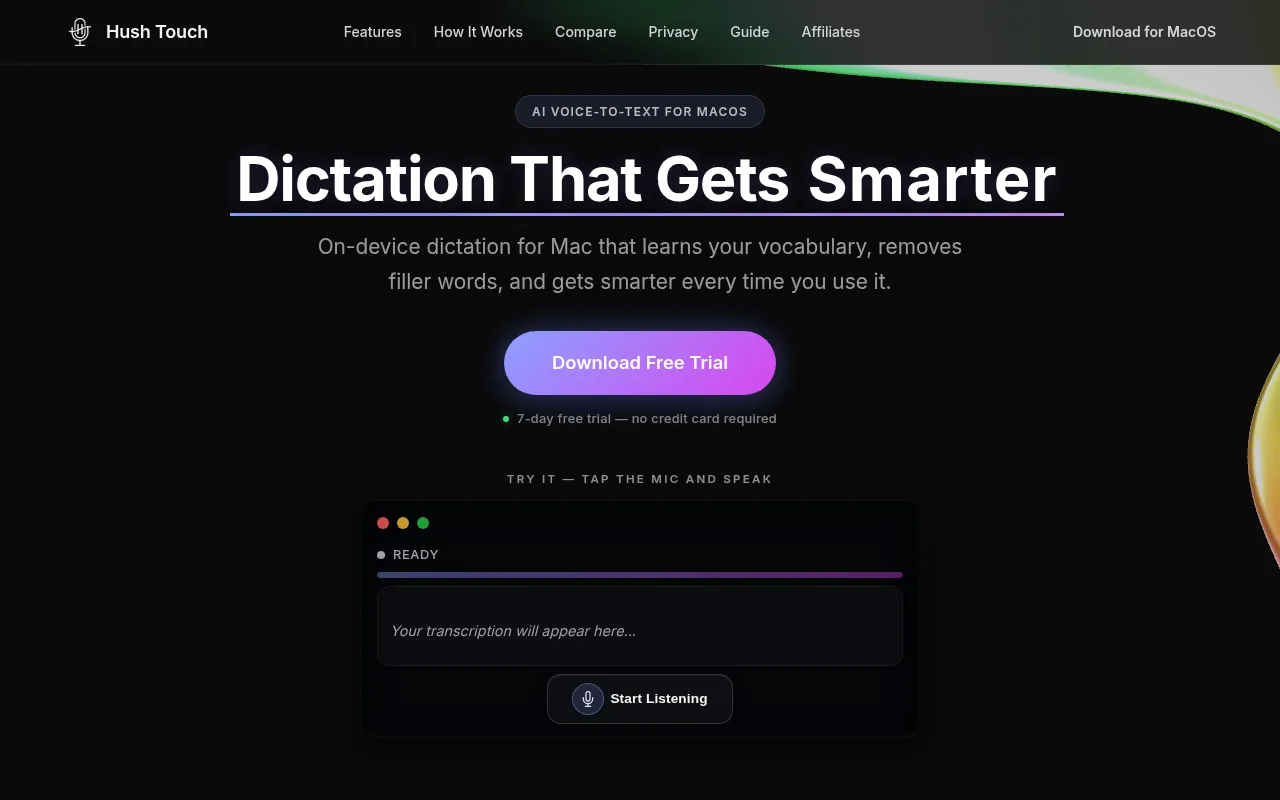
Hush Touch is a dictation tool built for macOS that processes speech entirely on-device. By avoiding cloud transmission of voice data, it supports privacy requirements for business users.
The software is designed for professionals such as software engineers, medical practitioners, and writers who use specialized terminology. It utilizes a dual-engine approach combined with an Apple Intelligence pass to handle technical language.
The tool includes a custom vocabulary system and context modes to adapt to different writing styles, such as code or emails. It is designed to work in any text field on a Mac, including IDEs, browsers, and communication apps.
Buyers should confirm their system requirements, as the dual-engine mode requires Apple Silicon and macOS 26+.
Key Features
On-Device Processing
Processes speech and AI passes locally on the Mac with no network requests.
Dual-Engine Recognition
Combines two Apple dictation engines with an Apple Intelligence final pass.
Custom Vocabulary
Supports up to 500 custom terms and may learn from user corrections.
Context Modes
Includes modes for General, Email, Code, and Notes to support transcription accuracy.
Smart Text Processing
Supports filler word removal, auto-punctuation, and numbered list formatting.
Per-App Profiles
Allows vocabulary profiles to adapt based on the active application.
Use Cases
Technical Documentation
Dictating software code and technical terms using the Code context mode.
Medical Note Transcription
Using custom vocabulary to transcribe medical terms for professional notes.
Private Drafting
Creating written documents via voice while keeping data offline.
Hands-Free Input
Using voice commands like "Hey Siri, start touch" to enter text into Mac applications.
FAQ
Does Hush Touch work without an internet connection?
- Yes, it processes everything on the Mac with no network requests and works offline.
What are the system requirements for Hush Touch?
- It requires macOS 26 or later with Apple Silicon for dual-engine mode, while macOS 15+ is supported for classic single-engine mode.
Is there a subscription fee for Hush Touch?
- No, it is available as a one-time lifetime license for $20 with no recurring fees.
Can I use it in any Mac application?
- Yes, it is designed to work in any text field, including Slack, VS Code, email clients, and browsers.
Source category: Productivity
Source subcategory: Voice AI
More tools in Productivity
Other published listings in the Productivity category.


More tools in the Voice AI software type
Related listings that share the same software type for comparison and shortlisting.





