AI TOOL PROFILE
HitPaw AI Media Enhancement Software

- Productivity
- Video and Animation
- Content creators
- E-commerce sellers
- Photographers
- Video editors
- Educators
Pricing
Pricing was not clearly available from the provided evidence. Buyers should confirm current pricing on the vendor website, though free trials, student discounts (30%), and seasonal sales are mentioned.
At a glance
- Best for
- Content creators, E-commerce sellers, Photographers, Video editors, Educators
- Key use cases
- E-commerce Product Visualization, Global Content Distribution, Legacy Media Restoration, Social Media Optimization
- Official website
- Visit HitPaw Online AI Watermark Remover official website
How AI is used
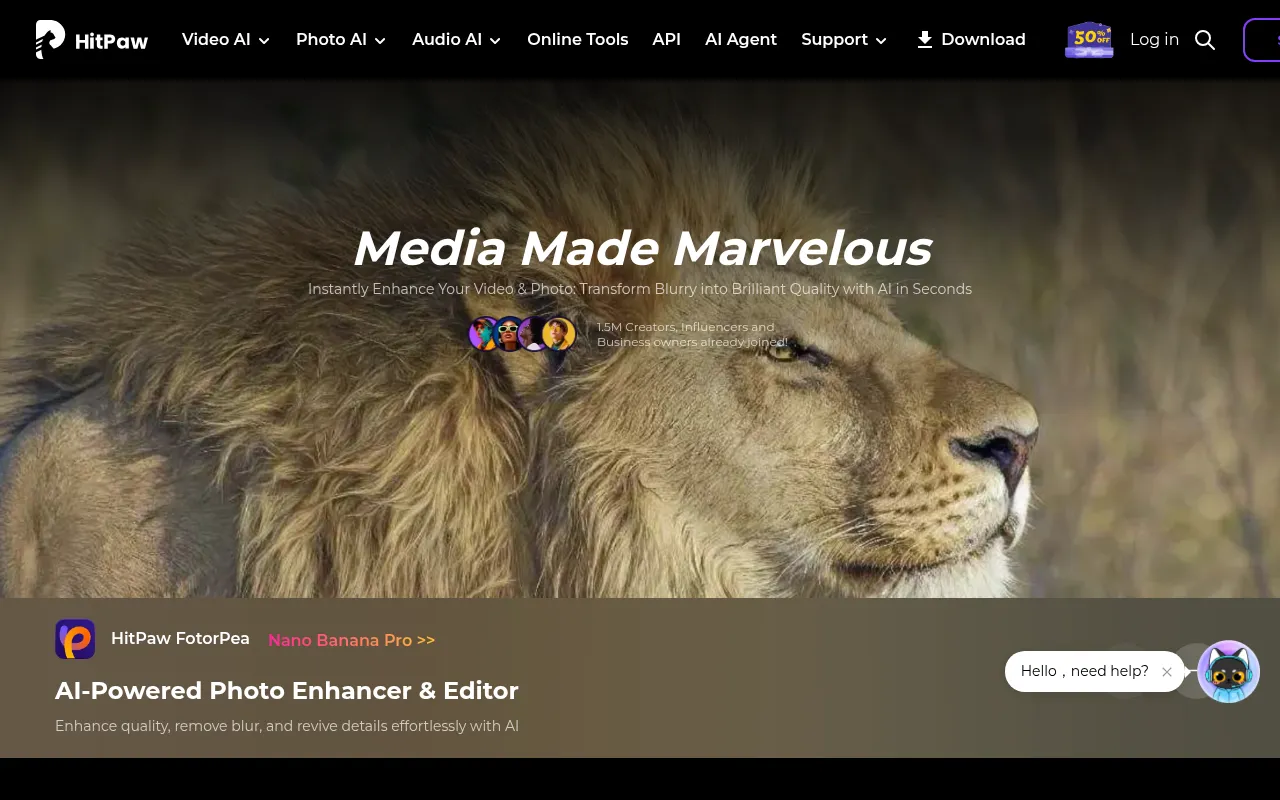
HitPaw is a collection of AI-driven utilities focused on media restoration and enhancement. The suite includes tools for upscaling video up to 8K, refining blurry photos, and modifying audio in real time. It is designed for users who want to improve the appearance of their media without requiring deep technical expertise in editing.
The software targets photographers, video editors, e-commerce sellers, and educators. It supports tasks such as removing background noise from audio, translating video into multiple languages with dubbed voices, and batch-processing images.
Buyers should note that the service is divided into several specialized products, such as VikPea for video and FotorPea for photos. Users should confirm which specific tool fits their workflow and verify available plans to ensure they have the necessary features for their needs.
Key Features
AI Video Enhancer
Upscales video quality up to 8K and supports watermark and background removal.
AI Photo Enhancer
Uses AI to reduce blur and enhance low-resolution images through noise reduction and detail retention.
AI Video Translator
Supports voice dubbing and auto-subtitles in over 130 languages.
Real-Time Voice Changer
Allows users to change their voice in real time with a library of over 200 character voices.
AI Video Editor
Includes auto-cut features, filters, and a user interface designed for non-experts.
Audio Noise Reduction
Designed to remove background hiss and unwanted sounds for clearer audio.
Use Cases
E-commerce Product Visualization
Enhancing product photos in batches to help create higher-quality visuals for online stores.
Global Content Distribution
Translating video lessons or marketing clips into multiple languages to reach a broader audience.
Legacy Media Restoration
Upscaling old, low-resolution footage or restoring damaged photos for archival or presentation use.
Social Media Optimization
Adjusting and optimizing video and photo content for platforms like TikTok, YouTube, and Instagram.
FAQ
What can HitPaw do for video quality?
- HitPaw can automatically enhance video quality up to 8K, remove watermarks, and eliminate backgrounds from footage.
Does HitPaw support multiple languages?
- Yes, its AI Video Translator supports auto-subtitles and voice dubbing in over 130 languages.
Are there discounts available for students?
- Yes, HitPaw offers a 30% discount for teachers and students through Student Beans.
Source category: Productivity
Source subcategory: Video & Animation
More tools in Productivity
Other published listings in the Productivity category.


More tools in the Video and Animation software type
Related listings that share the same software type for comparison and shortlisting.


