AI TOOL PROFILE
Graphy HQ Review: AI Data Visualization Software

- Data and Analytics
- Data Visualization
- Small business owners
- Marketing managers
- Finance directors
- Content creators
- Operations managers
Pricing
Graphy HQ offers a Free tier for up to 5 charts. Paid options include a Plus plan at $16 per user/month and a Business plan at $36 per user/month, which includes auto Google Sheets refresh and password protection.
At a glance
- Best for
- Small business owners, Marketing managers, Finance directors, Content creators, Operations managers
- Key use cases
- Internal Reporting and Memos, Social Media Data Sharing, Presentation Deck Support, External Content Creation
- Integrations
- Google Sheets, Excel, CSV
- Official website
- Visit Graphy HQ official website
How AI is used
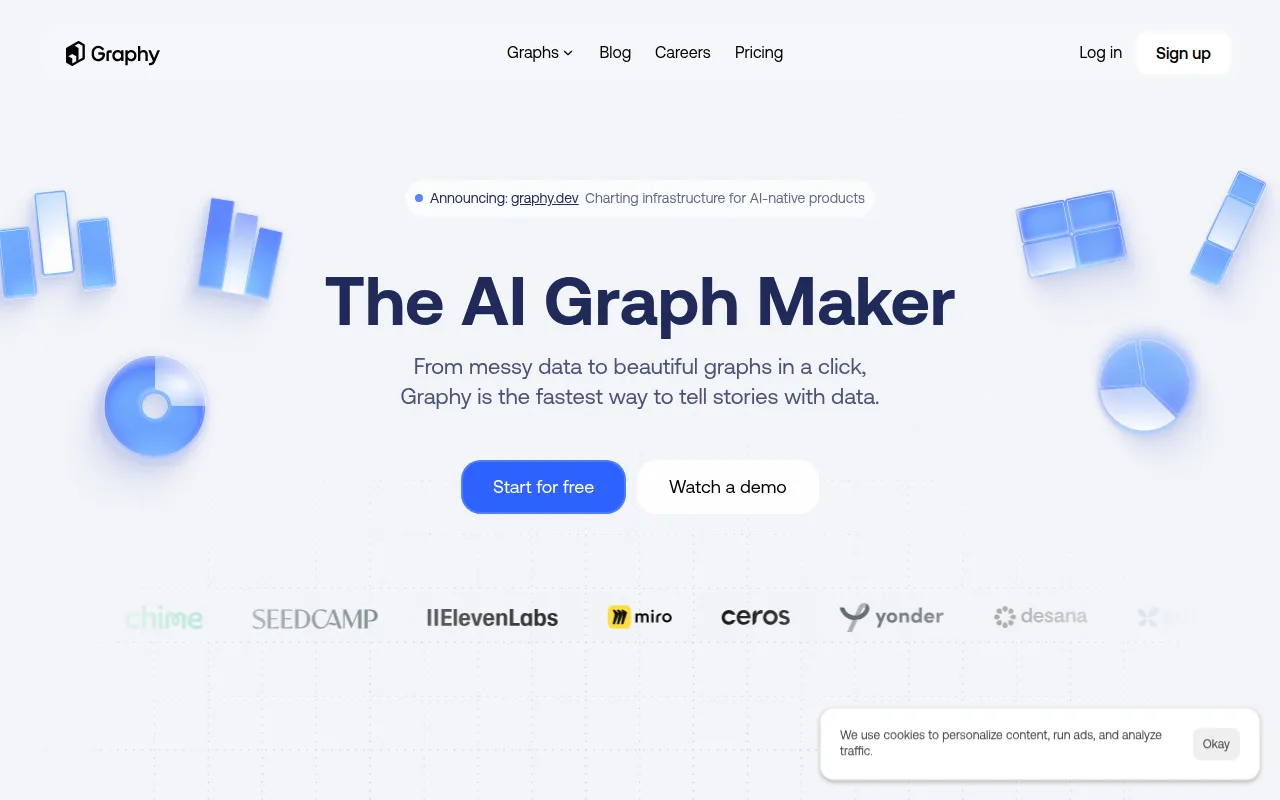
Graphy HQ is a data visualization tool designed to help users turn data into branded charts. It supports various data inputs including Google Sheets, Excel, CSV files, and manual entry, which may reduce the need for manual formatting in spreadsheets.
The platform is designed for a range of business sizes. It uses AI to analyze datasets and suggest chart types, providing headline insights to help explain the data to stakeholders.
Users can customize the visual style with their own colors and fonts and add annotations to highlight specific data points. The resulting charts can be exported as files or embedded into other documents and websites.
Buyers should confirm which plan fits their needs, as features such as automated Google Sheets refreshes and password-protected links are available on the Business tier.
Key Features
AI-Generated Charts
Analyzes datasets to suggest chart types and generate headline takeaways.
Chat with Data
Supports asking questions about a dataset to find specific answers or insights.
Custom Branding
Supports the application of brand-specific colors and fonts across visualizations.
Multiple Data Imports
Supports data ingestion via Google Sheets, CSV, Excel, manual input, and API.
Chart Export and Embedding
Allows users to export charts for presentations or embed them into documents.
Automated Data Refresh
Available on the Business plan to update charts via linked Google Sheets.
Use Cases
Internal Reporting and Memos
Creating branded charts for board memos or team updates.
Social Media Data Sharing
Designing charts for LinkedIn, X, or other social feeds to share industry insights.
Presentation Deck Support
Developing data-driven slides to communicate insights to stakeholders.
External Content Creation
Generating visuals for newsletters or consulting reports.
Integrations
- Google Sheets
- Excel
- CSV
FAQ
What data sources does Graphy HQ support?
- Graphy HQ supports data import via Google Sheets, CSV files, Excel uploads, manual data entry, or through an API.
Can I brand the charts with my company colors?
- Yes, the platform allows users to apply their own brand colors and fonts to generated charts.
What is the difference between the Plus and Business plans?
- While both offer unlimited charts, the Business plan at $36 per user/month includes auto Google Sheets refresh and password-protected links.
Source category: Data & Analytics
Source subcategory: Data Visualization
More tools in Data & Analytics
Other published listings in the Data & Analytics category.


More tools in the Data Visualization software type
Related listings that share the same software type for comparison and shortlisting.


