AI TOOL PROFILE
GoGuardian: Student Safety and Classroom Management Software
- Education and Training
- Student Safety Software
- K-12 school districts
- School IT administrators
- K-12 teachers
- District safety officers
Pricing
Pricing was not clearly available from the provided evidence. Buyers should confirm current pricing on the vendor website. Quotes are typically based on enrollment, product bundles, and contract length.
At a glance
- Best for
- K-12 school districts, School IT administrators, K-12 teachers, District safety officers
- Key use cases
- CIPA Compliance, Crisis Intervention, Instructional Management, Budget Optimization
- Integrations
- Google Admin Console, Active Directory, GAC, Clever, ClassLink
- Official website
- Visit GoGuardian official website
How AI is used
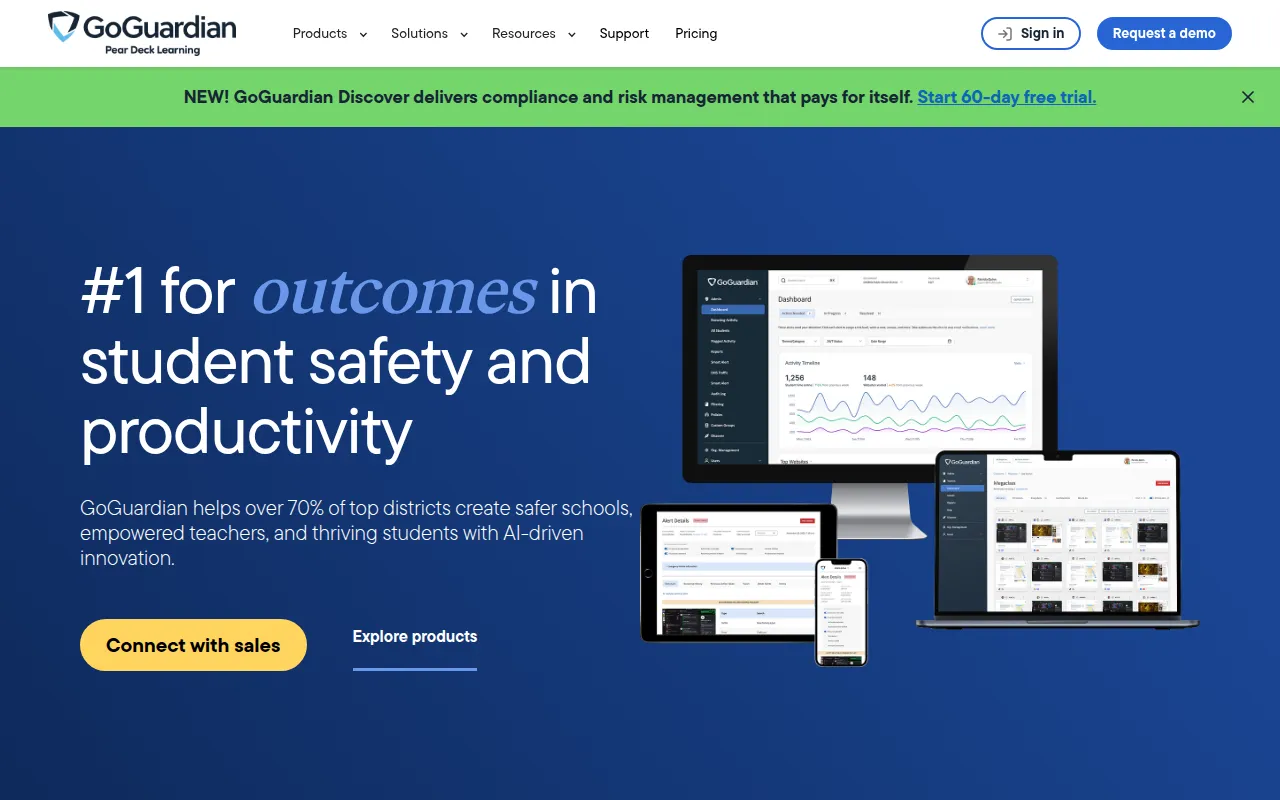
GoGuardian is a suite of education technology tools designed for the K-12 environment. It focuses on three primary areas: digital safety through web filtering, student well-being via behavioral monitoring, and classroom management for educators.
The software is designed for school districts, IT leaders, and teachers who manage a variety of hardware. It supports ChromeOS, Windows, macOS, and iPadOS, which helps administrators maintain consistent policies regardless of the device students use.
Beyond filtering, the platform includes tools for managing digital hall passes and analyzing edtech ROI to identify underutilized software licenses. This combination of safety and operational data may help districts make more informed budgeting and security decisions.
Buyers should confirm which specific products in the suite—such as Admin, Teacher, or Beacon—align with their current safety priorities, as the platform is offered in various bundles and customized quotes.
Key Features
AI-Powered Content Filtering
Uses machine learning to categorize and block harmful content and detect proxy bypass attempts.
Student Safety Monitoring
Identifies online activity that may signal self-harm or violence, supported by 24/7 human review for critical alerts.
Classroom Management
Provides teachers with a real time view of student work and a 1-1 chat feature for guidance.
Digital Hall Pass
Tracks student movement in hallways to help reduce classroom disruptions and monitor campus flow.
Edtech Analytics
Tracks software utilization to identify unused licenses and help inform contract negotiations.
Cross-Platform Support
Applies filtering and safety policies across ChromeOS, Windows, macOS, and iPadOS.
Use Cases
CIPA Compliance
Implementing web filtering and oversight of minors' online activities to meet federal regulations.
Crisis Intervention
Using behavioral analytics to spot warning signs of self-harm or violence for early intervention.
Instructional Management
Managing digital resources and monitoring student focus during classroom lessons.
Budget Optimization
Reviewing app inventory and usage data to identify underutilized software licenses.
Integrations
- Google Admin Console
- Active Directory
- GAC
- Clever
- ClassLink
FAQ
Which devices does GoGuardian support?
- GoGuardian supports ChromeOS, Windows, macOS, and iPadOS devices.
How does GoGuardian handle content filtering?
- It uses AI and machine learning to categorize and block harmful sites and detect proxy bypass attempts.
How is GoGuardian priced for school districts?
- Pricing is customized and based on factors such as student enrollment, selected product bundles, and the length of the contract.
Can teachers manage specific student groups with different rules?
- Yes, the software supports granular policy customization, including the ability to sync Organizational Units (OUs) from the Google Admin Console.
Source category: Education & Training
Source subcategory: Student Safety Software
More tools in Education & Training
Other published listings in the Education & Training category.


More tools in the Student Safety Software software type
Related listings that share the same software type for comparison and shortlisting.
