AI TOOL PROFILE
GitScrum: Project Management for Development Teams

- Software Development
- Project Management
- Software Companies
- Development Teams
- Tech Agencies
- VS Code Users
Pricing
GitScrum offers a free plan for up to 2 users. The Pro tier is $4.20 per user per month, or $3.36 per user per month with annual billing.
At a glance
- Best for
- Software Companies, Development Teams, Tech Agencies, VS Code Users
- Key use cases
- Developer Task Management, Agency Client Billing, Sprint Planning, Client Progress Visibility
- Integrations
- GitHub, GitLab, Bitbucket, Slack, Teams
- Official website
- Visit GitScrum User Story AI official website
How AI is used
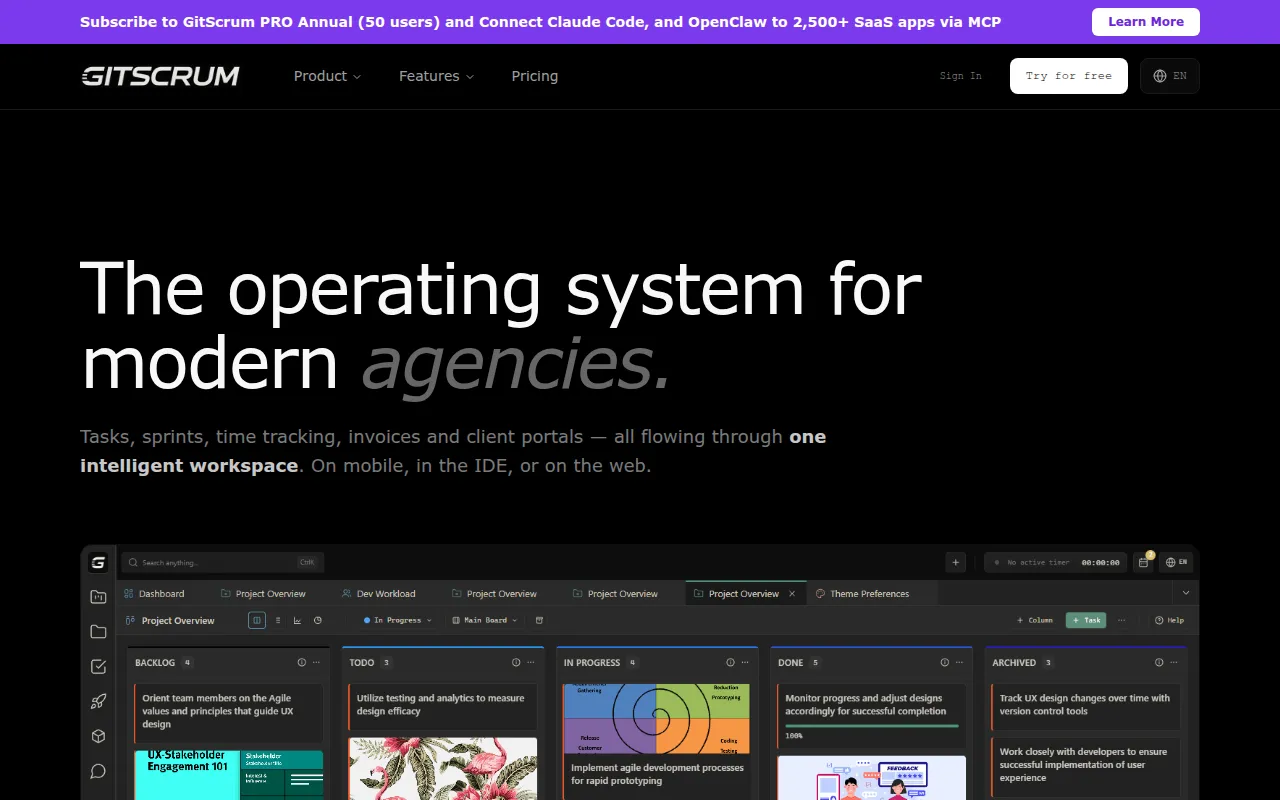
GitScrum is a project management tool developed for the workflow of developers and software agencies. It provides a connected workspace where managers can track progress via a web interface or mobile app, while developers can manage tasks through a VS Code extension.
The platform supports Agile methodologies with tools for sprint planning and task hierarchy. For agency owners, it includes a suite focused on client management and financial tracking to help capture billable hours.
Buyers should confirm if they require integration between their coding environment and project boards. Because it targets technical service providers, those without a development-centric workflow may find the specialized features less relevant.
Key Features
IDE Extension
Integrates Kanban boards, sprints, and time tracking into the VS Code sidebar.
Sprint Analytics
Includes burndown charts, velocity tracking, and project health scores to monitor delivery progress.
ClientFlow Suite
Provides tools for creating proposals, generating invoices, and managing a client portal.
Requirements Hierarchy
Supports the organization of work using epics, user stories with acceptance criteria, and story points.
Time Tracking
Tracks hours worked per project with options to export data for billing.
AI Assistant (PRO)
An AI Assistant (MCP) designed for natural language task management, reporting, and predictive analytics.
Use Cases
Developer Task Management
Managing daily tasks and updating ticket status within the VS Code editor.
Agency Client Billing
Using integrated time tracking to generate invoices and proposals for clients.
Sprint Planning
Organizing development cycles using Kanban boards and monitoring progress via burndown charts.
Client Progress Visibility
Providing clients with access to a portal to view project progress.
Integrations
- GitHub
- GitLab
- Bitbucket
- Slack
- Teams
- Discord
- Zapier
- Pabbly
FAQ
What features does GitScrum offer for developers?
- It provides a VS Code extension, allowing developers to manage Kanban boards and sprints directly within their coding environment.
Does GitScrum have a free version?
- Yes, there is a free plan available for teams of up to 2 users.
What AI features are available in GitScrum?
- The PRO plan includes an AI Assistant (MCP) designed for natural language task management, reporting, and predictive analytics.
Source category: Software Development
Source subcategory: Project Management
More tools in Software Development
Other published listings in the Software Development category.


More tools in the Project Management software type
Related listings that share the same software type for comparison and shortlisting.


