AI TOOL PROFILE
GForge: DevOps and Project Management Platform

- Software Development
- Project Management
- Software Companies
- Defense Contractors
- Government Agencies
- Regulated Industries
- Enterprise Engineering Teams
Pricing
SaaS pricing starts at $6 per user per month with the first 5 users free. A self-hosted free edition is available for up to 5 active users.
At a glance
- Best for
- Software Companies, Defense Contractors, Government Agencies, Regulated Industries, Enterprise Engineering Teams
- Key use cases
- Consolidating DevOps Tooling, Air-Gapped Development, Regulated Industry Compliance, Agile Project Tracking
- Integrations
- Jenkins, LDAP, SAML SSO, REST API
- Official website
- Visit GForge official website
How AI is used
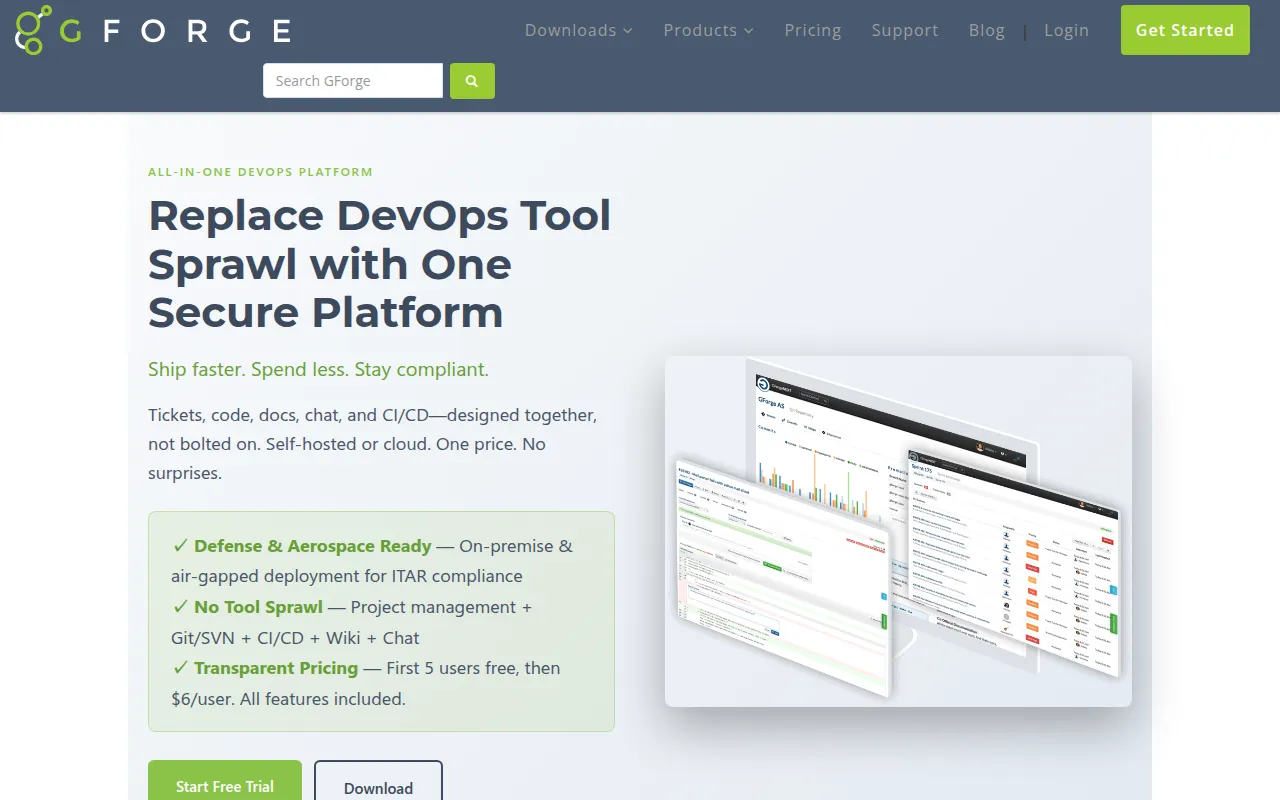
GForge is an all-in-one DevOps and project management platform designed to consolidate multiple disconnected tools into a single system. It provides a unified environment for planning, coding, documentation, and collaboration.
The platform is designed for software development teams, including those in regulated environments such as defense contractors and government agencies who require control over their data.
It supports several deployment models, including a managed SaaS option and self-hosted on-premise installations. For security-conscious organizations, it supports air-gapped deployment, allowing the software to run on a network with no internet connection.
Buyers should verify if the self-hosted installation requirements, such as Docker or Podman, align with their existing infrastructure.
Key Features
Issue Tracking and Agile Boards
Supports customizable trackers, Kanban boards, sprint planning with burndown charts, and milestone tracking.
Version Control
Provides hosting for both Git and Subversion (SVN) repositories.
Code Review Tools
Includes pull requests and inline code review capabilities linked to tracker items.
CI/CD Integration
Integrates with Jenkins to link automated build results to commits and tickets.
Knowledge and Document Management
Features a built-in project wiki and version-controlled document storage for specs and deliverables.
Team Collaboration
Includes project-tied team chat and activity streams.
Use Cases
Consolidating DevOps Tooling
Replacing a fragmented stack of separate issue trackers, code repositories, and wikis with one integrated platform.
Air-Gapped Development
Running a development lifecycle on secure, offline networks for defense or aerospace projects.
Regulated Industry Compliance
Managing source code and project data on-premise to support data residency or ITAR requirements.
Agile Project Tracking
Using Kanban boards and sprint planning to track software releases and team velocity.
Integrations
- Jenkins
- LDAP
- SAML SSO
- REST API
FAQ
Can GForge be installed on a network without internet access?
- Yes, GForge provides an offline installer for air-gapped environments, designed for classified or highly secure networks.
What is the pricing for GForge SaaS?
- SaaS pricing starts at $6 per user per month, and the first 5 users are free.
Does GForge support both Git and SVN?
- Yes, it supports both Git and Subversion repositories, and they can be run side-by-side within the same project.
How is CI/CD handled in GForge?
- GForge integrates with existing CI/CD infrastructure via a native Jenkins plugin that links builds to commits and tracker items.
Source category: Software Development
Source subcategory: Project Management
More tools in Software Development
Other published listings in the Software Development category.


More tools in the Project Management software type
Related listings that share the same software type for comparison and shortlisting.


