AI TOOL PROFILE
Getsound Review: AI Ambient Soundscape Software

- Productivity
- Productivity App
- Coworking space operators
- Office managers
- Library administrators
- Remote workers
- Students
Pricing
Getsound uses a freemium model. A free version is available with limited daily usage, while a premium plan provides unlimited soundscape refreshes and removes ads and watermarks.
At a glance
- Best for
- Coworking space operators, Office managers, Library administrators, Remote workers, Students
- Key use cases
- Coworking Space Atmosphere, Office Noise Management, Study and Focus Sessions, Mindfulness and Relaxation
- Official website
- Visit Getsound official website
How AI is used
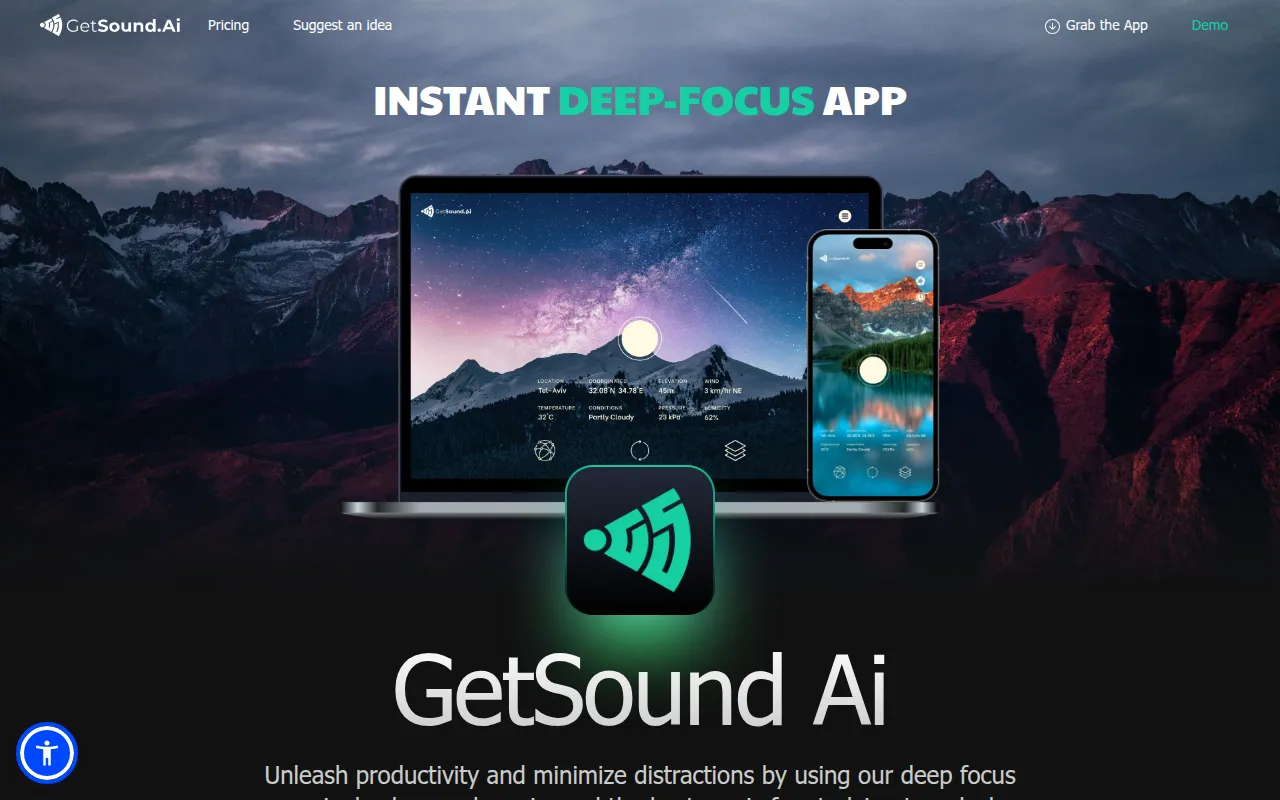
Getsound is an AI-powered ambient sound generator designed to create unique audio environments in real time. The software uses algorithms to generate soundscapes that adapt to external factors such as the user's location, current weather, light exposure, and wind conditions.
The tool is intended for individuals who need a distraction-free environment for work or study, as well as businesses operating coworking spaces, libraries, and professional offices. It is available on macOS, Windows, Linux, iOS, and Android.
For business buyers, the software helps manage the acoustic atmosphere of a physical workspace. It supports the ability to control ambient sound in different rooms or zones separately, which may help in maintaining a focused environment across a facility.
Buyers should evaluate whether the free version's daily limits meet their needs or if the premium plan is required for unlimited access and the removal of ads and watermarks.
Key Features
AI-Generated Soundscapes
Uses algorithms to create unique ambient audio tailored to the user.
Environmental Adaptation
Adjusts audio based on data including location, weather, light, and wind conditions.
Multi-Zone Control
Supports the ability to manage different ambient sounds for separate rooms or zones within a business setting.
Cross-Platform Access
Available for use on macOS, Windows, Linux, iOS, and Google Play.
Session Timer
Includes a timer feature designed to support meditation and sleep sessions.
Use Cases
Coworking Space Atmosphere
Managing ambient audio across different zones of a shared workspace to help members maintain focus.
Office Noise Management
Using soundscapes in real time to help minimize distractions in professional office environments.
Study and Focus Sessions
Creating a personalized audio background for individuals during deep-work or studying tasks.
Mindfulness and Relaxation
Utilizing weather-reactive sounds and timers to support meditation or sleep.
FAQ
What makes Getsound different from a standard playlist?
- Unlike static recordings, Getsound uses AI to generate unique soundscapes in real time that adapt to your location, weather, and light exposure.
Can Getsound be used for an entire office building?
- The software is designed for businesses with multiple zones or rooms, allowing for separate ambient sound control in each area.
Is there a cost to use Getsound?
- The app is available via a freemium model. You can start for free with limited daily soundscapes, or upgrade to a premium plan for unlimited access and an ad-free experience.
Source category: Productivity
Source subcategory: Productivity App
More tools in Productivity
Other published listings in the Productivity category.


