AI TOOL PROFILE
Free Videoswapface: AI Video Face Swap Tool

- Productivity
- Video and Animation
- Content creators
- Social media managers
- Marketing professionals
- Educators
- Event planners
Pricing
The service is completely free with no sign-up required.
At a glance
- Best for
- Content creators, Social media managers, Marketing professionals, Educators, Event planners
- Key use cases
- Social media content creation, Marketing personalization, Educational materials, Event highlights
- Official website
- Visit Free Videoswapface (no sign-up) official website
How AI is used
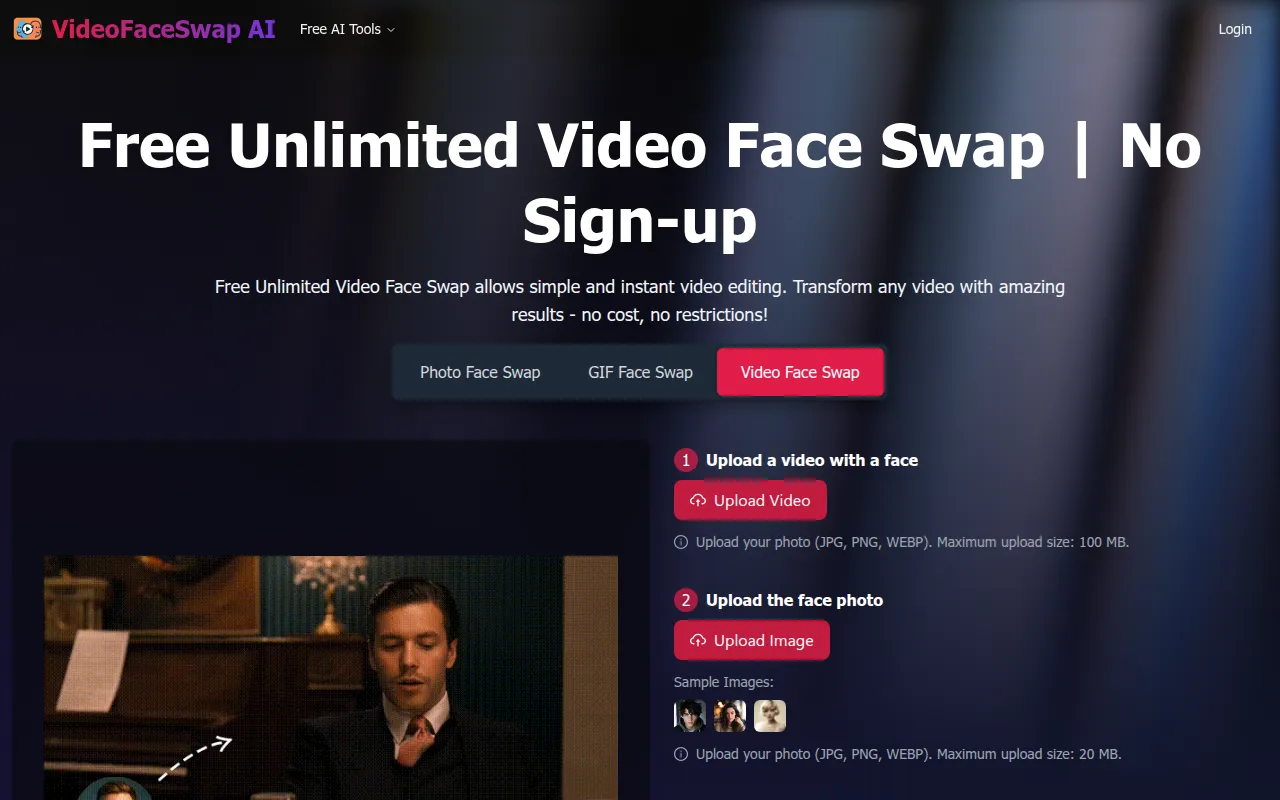
Free Videoswapface is an AI-driven video editing tool designed to replace faces within video clips and GIFs. The tool operates via browser-based access, allowing users to upload media and perform swaps without creating an account or installing software.
It is designed for users who need to create short-form content for social media or personalized marketing materials. The tool supports various major video formats and is intended to provide natural facial alignment and smooth transitions in the output.
Buyers should note that the tool is provided as a free service. Those using it for professional or commercial projects should confirm the specific copyright and data security terms provided on the platform.
Key Features
One-click face swap
Replaces faces in uploaded videos using AI-powered facial mapping.
GIF face swap support
Supports face replacement in GIFs using JPG, PNG, and WEBP image formats.
Watermark-free exports
Produces high-resolution video exports without embedded watermarks.
Batch processing
Supports processing multiple videos in a single session.
Multiple face swaps
Supports replacing more than one face within a single video clip.
No sign-up required
Provides access to tools without needing to create an account or password.
Use Cases
Social media content creation
Creating face-swapped clips and GIFs for platforms like TikTok, Instagram, and YouTube.
Marketing personalization
Personalizing advertisement clips and localized videos for campaigns.
Educational materials
Adding visual elements to educational videos to help make lessons more engaging.
Event highlights
Adding face swaps to event recap footage and social shares.
FAQ
Do I need to create an account to use Free Videoswapface?
- No, the service is designed for immediate use and does not require a sign-up or login process.
Does the tool put watermarks on the exported videos?
- No, the tool provides high-resolution exports that are watermark-free.
What file formats are supported for face swapping?
- The tool supports major video formats and accepts JPG, PNG, and WEBP for face photos in GIF swaps.
Source category: Productivity
Source subcategory: Video & Animation
More tools in Productivity
Other published listings in the Productivity category.


More tools in the Video and Animation software type
Related listings that share the same software type for comparison and shortlisting.


