AI TOOL PROFILE
Free AI Video Face Swap Review: AI Video Face Swapping Tool

- Productivity
- Video and Animation
- Marketing Agencies
- Content Creators
- Small Businesses
Pricing
The tool uses a freemium, pay-as-you-go model. Pricing starts at $9.99 for 400 coins, with larger packages available that offer lower per-coin costs.
At a glance
- Best for
- Marketing Agencies, Content Creators, Small Businesses
- Key use cases
- Social Media Content Creation, Marketing Video Production, Commercial Content Generation
- Official website
- Visit Free AI Video Face Swap official website
How AI is used
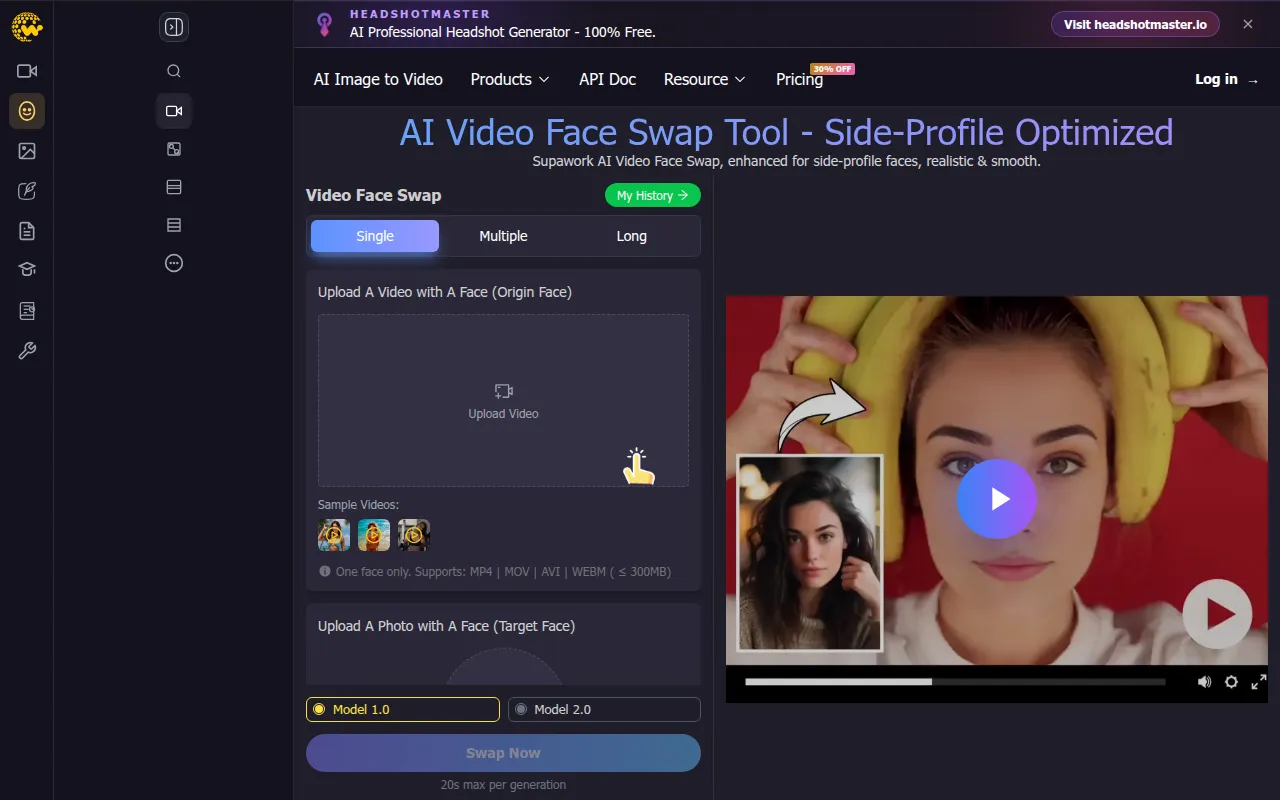
Free AI Video Face Swap is a browser-based tool designed to replace faces in video clips using AI. Users upload a target video and a source image, and the software maps facial features onto the target person, with AI that matches skin color and lighting to support a natural look.
The tool is designed for content creators, marketing agencies, and small businesses who need to produce video content without advanced editing skills. It supports both single-face and multiple-face swaps and offers different processing models to vary the results.
Buyers should note that while there is a free tier, it is limited to videos up to 60 seconds. Those needing longer processing times or commercial usage rights may consider the paid coin-based plans.
Before choosing this tool, users should confirm that the supported video and image formats align with their existing asset library.
Key Features
Single and Multiple Face Swapping
Supports swapping faces in videos that contain either one person or multiple people.
Model 1.0 and 2.0 Options
Provides different AI models to choose from when generating face swaps.
HD 1080 Export
Supports exporting generated videos in HD 1080 quality.
Broad Format Support
Works with video formats including MP4, MOV, AVI, and WEBM, and image formats like JPG, PNG, WEBP, and HEIC.
Side-Profile Optimization
The tool is enhanced to handle face swaps for side-profile faces.
Use Cases
Social Media Content Creation
Creating clips for platforms like TikTok and Instagram by swapping faces in existing videos.
Marketing Video Production
Generating promotional videos to capture audience attention.
Commercial Content Generation
Using paid plans to create face-swapped videos with usage rights for business purposes.
FAQ
How long can videos be in Free AI Video Face Swap?
- Free users can process videos up to 60 seconds, while paid users can process videos up to 1 hour.
Do I need to create an account to use the tool?
- Some features can be tried without an account, but signing up may provide access to more options and longer video swaps.
Can the generated videos be used for business purposes?
- Yes, the tool provides usage rights for commercial purposes for content created by users.
What file types are supported for upload?
- The tool supports MP4, MOV, AVI, and WEBM for videos, and JPG, PNG, WEBP, and HEIC for images.
Source category: Productivity
Source subcategory: Video & Animation
More tools in Productivity
Other published listings in the Productivity category.


More tools in the Video and Animation software type
Related listings that share the same software type for comparison and shortlisting.


