AI TOOL PROFILE
Frameloop: AI Video Creation and Automation Platform

- Productivity
- Video and Animation
- Content Marketers
- Marketing Agencies
- Content Creators
- Small Business Owners
- Social Media Managers
Pricing
Paid plans start at $19/month for the Basic tier. Higher tiers include Standard ($39/month) and Premium ($79/month), which provide more annual credits and increase the maximum video length from 2 to 10 minutes.
At a glance
- Best for
- Content Marketers, Marketing Agencies, Content Creators, Small Business Owners, Social Media Managers
- Key use cases
- Social Media Ad Creation, Faceless YouTube Channels, Educational Tutorials, Blog-to-Video Conversion, Short-form Content
- Integrations
- YouTube publishing, API access
- Official website
- Visit Frameloop official website
How AI is used
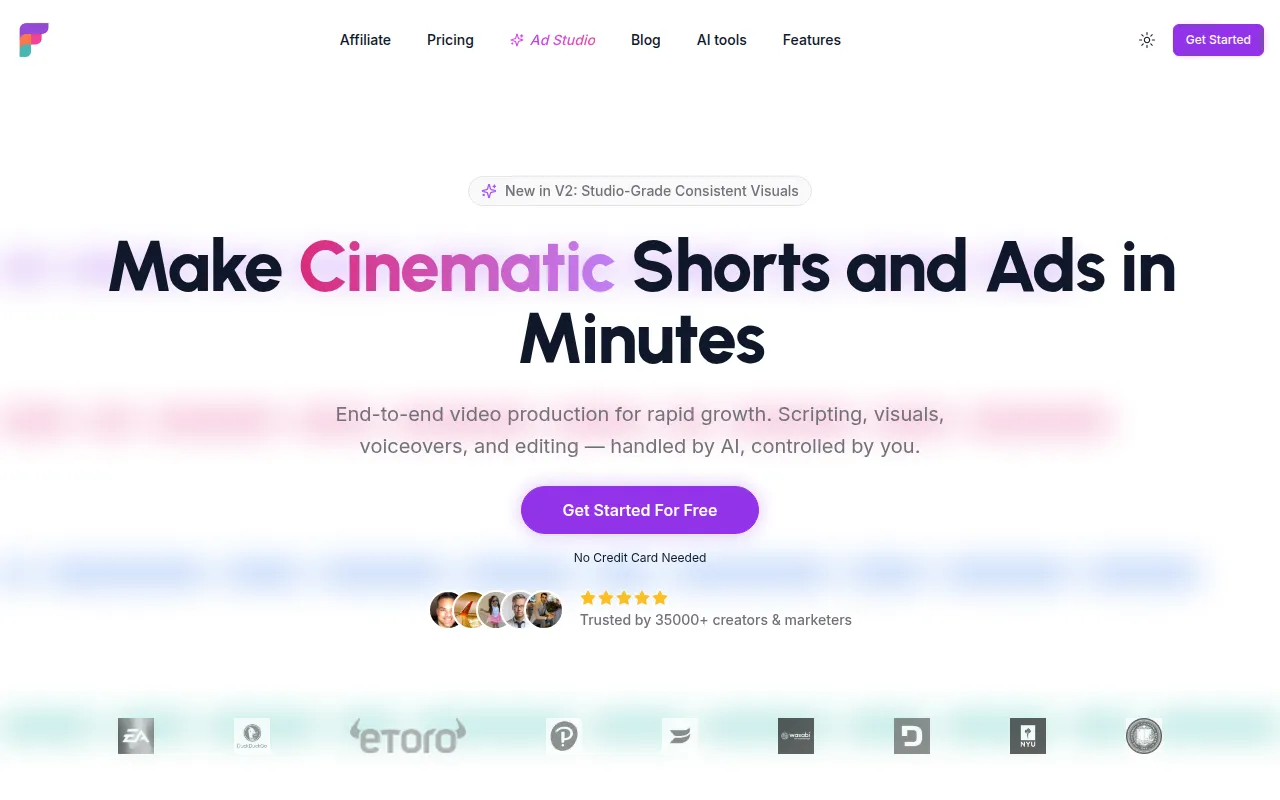
Frameloop is an AI-powered video production tool designed to help users create cinematic shorts, ads, and social media content. It uses a scene-based editor that provides per-scene controls, allowing users to manage scripts, visuals, and voiceovers within a single workflow.
The platform is built for content creators, marketing heads, and agencies producing video assets for platforms like YouTube, TikTok, and Instagram. It integrates several AI models to generate a variety of visual styles, such as realistic, anime, and watercolor.
Buyers should note that output capabilities, such as maximum video length and credit limits, vary by pricing tier. It also provides API access for those looking to automate video generation.
Key Features
Scene-based Editor
A workflow with per-scene controls to adjust visuals and timing.
Multi-Style Visuals
Supports over 15 visual styles including Realistic, Anime, Illustration, and Watercolor.
Multilingual Support
Supports 32+ languages with capabilities for auto-translating captions and on-screen text.
AI Model Integration
Integrates models from ElevenLabs, OpenAI, Gemini, Veo, and others for generation.
Automated Voiceover
Generates AI voiceovers to accompany scripts and visuals.
API Access
Developer-friendly endpoints for programmatic video generation and rendering.
Use Cases
Social Media Ad Creation
Turning product messaging and campaign briefs into brand ads for social platforms.
Faceless YouTube Channels
Generating content with AI visuals and voiceovers for automation-style channels.
Educational Tutorials
Creating step-by-step instructional videos to teach new skills or processes.
Blog-to-Video Conversion
Converting written articles and blog posts into video scenes with captions.
Short-form Content
Creating vertical videos for TikTok, Instagram Reels, and YouTube Shorts.
Integrations
- YouTube publishing
- API access
FAQ
What is Frameloop used for?
- Frameloop is used to create AI-generated videos from scripts or ideas, supporting tasks like ad creation, social media shorts, and educational tutorials.
How does the pricing work?
- Pricing is based on monthly or annual tiers starting at $19/month. Each tier provides a specific number of annual credits and defines the maximum allowable length for each video.
Can I use Frameloop videos for business purposes?
- Yes, all paid plans include commercial rights and 1080p exports without watermarks.
Source category: Productivity
Source subcategory: Video & Animation
More tools in Productivity
Other published listings in the Productivity category.


More tools in the Video and Animation software type
Related listings that share the same software type for comparison and shortlisting.


