AI TOOL PROFILE
Formula Byte: AI Data Analysis Platform

- Data and Analytics
- AI Assistant
- Small business owners
- Marketing managers
- Finance teams
- Operations managers
- Non-technical department leads
Pricing
Pricing includes a free plan at $0/month, an Unlimited plan at $12.99/month, and an Unlimited Plus plan at $22.99/month.
At a glance
- Best for
- Small business owners, Marketing managers, Finance teams, Operations managers, Non-technical department leads
- Key use cases
- Spreadsheet Automation, Customer Feedback Analysis, Database Querying, Data Visualization
- Official website
- Visit Formula Byte official website
How AI is used
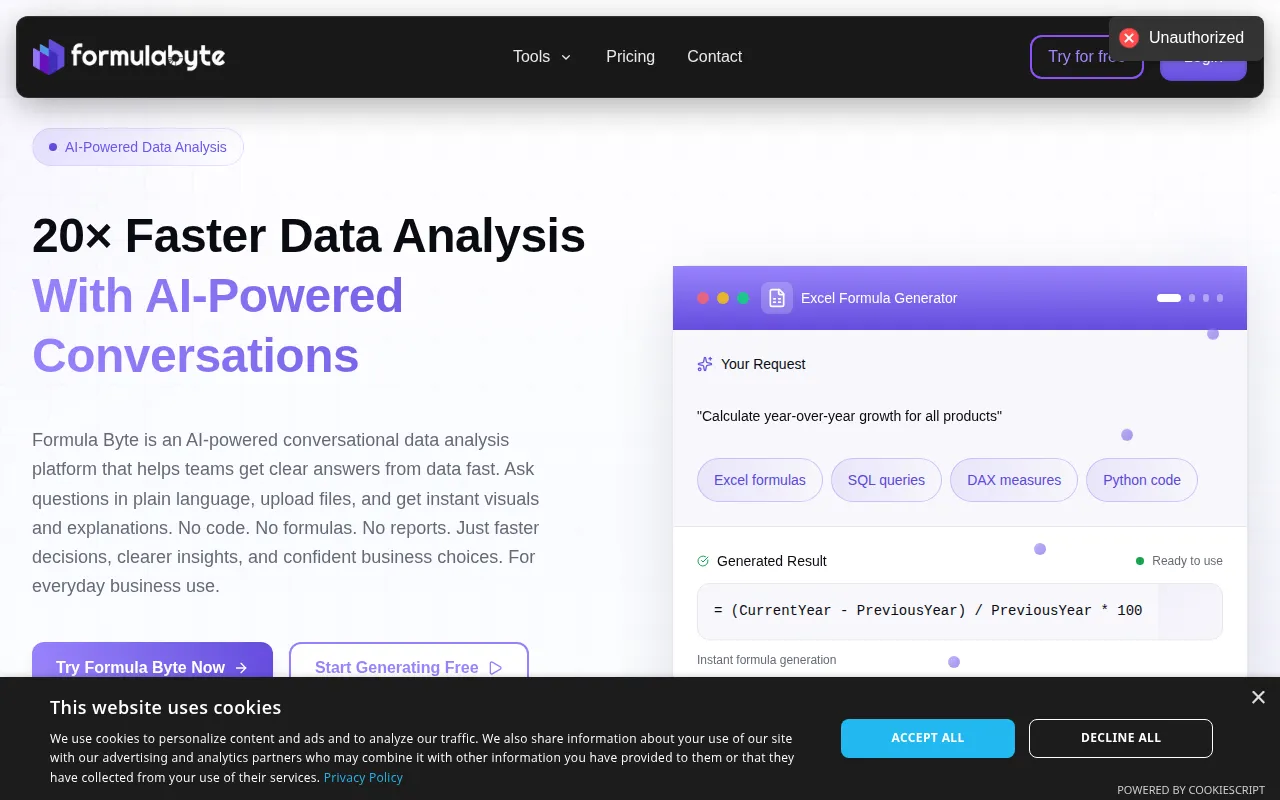
Formula Byte is a conversational AI platform designed for various data analysis tasks through a chat interface. It supports uploading files such as Excel spreadsheets, CSVs, and text documents, or connecting to SQL databases to get answers and visualizations using plain English.
The tool is intended for business owners and department leads who want to extract insights from their data without writing formulas or code. It supports a range of outputs, including Excel formulas, Power BI DAX expressions, and Python scripts.
Buyers should confirm that access to specific AI operations, such as SQL or Python, varies by pricing tier. It is designed as a workspace to centralize data tools.
Key Features
Conversational Data Analysis
A chat-style interface where users ask questions in plain language to receive numbers, charts, and explanations.
AI Formula Generation
Generates formulas for Excel and Google Sheets based on text descriptions of the desired calculation.
Natural Language to SQL
Converts plain English requests into SQL queries for database interaction.
AI Sentiment Analysis
Classifies text data from reviews or feedback as positive, negative, or neutral.
Automated Chart Creation
Generates visuals and charts following a data query, which may be adjusted via the chat.
Code Generation
Produces Power BI DAX expressions, Python scripts, and Excel VBA macros from text prompts.
Use Cases
Spreadsheet Automation
Generating Excel or Google Sheets formulas to perform calculations.
Customer Feedback Analysis
Using sentiment analysis to detect trends and emotional tone in user reviews and social data.
Database Querying
Retrieving data from SQL databases by asking questions in plain English.
Data Visualization
Creating charts and summaries from uploaded CSV or Excel files.
FAQ
Who is Formula Byte designed for?
- It is designed for professionals in sales, marketing, finance, and leadership who want to analyze data without writing code or complex formulas.
What types of files can be uploaded to Formula Byte?
- The platform supports the upload of Excel spreadsheets, CSV files, SQL databases, and text documents.
Is there a free version of Formula Byte?
- Yes, there is a free plan available at $0 per month, which includes limits on messages and formula generation.
Can it help with Power BI and Python?
- Yes, it includes generators for Power BI DAX expressions and Python scripts based on plain English instructions.
Source category: Data & Analytics
Source subcategory: AI Assistant
More tools in Data & Analytics
Other published listings in the Data & Analytics category.


More tools in the AI Assistant software type
Related listings that share the same software type for comparison and shortlisting.


