AI TOOL PROFILE
Formmaster: AI-Powered Form Builder

- Productivity
- Form Builder
- Small businesses
- Mid-market companies
- Marketing teams
- HR and recruitment professionals
- Startups
Pricing
Formmaster offers a free forever plan with unlimited forms and responses. A Pro plan is available for users needing advanced branding, analytics, and premium support.
At a glance
- Best for
- Small businesses, Mid-market companies, Marketing teams, HR and recruitment professionals, Startups
- Key use cases
- Lead Generation, HR and Recruitment, Appointment Booking, Customer Feedback, Payment and File Collection
- Integrations
- Zapier, Google Sheets, Notion, Slack
- Official website
- Visit Formmaster official website
How AI is used
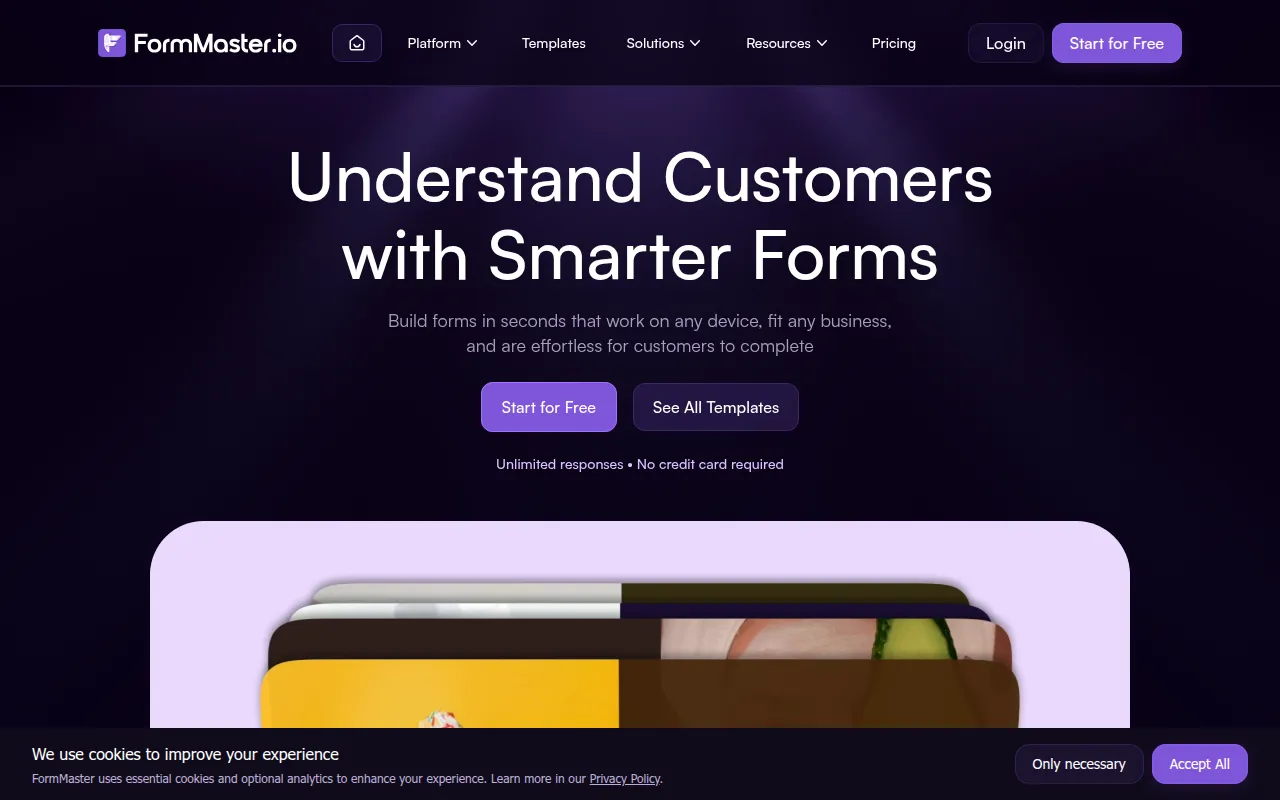
Formmaster is a productivity tool designed to help businesses create digital forms. Users can describe the form they need in plain English, and the AI generates the initial structure, layout, and field types.
It supports a wide range of roles, including marketing, HR, sales, and customer support teams. The tool combines AI generation with manual customization via a drag-and-drop editor, allowing for conditional logic and custom branding.
Buyers can publish forms via direct links, QR codes, or website embeds. The platform also tracks submission analytics, such as drop-off rates and device types, to help monitor form completion.
Buyers should confirm if the Zapier-based automation fits their existing software stack and whether the free tier meets their specific branding and support requirements.
Key Features
AI Form Creation
Generates forms, field types, and layouts based on natural language prompts.
Visual Drag-and-Drop Builder
A no-code editor that includes version history and the ability to clone existing forms.
Conditional Logic
Supports branching and conditional display to show or hide fields based on user input.
Custom Branding
Supports customization of fonts, colors, and logos to create branded themes.
Response Analytics
Tracks views and submission data, including drop-off analysis and device/location tracking.
Publishing Options
Supports sharing via direct links, QR codes, and various website embed styles.
Use Cases
Lead Generation
Creating branded intake forms to capture prospect information and sync data to CRMs.
HR and Recruitment
Building job application forms with resume uploads and employee pulse surveys.
Appointment Booking
Setting up service booking forms to manage reservations and schedules.
Customer Feedback
Deploying NPS surveys and feedback forms to understand user satisfaction.
Payment and File Collection
Using forms to collect necessary files and process payments from clients.
Integrations
- Zapier
- Google Sheets
- Notion
- Slack
FAQ
Is Formmaster free?
- Yes, Formmaster offers a free forever plan that includes unlimited forms and responses without requiring a credit card.
Do I need to know how to code to use it?
- No, the platform is designed as a no-code tool using an AI prompt builder and a visual drag-and-drop editor.
What is the difference between the Free and Pro plans?
- While the free plan provides unlimited forms and responses, Pro users get access to advanced branding, enhanced analytics, and premium support.
Source category: Productivity
Source subcategory: Form Builder
More tools in Productivity
Other published listings in the Productivity category.


More tools in the Form Builder software type
Related listings that share the same software type for comparison and shortlisting.


