AI TOOL PROFILE
FormGrid Review: AI-Powered Form and Survey Builder

- Productivity
- Form Builder
- Small business owners
- Operations managers
- Non-technical users needing custom forms
- Teams requiring unlimited form responses
Pricing
FormGrid is free to use and supports unlimited forms and responses.
At a glance
- Best for
- Small business owners, Operations managers, Non-technical users needing custom forms, Teams requiring unlimited form responses
- Key use cases
- Custom Survey Creation, Contract and Waiver Collection, Dynamic Data Gathering, Response Tracking
- Integrations
- Google Sheets, Webhooks
- Official website
- Visit FormGrid official website
How AI is used
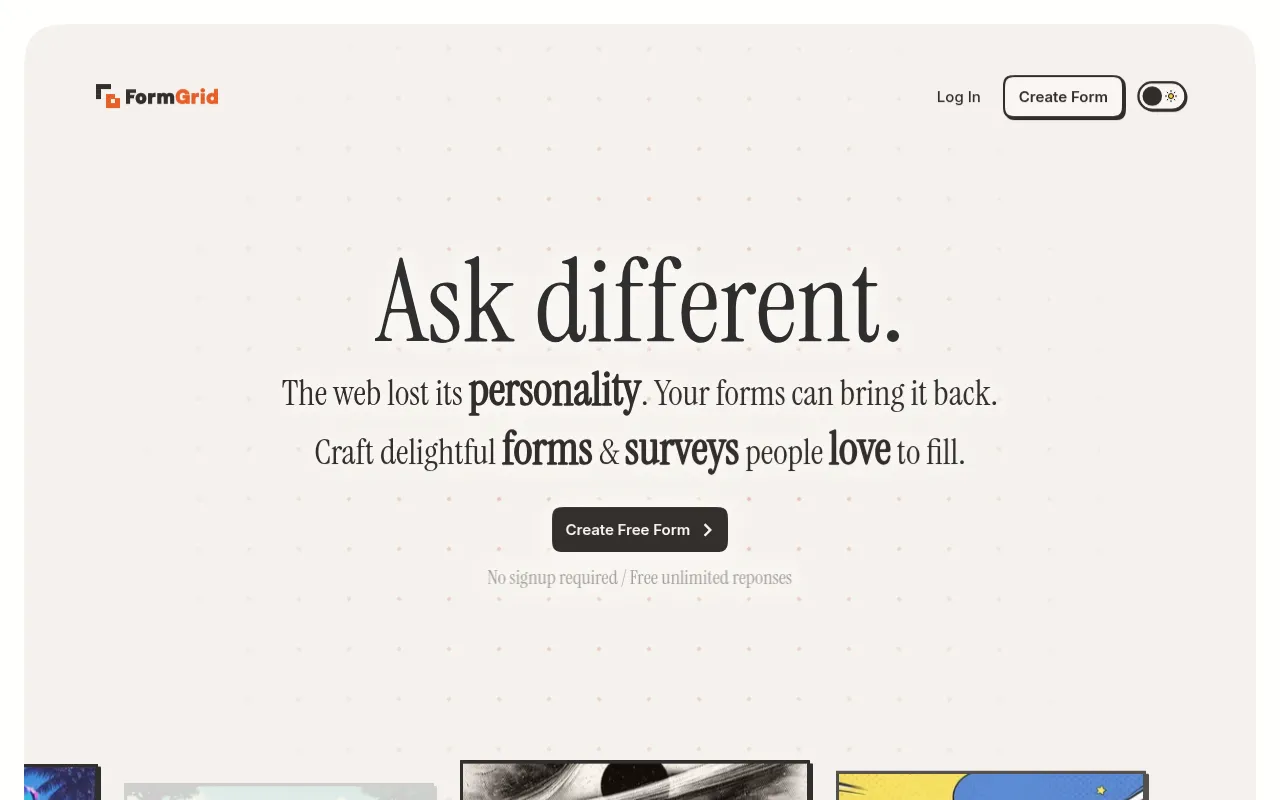
FormGrid is a productivity tool designed for building surveys and custom forms. It allows users to generate forms using AI prompts or build them manually using a block-based editor that functions similarly to a document editor.
The tool is designed for users who want more design flexibility than standard templates provide, offering a grid-based layout system. It includes functional elements like conditional logic, page jumps, and calculations to handle data collection needs.
Buyers should confirm if the available integrations with Google Sheets and webhooks meet their specific data workflow requirements.
Key Features
AI Form Generation
Generates form content, fields, and themes based on a written description of requirements.
Block-based WYSIWYG Editor
A document-style editor that allows users to add fields, images, and text as they type.
Form Logic
Supports conditions, page jumps, repeat blocks, and dynamic variables to control respondent flow.
Calculations and Variables
Includes formula mode for arithmetic and logic operators to show computed values within the form.
Specialized Input Fields
Provides dedicated fields for digital signatures and file uploads.
Results Dashboard
Includes charts for each field and a public link option to share results.
Use Cases
Custom Survey Creation
Building tailored surveys with randomized multiple-choice options to help reduce respondent bias.
Contract and Waiver Collection
Using signature pad fields to collect digital signatures on consent forms or agreements.
Dynamic Data Gathering
Setting up multi-path forms that use conditions and page jumps based on user answers.
Response Tracking
Connecting forms to Google Sheets to automatically collect responses in a spreadsheet.
Integrations
- Google Sheets
- Webhooks
FAQ
Is FormGrid free?
- Yes, the provided evidence states that FormGrid is free to use with unlimited forms and responses.
Can FormGrid handle complex forms?
- It supports features such as conditions, page jumps, calculations, and variables to manage respondent paths.
Does FormGrid support digital signatures?
- Yes, it includes a signature field that allows respondents to sign on screen using a mouse, touch, or stylus.
Source category: Productivity
Source subcategory: Form Builder
More tools in Productivity
Other published listings in the Productivity category.


More tools in the Form Builder software type
Related listings that share the same software type for comparison and shortlisting.


