AI TOOL PROFILE
FormCan: Online Form Builder

- Productivity
- Form Builder
- Small Businesses
- Mid-Market Companies
- Teams needing HIPAA-compliant data collection
Pricing
Plans include a Free version, Starter at $8/month, Growth at $15/month, and Business at $28/month. The Business plan includes HIPAA compliance.
At a glance
- Best for
- Small Businesses, Mid-Market Companies, Teams needing HIPAA-compliant data collection
- Key use cases
- Customer Feedback and Surveys, Job Application Collection, Contact and Lead Capture, Secure Data Collection
- Integrations
- Zapier, Make, Integrately, Slack, Stripe
- Official website
- Visit FormCan official website
How AI is used
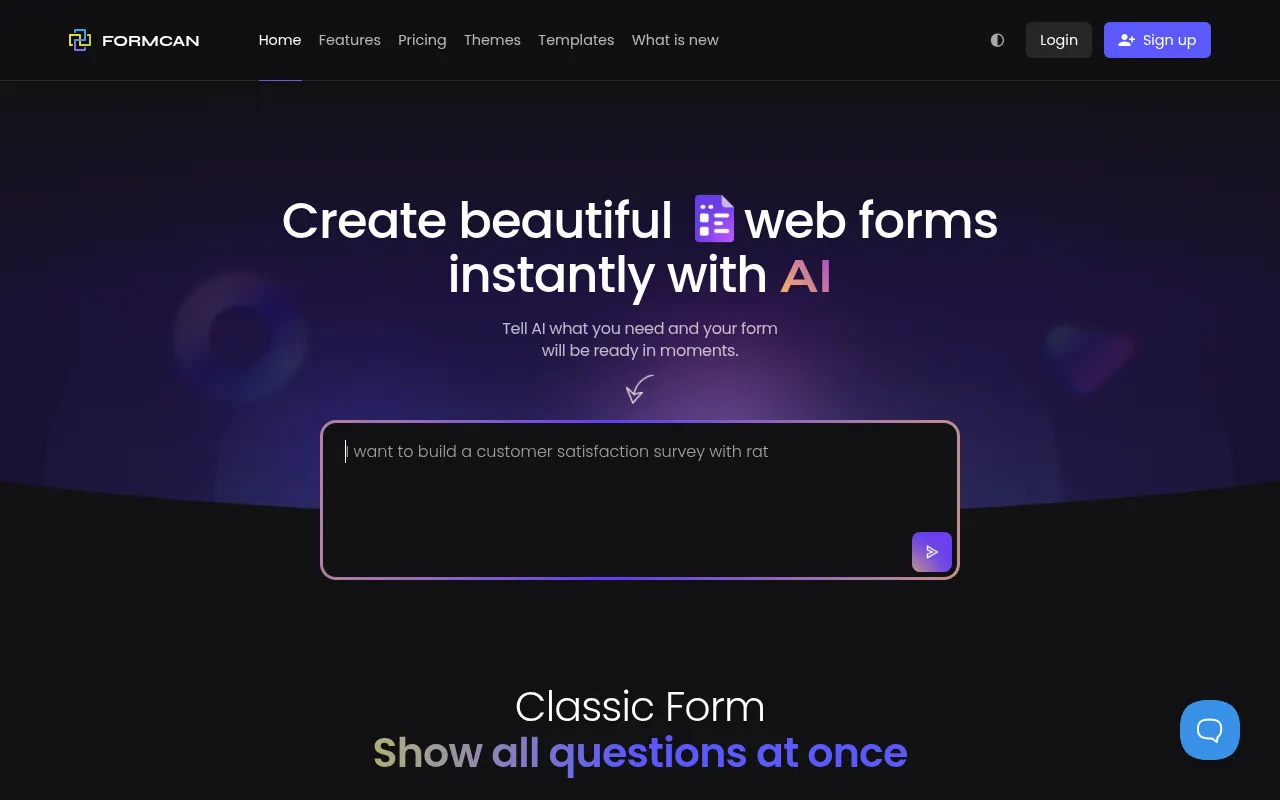
FormCan is a web-based tool for creating online web forms, PDF forms, and master forms. It offers two primary layouts: a classic view where all questions are visible, and a conversational view that presents one question at a time to support higher completion rates.
The software supports tasks such as gathering customer feedback, processing job applications, and managing registration flows through features like conditional logic and address autocomplete.
Buyers should confirm their specific compliance needs, as HIPAA compliance is only available on the Business plan and must be manually enabled. Those requiring automation should check the available Zapier and Make integrations to ensure their existing tech stack is supported.
Key Features
AI Form Generator
Supports the creation of web forms, including fields and input types, from plain-text prompts.
Conversational Layout
A step-by-step form style that shows one question at a time to guide users through the process.
Live Preview
Helps users visualize design and logic changes without loading new windows.
Conditional Logic
Supports showing, hiding, enabling, or disabling fields based on user responses.
PDF Template Generation
Allows for the design and generation of custom PDF documents and reports from web form submissions.
Address Autocomplete
Uses Google Maps to suggest verified addresses as users type, which may help reduce data entry errors.
Team Collaboration
Supports inviting team members with specific permissions for editing forms or viewing submissions.
Use Cases
Customer Feedback and Surveys
Building satisfaction surveys using rating scales and open-ended feedback sections.
Job Application Collection
Creating forms for applicant details, work history, and cover letter uploads.
Contact and Lead Capture
Developing contact forms for website visitors to capture name, email, and inquiries.
Secure Data Collection
Using HIPAA-compliant forms to collect personal information.
Integrations
- Zapier
- Make
- Integrately
- Slack
- Stripe
- Google Drive
- Dropbox
- Microsoft OneDrive
- Box
FAQ
Does FormCan offer a free version?
- Yes, FormCan has a Free plan that includes up to 10 published forms and 1,000 submissions per month, though it includes FormCan branding.
Is FormCan HIPAA compliant?
- HIPAA compliance is available for users on the Business plan and must be manually enabled.
Can I use my own domain with FormCan?
- Custom domains are supported on the Growth and Business plans.
What is a conversational form in FormCan?
- A conversational form presents questions one at a time, which is designed to support higher completion rates compared to classic layouts.
Source category: Productivity
Source subcategory: Form Builder
More tools in Productivity
Other published listings in the Productivity category.


More tools in the Form Builder software type
Related listings that share the same software type for comparison and shortlisting.


