AI TOOL PROFILE
FocoClipping: AI Background Removal Service

- Marketing
- Media Processing
- eCommerce sellers
- Graphic designers
- Professional photographers
- Marketing professionals
- Car dealerships
Pricing
Pricing is usage-based, with pay-as-you-go credits at $1 per image and subscription plans starting at $4.99 for 50 credits (approximately $0.10 per image).
At a glance
- Best for
- eCommerce sellers, Graphic designers, Professional photographers, Marketing professionals, Car dealerships
- Key use cases
- eCommerce Product Listings, Graphic Design Workflow, Portrait Photography, App Development
- Integrations
- Web API, Mobile SDK
- Official website
- Visit FocoClipping official website
How AI is used
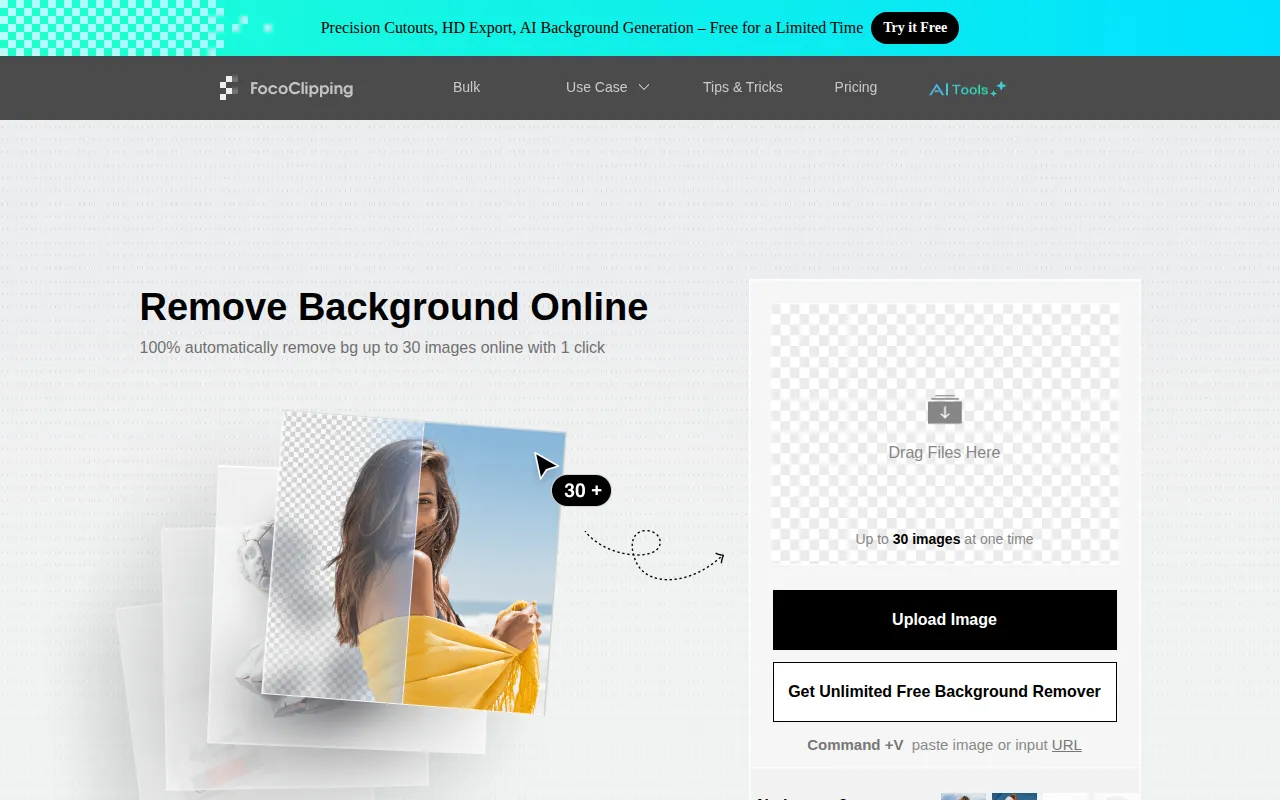
FocoClipping is an online image processing service that uses an AI algorithm to detect and remove backgrounds from photos. It supports the creation of transparent or solid white backgrounds for product listings, portraits, and marketing materials.
The tool is designed for various business users, including eCommerce sellers, photographers, and graphic designers. It supports JPG and PNG files up to 15MB and supports bulk uploads, which may reduce manual setup work for large catalogs.
Beyond basic removal, it includes manual editing tools for fine-tuning edges and a hair touch-up feature for portraits. For developers, the service provides web API and mobile SDK options for integration.
Buyers should confirm resolution requirements, as full-resolution downloads require credits, while standard-quality previews are free.
Key Features
AI Background Removal
Automatically detects the foreground and removes the background.
Bulk Processing
Supports processing over 1,000 images in batches and handling up to 30 images simultaneously.
Hair Touch-up Tool
An editor designed to handle hair details and roots in portrait photos.
Manual Editing Suite
Includes tools such as Refine Edge, Define Edge, and a restore brush for adjusting cutouts.
HD Export
Supports downloading full-resolution result images up to 25 megapixels.
Background Customization
Supports changing backgrounds to solid colors, preset templates, or custom images.
Use Cases
eCommerce Product Listings
Creating white backgrounds for products to meet the requirements of platforms like Amazon and eBay.
Graphic Design Workflow
Removing backgrounds from assets for use in ads, UI design, or marketing materials.
Portrait Photography
Isolating subjects in portrait photos using the hair touch-up tool for edge adjustments.
App Development
Integrating background removal functionality into applications via web API or mobile SDK.
Integrations
- Web API
- Mobile SDK
FAQ
How does FocoClipping pricing work?
- It offers pay-as-you-go credits at $1 per image and monthly subscription plans starting at $4.99 for 50 credits.
Can I process a large number of images at once?
- Yes, FocoClipping supports bulk use and can process over 1,000 images, with the ability to handle up to 30 images simultaneously.
What file formats and sizes are supported?
- The tool supports JPG, JPEG, and PNG files with a maximum file size of 15MB and a maximum resolution of 25 megapixels.
Is there a way to fix the edges if the AI misses a spot?
- Yes, the service includes manual editing tools such as a restore brush, Refine Edge, and Define Edge to adjust the cutout.
Source category: Marketing
Source subcategory: Media Processing
More tools in Marketing
Other published listings in the Marketing category.


More tools in the Media Processing software type
Related listings that share the same software type for comparison and shortlisting.


