AI TOOL PROFILE
Fluent Review: Automated Client Reporting Software

- Data and Analytics
- Analytics and Reporting
- Marketing Agencies
- Professional Services Firms
Pricing
Pricing was not clearly available from the provided evidence. Buyers should confirm current pricing on the vendor website.
At a glance
- Best for
- Marketing Agencies, Professional Services Firms
- Key use cases
- Automated Performance Reporting, Narrative Insight Generation, Client Presentation Prep
- Integrations
- Meta, Google Ads, GA4, TikTok, LinkedIn
- Official website
- Visit Fluent tools official website
How AI is used
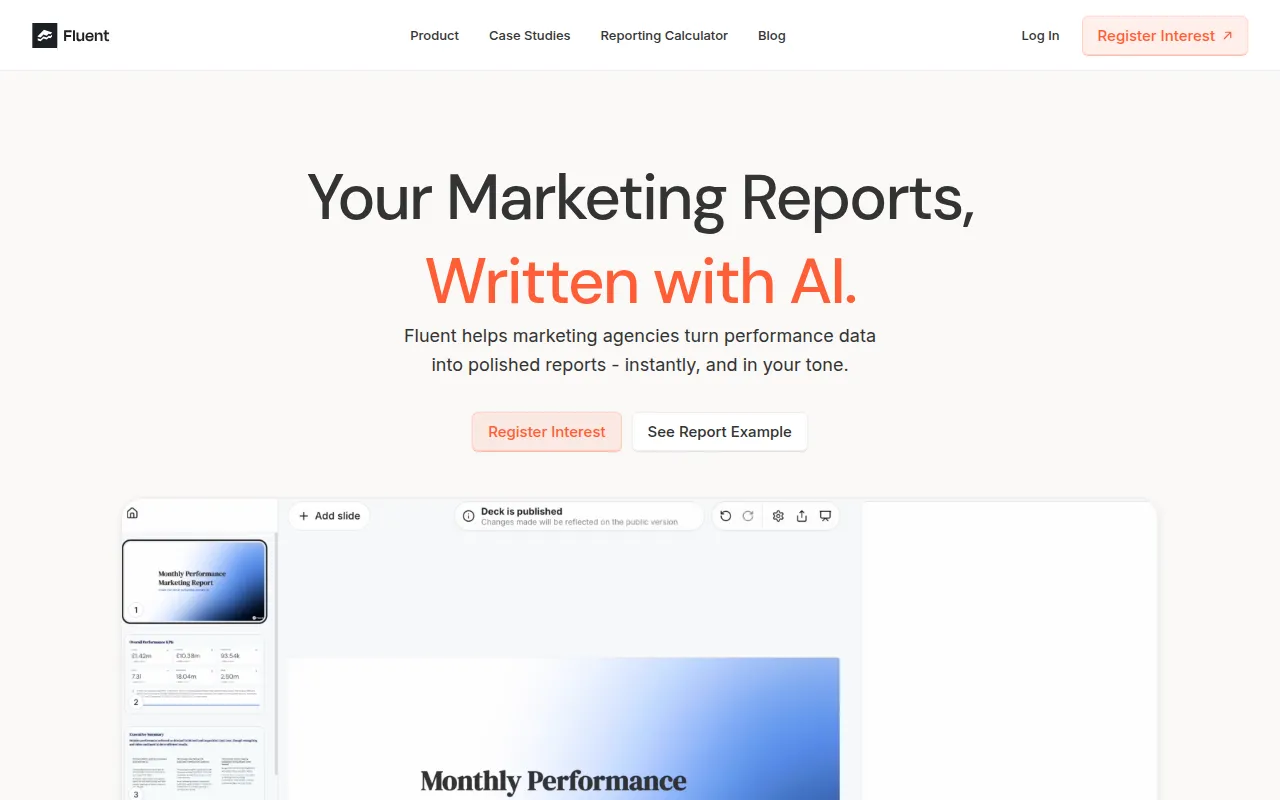
Fluent is an automated reporting tool designed to help marketing agencies with data entry and slide creation. The platform connects to various advertising and analytics sources to pull performance metrics and uses AI to draft the narrative explaining those results.
It is built for agencies and professional services firms that manage multiple client accounts across different platforms. The tool supports the upload of sample reports so the system can learn a specific tone and layout, which may help in creating consistent client deliverables.
Beyond data retrieval, the software supports narrative generation and AI editing to summarize content or add visuals. Once a report is generated, users can export the final product to Google Slides or share it as an interactive link.
Buyers should confirm if the 20+ available data connectors cover all the specific platforms they use for their clients and if the Google Slides export fits their internal review process.
Key Features
Data Source Connectors
Connects to platforms including Meta, Google Ads, GA4, TikTok, LinkedIn, Bing Ads, and Shopify.
Narrative Slide Decks
Generates a story based on data, analyzing what changed and potential next steps.
AI Editing Tools
Supports rewriting, summarizing content, or adding visuals within the report.
Google Slides Export
Supports exporting generated reports to Google Slides or sharing via interactive links.
Tone Learning
Supports the upload of sample report decks to help the tool mimic a specific company tone and layout.
Customizable Templates
Supports styling reports to meet specific client preferences and KPIs.
Use Cases
Automated Performance Reporting
Generating regular client reports by pulling data from multiple ad platforms into a single presentation.
Narrative Insight Generation
Using AI to analyze data changes and draft written explanations for client decks.
Client Presentation Prep
Creating a baseline slide deck in Google Slides that can be further refined before a client meeting.
Integrations
- Meta
- Google Ads
- GA4
- TikTok
- Bing Ads
- Shopify
- Google Slides export
FAQ
Who is Fluent designed for?
- Fluent is primarily designed for marketing agencies and professional services firms that need to generate narrative performance reports for clients.
Which platforms can Fluent connect to?
- It connects to over 20 sources, including Meta, Google Ads, GA4, TikTok, LinkedIn, Bing Ads, and Shopify.
How are reports delivered in Fluent?
- Reports can be exported to Google Slides or shared as interactive links.
Source category: Data & Analytics
Source subcategory: Analytics & Reporting
More tools in Data & Analytics
Other published listings in the Data & Analytics category.


More tools in the Analytics and Reporting software type
Related listings that share the same software type for comparison and shortlisting.


