AI TOOL PROFILE
Fillout.com Review: Online Form Builder Software

- Productivity
- Form Builder
- Small Businesses
- Mid-Market Companies
- Enterprise Companies
- No-code developers
Pricing
Fillout offers a free plan with 1,000 responses per month. Paid tiers include Starter ($15/mo), Pro ($40/mo), and Business ($75/mo), with Enterprise pricing available for advanced security and SSO.
At a glance
- Best for
- Small Businesses, Mid-Market Companies, Enterprise Companies, No-code developers
- Key use cases
- Customer Feedback and Surveys, Payment and Signature Collection, Appointment Scheduling, Database Management
- Integrations
- Airtable, Google Sheets, Notion, HubSpot, Salesforce
- Official website
- Visit Fillout.com official website
How AI is used
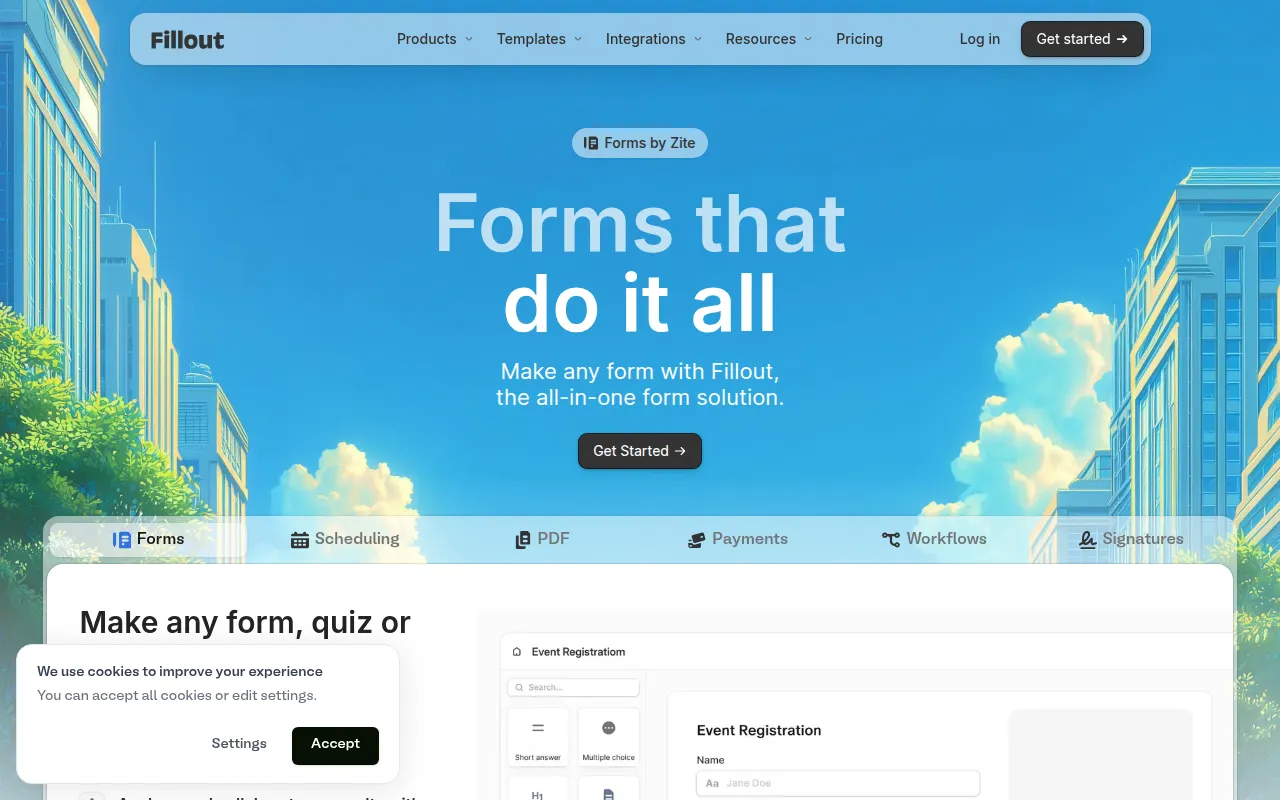
Fillout is a form builder designed to help organizations create data collection tools, including surveys, quizzes, and scheduling forms. It includes a drag-and-drop editor and AI-assisted tools to support the initial creation process.
The platform is designed for a range of users, from small business owners to enterprise companies. It supports connectivity with tools such as Airtable, Notion, and Google Sheets, and allows for payment collection and electronic signatures.
Buyers can customize the appearance of forms using branding options, including custom fonts, logos, and custom domain embedding. For larger organizations, the platform is SOC II Type 2 compliant and supports Single Sign-On (SSO).
Buyers should review the response limits across the different pricing tiers and confirm that the specific native integrations they require are included in their chosen plan.
Key Features
Drag-and-Drop Builder
A visual editor for creating multi-page forms.
AI-Assisted Generation
Includes AI tools designed to help generate forms, quizzes, surveys, and signatures.
Native Integrations
Supports 50+ direct connections to apps such as Airtable, Notion, HubSpot, and Salesforce.
Payment Collection
Allows users to collect payments directly through their forms.
Scheduling Forms
Tools to help manage appointment bookings within a form.
Custom Branding
Supports custom CSS, fonts, favicons, and domain embedding to match a company's brand.
Workflow Automation
Includes Fillout Workflows to help automate actions based on form submissions.
Use Cases
Customer Feedback and Surveys
Creating and distributing surveys or quizzes to collect audience feedback.
Payment and Signature Collection
Supporting business intake by collecting payments and electronic signatures.
Appointment Scheduling
Using scheduling forms to manage a calendar and book meetings.
Database Management
Using forms to create or update records in Airtable or Notion databases.
Integrations
- Airtable
- Google Sheets
- Notion
- HubSpot
- Salesforce
- Slack
- Stripe
- Zapier
- Make
- Calendly
- Mailchimp
FAQ
How many forms can I create with Fillout?
- You can create an unlimited number of forms on all plans, including the free plan.
Is Fillout secure for business data?
- Fillout is SOC II Type 2 compliant and uses 256-bit AES encryption for data at rest and TLS 1.2 for data in transit.
What happens if I exceed my monthly response limit?
- Forms will continue to collect responses; you can then upgrade your plan, purchase bulk submissions, or wait for the quota to reset the following month.
Which plan do I need for a custom domain?
- Custom domain support is available on the Business plan.
Source category: Productivity
Source subcategory: Form Builder
More tools in Productivity
Other published listings in the Productivity category.


More tools in the Form Builder software type
Related listings that share the same software type for comparison and shortlisting.


