AI TOOL PROFILE
FileBolt: Secure Large File Transfer Service

- Productivity
- File Transfer Service
- Engineering teams
- Research organizations
- Distributed global teams
- Small and mid-sized businesses sending large files
Pricing
Plans range from a free tier to Enterprise at $129/month. A 7-day free trial is available, and students may receive a 50% discount.
At a glance
- Best for
- Engineering teams, Research organizations, Distributed global teams, Small and mid-sized businesses sending large files
- Key use cases
- Secure Research Data Transfer, Engineering Project Collaboration, High-Volume Media Distribution, Data Delivery in Weak Network Areas
- Official website
- Visit FileBolt official website
How AI is used
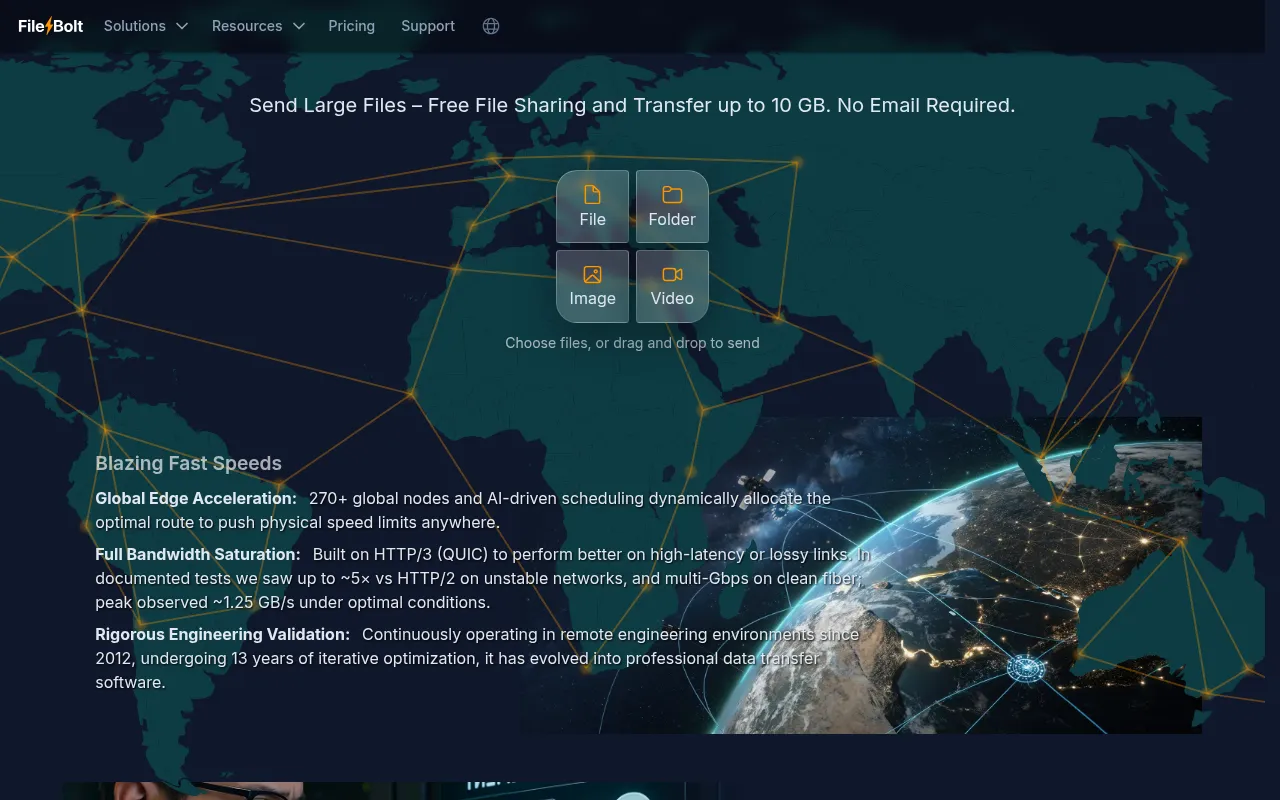
FileBolt is a file transfer platform designed for sending large files securely. It uses zero-knowledge end-to-end encryption, meaning encryption keys remain on the user's device, which helps maintain data privacy during transit.
The service is designed for teams that handle large data sets, such as engineering project files or research data, particularly those working across different global regions. It utilizes the HTTP/3 (QUIC) protocol and a network of over 270 global nodes to support stable transfers in high-latency or unstable network conditions.
Beyond sending, the platform supports bidirectional collaboration by allowing recipients to upload files. Higher-tier plans include business-specific controls such as custom legal terms and branded transfer portals.
Buyers should confirm their specific file size needs and retention requirements, as the free tier has a 3-day file retention limit and a 10 GB cap per file, while paid tiers extend these limits.
Key Features
Zero-Knowledge Encryption
End-to-end encryption where keys do not leave the user's device to help ensure privacy.
AI-Driven Scheduling
Allocates transfer routes across 270+ global nodes.
HTTP/3 (QUIC) Protocol
Designed to support performance on high-latency or lossy network links.
Instant Stream Technology
Supports concurrent sharing and downloading without waiting for the upload to fully complete.
Recipient Uploads
Allows collaborators or clients to send files back to the sender.
Custom Branding
Available for business tiers to customize logos and backgrounds on the transfer portal.
Use Cases
Secure Research Data Transfer
Moving research data sets between global institutions using end-to-end encryption.
Engineering Project Collaboration
Sharing engineering files and telemetry data between distributed teams without requiring email signups.
High-Volume Media Distribution
Distributing large media assets to collaborators via a branded portal.
Data Delivery in Weak Network Areas
Transferring files from remote locations with unstable internet connections using resumable transfer technology.
FAQ
Is FileBolt free to use?
- Yes, FileBolt offers a free tier that allows sending files up to 10 GB with up to 60 transfers per month and 3-day file retention.
How does FileBolt handle security?
- It uses zero-knowledge end-to-end encryption (E2EE), meaning the encryption keys do not leave the user's device.
What is the maximum file size I can send with a paid plan?
- Depending on the plan, the maximum file size ranges from 100 GB on the Education plan up to 5 TB on the Enterprise plan.
Do I need to create an account to send files?
- No, FileBolt allows for file transfers without a signup or login.
Source category: Productivity
Source subcategory: File Transfer Service
More tools in Productivity
Other published listings in the Productivity category.


