AI TOOL PROFILE
FigForm: No-Code Form Builder

- Productivity
- Form Builder
- Marketing teams
- Designers
- Marketing agencies
- Small business owners
Pricing
Offers a Free plan, Agency Pro at $24/month, and Business at $74/month (billed yearly). Yearly billing saves 17%.
At a glance
- Best for
- Marketing teams, Designers, Marketing agencies, Small business owners
- Key use cases
- Branded Client Intake, Lead Generation, Rapid Drafting, User Feedback Surveys
- Integrations
- Zapier, n8n, Make, CRM integrations, Webhooks
- Official website
- Visit FigForm official website
How AI is used
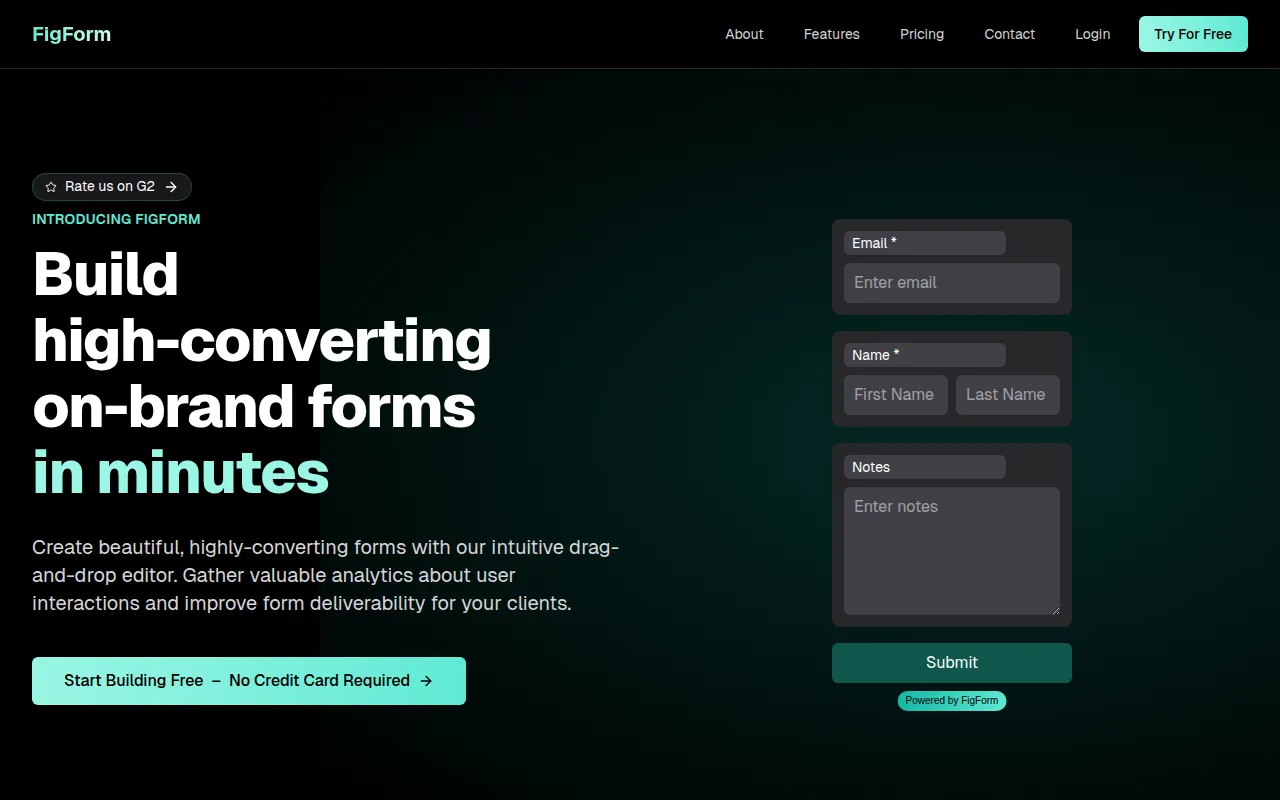
FigForm is a no-code form builder that provides more control over visual appearance than many traditional builders. It uses a canvas-based editor similar to Figma, which allows users to arrange elements, apply styling, and build multi-step flows.
The tool is aimed at marketing teams, designers, and agencies who need forms to match brand guidelines. It supports the creation of surveys, quizzes, and client intake forms that can be embedded on websites or shared via direct links.
The platform includes AI tools that can help generate layouts from prompts and provide field recommendations. It also offers analytics to help users track how people interact with their forms.
Buyers should confirm plan limits regarding AI requests and team members, as these vary between the free and paid tiers.
Key Features
Figma-Like Design Editor
A drag-and-drop canvas that supports precise styling, smart guides, and custom element arrangement.
AI Form Generation
An AI panel designed to generate multi-step form layouts based on text prompts.
Conditional Logic
A visual logic builder used to create dynamic forms that change paths based on user responses.
White-Labeling
Supports hosting forms on custom domains to maintain brand consistency.
Form Analytics
Tracks completion metrics, submission rates, and basic conversion tracking.
Multi-step Flows
Supports the creation of guided, multi-screen experiences instead of single-page forms.
Use Cases
Branded Client Intake
Creating forms that match a client's visual identity for a consistent look and feel.
Lead Generation
Building forms with multi-step flows to capture user data.
Rapid Drafting
Using AI prompts to quickly draft form structures before finalizing the design.
User Feedback Surveys
Designing surveys and quizzes with conditional branching to personalize the respondent experience.
Integrations
- Zapier
- n8n
- Make
- CRM integrations
- Webhooks
FAQ
Is there a free version of FigForm?
- Yes, FigForm offers a free plan that includes unlimited forms, surveys, quizzes, and responses, though it is limited to 5 AI requests.
Can I use FigForm for commercial projects?
- Yes, all plans, including the free plan, can be used for commercial projects without restrictions.
Does FigForm offer a free trial for paid plans?
- FigForm does not offer traditional free trials because it provides a free plan to evaluate the software.
Can I host the form on my own domain?
- Yes, custom domain hosting is available as part of the white-labeling features on paid plans.
Source category: Productivity
Source subcategory: Form Builder
More tools in Productivity
Other published listings in the Productivity category.


More tools in the Form Builder software type
Related listings that share the same software type for comparison and shortlisting.


