AI TOOL PROFILE
Explo: Embedded Analytics and Reporting

- Data and Analytics
- Analytics and Reporting
- SaaS platforms
- Product teams
- Engineering teams
- Enterprise software companies
- Fintech and healthcare providers
Pricing
Pricing was not clearly available from the provided evidence, though a 14-day free trial is offered for new users. Buyers should confirm current pricing on the vendor website.
At a glance
- Best for
- SaaS platforms, Product teams, Engineering teams, Enterprise software companies, Fintech and healthcare providers
- Key use cases
- Embedded Customer Analytics, Self-Service Reporting, Automated Data Delivery, White-Labeled Data Portals
- Integrations
- Snowflake, PostgreSQL, BigQuery, AWS Redshift, MySQL
- Official website
- Visit Explo tools official website
How AI is used
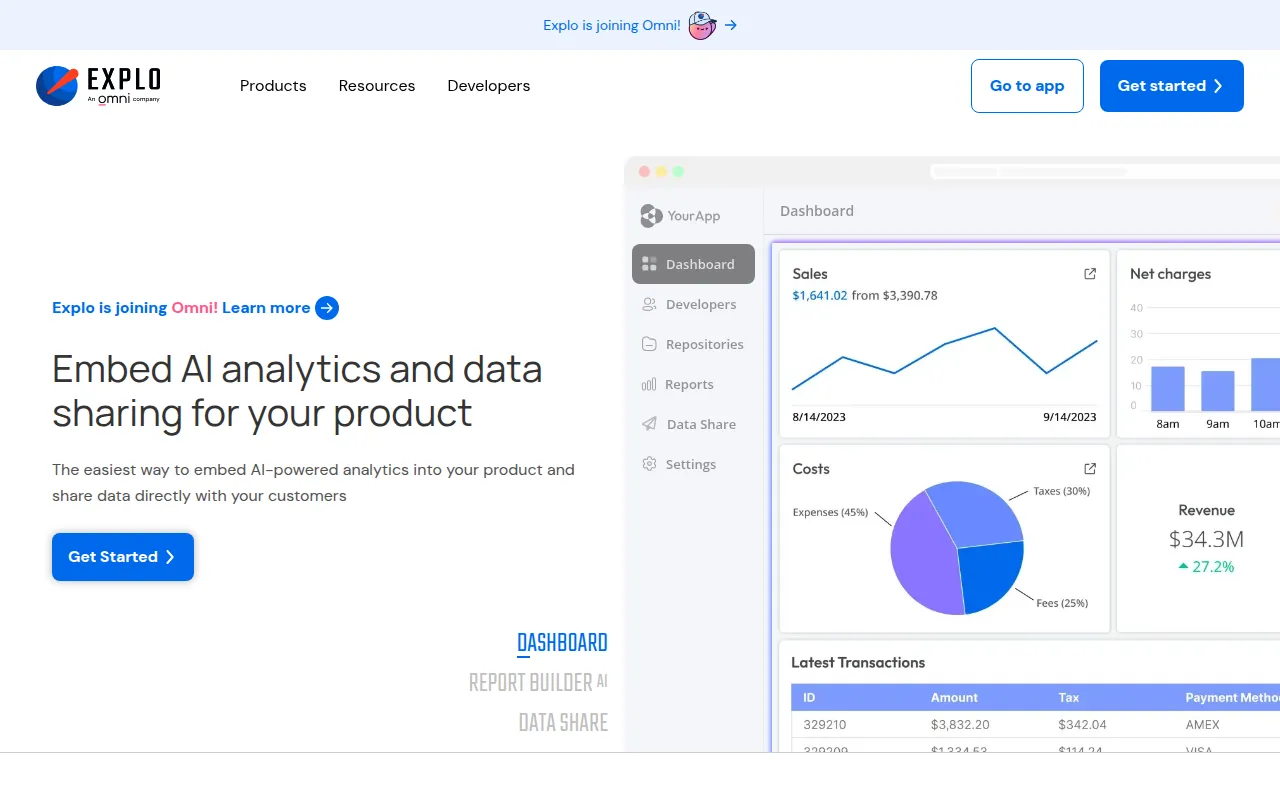
Explo is an embedded analytics tool for product and engineering teams to provide users with data insights. It allows businesses to connect existing databases and embed interactive charts and reports into web applications using web components or iframes.
The platform supports organizations providing customer-facing data, such as SaaS platforms, fintech, and healthcare organizations. It offers various delivery methods, ranging from embedded dashboards to a white-labeled portal for those without their own application.
Buyers should note the tool is designed for embedding data into a product or sharing it with clients, rather than serving as a general internal business intelligence tool. It supports SOC 2 Type 2, HIPAA, and GDPR standards for compliance needs.
Key Features
Interactive Dashboards
Embeddable data visualizations that can be styled to match the host application's fonts, borders, and shadows.
Report Builder AI
An AI-powered tool that supports end users in creating self-service reports.
Data Share
Supports sending datasets, dashboards, and reports to customers via S3, SFTP, APIs, Slack, and email.
Explo Host
A white-labeled dashboard portal for businesses that do not have their own web portal or app.
Style Configurator
Tools to customize the look and feel of components to align with a company's application design.
Global Datasets
Supports modeling data for use across various dashboards and reports.
Use Cases
Embedded Customer Analytics
Integrating interactive dashboards into a SaaS product so users can view their own data.
Self-Service Reporting
Using AI-powered tools to let customers build custom reports.
Automated Data Delivery
Scheduling the delivery of specific data assets to customers via Slack, email, or cloud storage.
White-Labeled Data Portals
Providing customers with a secure, branded login area to access analytics via Explo Host.
Integrations
- Snowflake
- PostgreSQL
- BigQuery
- AWS Redshift
- MySQL
- SQL Server
- Clickhouse
- Databricks
- S3 export
- SFTP export
- Slack export
FAQ
What is Explo used for?
- Explo is used to embed interactive dashboards, AI-powered reports, and data sharing capabilities directly into a company's software product for their end users.
Which databases does Explo support?
- Explo supports various relational databases and warehouses, including Snowflake, BigQuery, PostgreSQL, MySQL, AWS Redshift, and SQL Server.
Can I use Explo if I don't have my own web application?
- Yes, Explo Host provides a white-labeled dashboard portal where users can log in securely to view their data.
Is Explo secure for healthcare or enterprise data?
- Explo is SOC 2 Type 2 compliant, HIPAA certified, and GDPR certified, and offers region-specific stacks and dedicated hosting.
Source category: Data & Analytics
Source subcategory: Analytics & Reporting
More tools in Data & Analytics
Other published listings in the Data & Analytics category.


More tools in the Analytics and Reporting software type
Related listings that share the same software type for comparison and shortlisting.


