AI TOOL PROFILE
Everylead: AI Lead Automation Software

- Sales
- Sales Enablement
- Local service businesses
- Small business owners
- Sales teams
- Mid-market companies
Pricing
Pricing was not clearly available from the provided evidence. Buyers should confirm current pricing on the vendor website.
At a glance
- Best for
- Local service businesses, Small business owners, Sales teams, Mid-market companies
- Key use cases
- After-hours Call Handling, Immediate Form Follow-up, Database Re-engagement, Lead Screening
- Integrations
- Google Calendar, Outlook Calendar, Calendly, Acuity, HubSpot
- Official website
- Visit Everylead official website
How AI is used
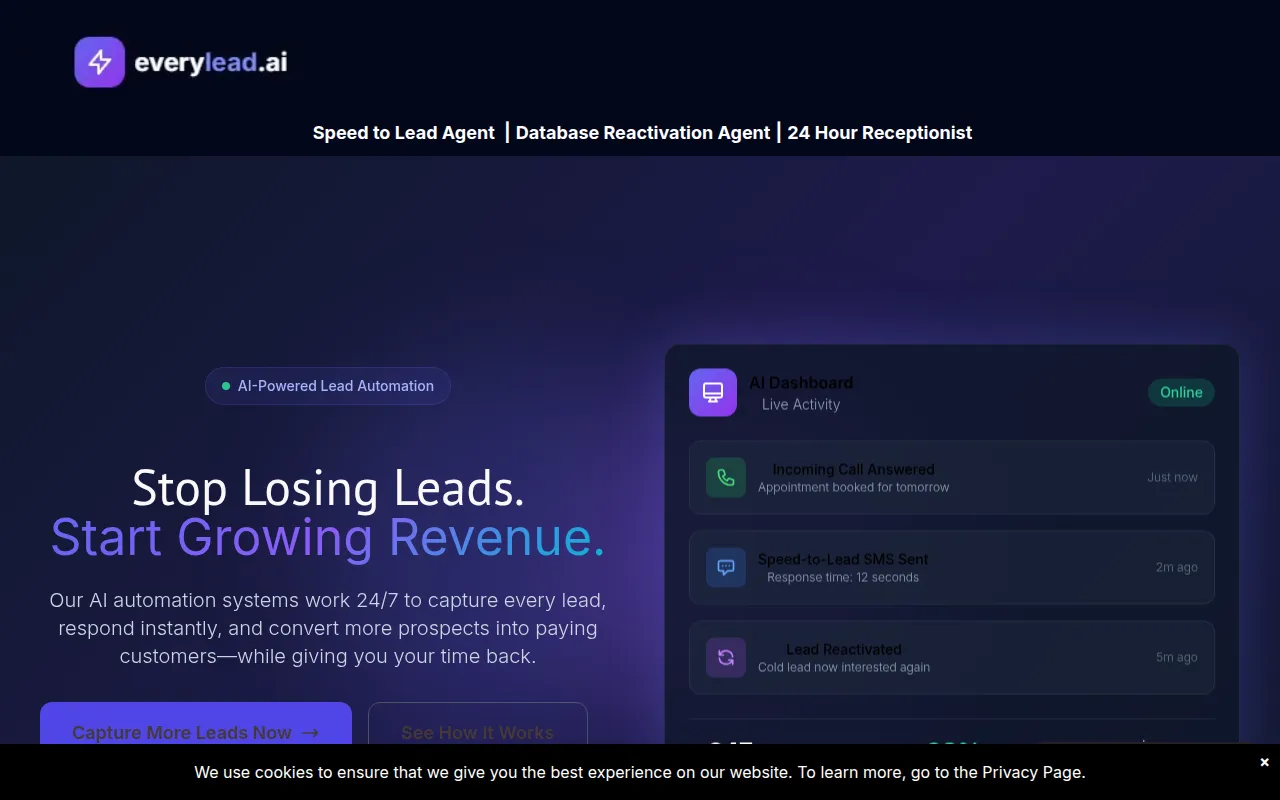
Everylead provides AI agents designed to handle initial lead capture and qualification. The platform focuses on three main areas: 24/7 phone answering, responses to online forms, and the reactivation of old contacts in a company's database.
It is intended for small to mid-market companies, particularly local service businesses such as HVAC, plumbing, and roofing. The system is designed to qualify leads and book appointments directly into a user's calendar.
Buyers should note that the system relies on AI to interact with customers, and scripts are customized to match a brand voice. The platform includes a dashboard to track lead activity and response rates in real time.
Since the service is configured based on a strategy call, buyers should confirm the final cost and specific agent capabilities during their initial consultation.
Key Features
AI Phone Assistant
Answers incoming calls 24/7, qualifies leads with custom questions, and books appointments directly into the business calendar.
Speed-to-Lead AI
Sends personalized text messages to leads within 30 seconds of an online form submission.
Lead Reactivation AI
Re-engages cold or unresponsive leads from existing databases using personalized SMS and email sequences.
Lead Activity Dashboard
Provides tracking for lead response rates, appointment bookings, and activity in real time.
Automated Qualification
Collects project details, budget, and timeline to filter prospects before they reach the team.
Use Cases
After-hours Call Handling
Using the AI Phone Assistant to answer emergency or late-night calls and book appointments.
Immediate Form Follow-up
Deploying Speed-to-Lead AI to text web leads quickly to keep them engaged until a team member can call.
Database Re-engagement
Using the Reactivation AI to contact old leads in a CRM to identify new opportunities.
Lead Screening
Implementing qualifying questions via AI to help ensure relevant prospects are booked onto the calendar.
Integrations
- Google Calendar
- Outlook Calendar
- Calendly
- Acuity
- HubSpot
- Salesforce
- Zapier
FAQ
How quickly can Everylead be set up?
- The platform is designed to go live in 48 hours or less, following a strategy call and custom configuration.
Does Everylead integrate with other software?
- It is designed to connect with calendars like Google and Outlook, scheduling tools like Calendly, and CRMs like HubSpot or Salesforce via Zapier.
What happens when a lead submits a form through the Speed-to-Lead AI?
- The AI is designed to send a personalized text message within 30 seconds to keep the lead engaged before a team member calls.
Source category: Sales
Source subcategory: Sales Enablement
More tools in Sales
Other published listings in the Sales category.


More tools in the Sales Enablement software type
Related listings that share the same software type for comparison and shortlisting.


