AI TOOL PROFILE
EverDay Tools Review: Free Online Utility Platform

- Productivity
- Developer Productivity Tools
- Web developers
- Freelance writers
- Students
- UI/UX designers
- Small business owners
Pricing
EverDay Tools is completely free to use with no hidden costs or premium tiers.
At a glance
- Best for
- Web developers, Freelance writers, Students, UI/UX designers, Small business owners
- Key use cases
- Developer Debugging, Content Drafting, Web Design Adjustments, Quick Asset Optimization, Resume Preparation
- Official website
- Visit EverDay Tools official website
How AI is used
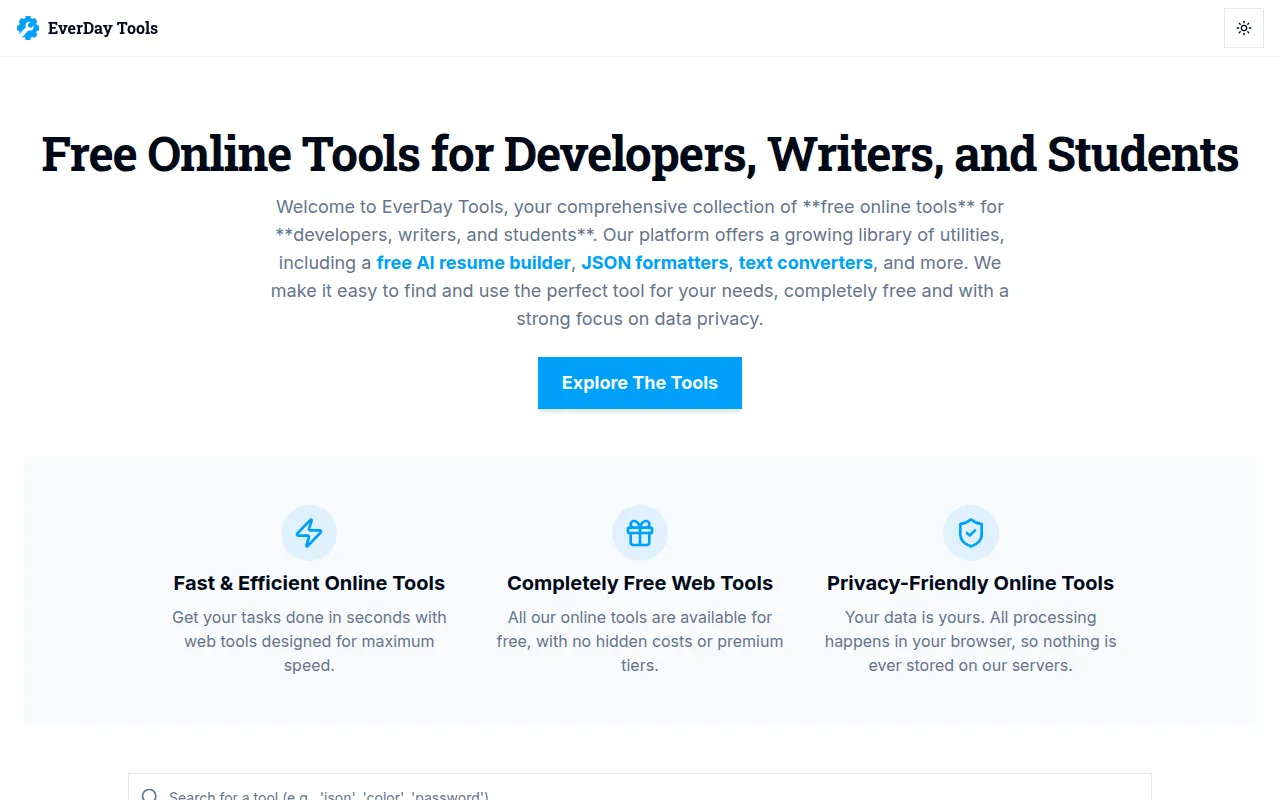
EverDay Tools is a collection of web-based utilities designed for developers, designers, and general productivity. The platform organizes its tools into categories, including AI-powered content generators, developer-specific formatters, and various image and text utilities.
It is designed for individuals and small teams who need access to tools like JSON formatters or AI resume builders without installing software. Because it runs client-side in the browser, it is intended for those who prioritize data privacy, as inputs are not stored on the vendor's servers.
Buyers should note that the platform is a suite of independent utilities rather than a single integrated software project. It is intended for discrete tasks such as code minification, color picking, or text paraphrasing.
Since the service is free, it may reduce the need for budget approvals, though users should verify that browser-based processing meets their specific security requirements for sensitive data.
Key Features
AI Content Tools
Includes an AI resume builder, text summarizer, and paraphrasing tools to support document creation.
Developer Utilities
Provides tools for JSON formatting, Base64 encoding/decoding, code minification, and regex testing.
Design & Color Tools
Includes a color picker, contrast checker for WCAG accessibility, and CSS shadow and clip-path generators.
Image & Media Tools
Supports AI background removal, image compression, and barcode generation.
Client-Side Processing
Processing occurs within the browser, which is designed to ensure data is not transmitted to or stored on servers.
Code Notepad
A developer scratchpad with JavaScript syntax highlighting that saves snippets locally in the browser.
Use Cases
Developer Debugging
Formatting and validating JSON data or decoding JWTs for API testing.
Content Drafting
Using AI to summarize long documents or rephrase sentences for clarity.
Web Design Adjustments
Checking color contrast for accessibility standards or generating CSS gradients.
Quick Asset Optimization
Compressing image file sizes or removing backgrounds from photos using AI.
Resume Preparation
Generating a resume via AI and downloading the result as a PDF.
FAQ
Is EverDay Tools free?
- Yes, the platform is completely free with no hidden costs or premium tiers.
Is my data secure when using these tools?
- The platform is designed for privacy, with processing happening client-side in the browser; the vendor states that no data is stored on their servers.
Who should use EverDay Tools?
- It is designed for developers, writers, and students who need access to a variety of small productivity and technical utilities.
Does the AI resume builder support PDF downloads?
- Yes, the AI resume builder allows users to generate resumes and download them as PDFs.
Source category: Productivity
Source subcategory: Developer Productivity Tools
More tools in Productivity
Other published listings in the Productivity category.


