AI TOOL PROFILE
Ermine: Local Audio Transcription Tool

- Productivity
- Voice AI
- Small businesses
- Mid-market companies
- Users requiring local data processing
Pricing
Pricing was not clearly available from the provided evidence. Buyers should confirm current pricing on the vendor website.
At a glance
- Best for
- Small businesses, Mid-market companies, Users requiring local data processing
- Key use cases
- Local Audio Transcription, Privacy-Focused Note Taking
- Official website
- Visit Ermine official website
How AI is used
Ermine is a transcription tool that operates within a web browser. It uses local client-side processing, meaning audio is handled on the user's hardware instead of being sent to a remote server.
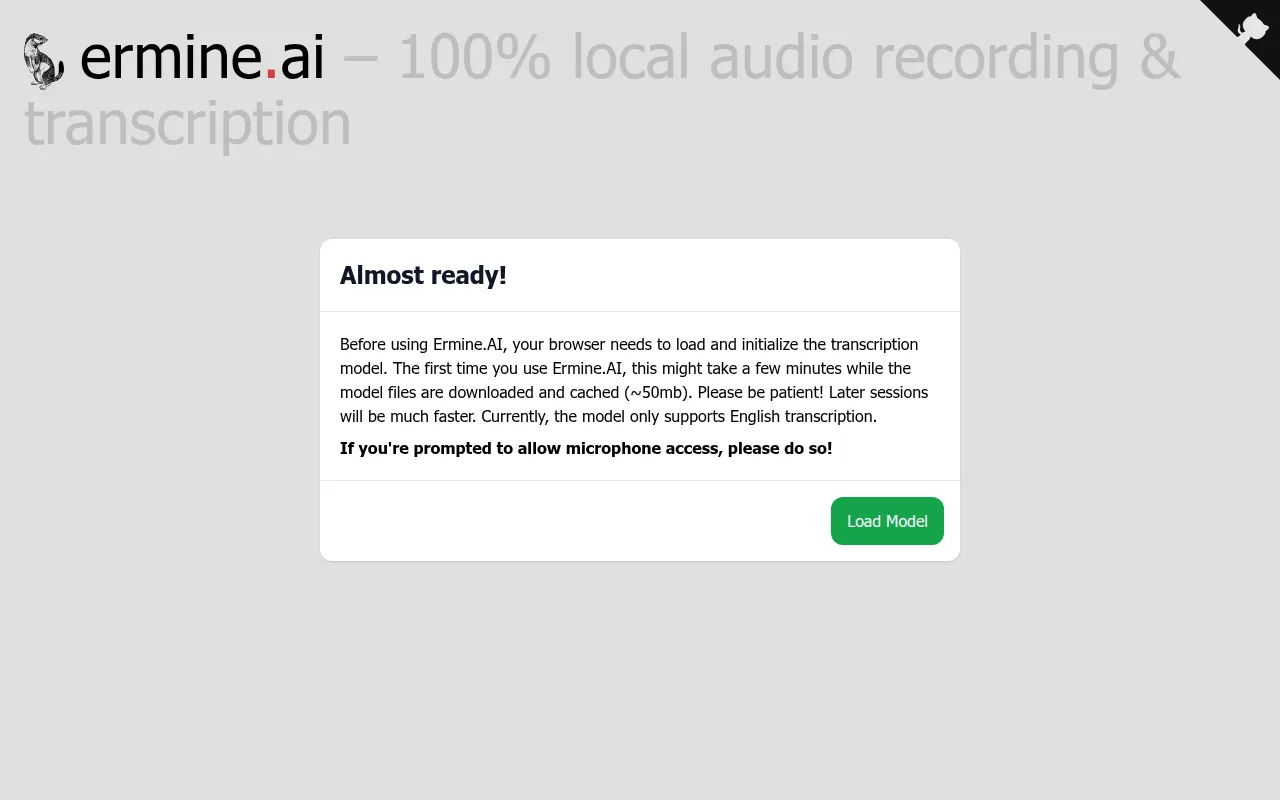
The tool supports recording audio via a microphone and generating a text transcript. It requires an initial download of a transcription model (approximately 50MB), which is then cached for future use.
Buyers should note that the software currently supports only English transcription. Because it relies on the browser's ability to process the model, performance depends on the user's local device capabilities.
Key Features
Local Client-Side Processing
Processes audio on the user's device to avoid sending data to the cloud.
Browser-Based Operation
Runs in the web browser without requiring software installation.
Audio Recording
Captures audio directly from the device microphone.
Transcript and Audio Downloads
Supports downloading both the recorded audio file and the resulting text transcript.
Use Cases
Local Audio Transcription
Recording notes or interviews via microphone and converting them to text locally.
Privacy-Focused Note Taking
Capturing audio where local processing is preferred over cloud-based storage.
FAQ
Does Ermine send audio data to the cloud?
- No, Ermine uses local client-side processing, meaning the audio is processed on your own device.
What languages does Ermine support?
- Currently, the transcription model only supports English.
Is there a software installation required?
- No, it is a browser-based tool, though it requires downloading a transcription model of about 50MB upon first use.
Source category: Productivity
Source subcategory: Voice AI
More tools in Productivity
Other published listings in the Productivity category.


More tools in the Voice AI software type
Related listings that share the same software type for comparison and shortlisting.