AI TOOL PROFILE
Digs Review: Construction Management Software for Home Builders

- Construction
- Project Management
- Custom home builders
- Production builders
- Residential remodelers
- Interior designers
Pricing
Digs Pro starts at $59 per month when billed annually (or $69 monthly). A 14-day free trial is available, and custom pricing is available for Enterprise clients.
At a glance
- Best for
- Custom home builders, Production builders, Residential remodelers, Interior designers
- Key use cases
- Pre-Construction Planning, Design and Selection Management, Digital Homeowner Handoff, Warranty and After-Care
- Integrations
- Dropbox integration, ERP integration (Enterprise only)
- Official website
- Visit Digs official website
How AI is used
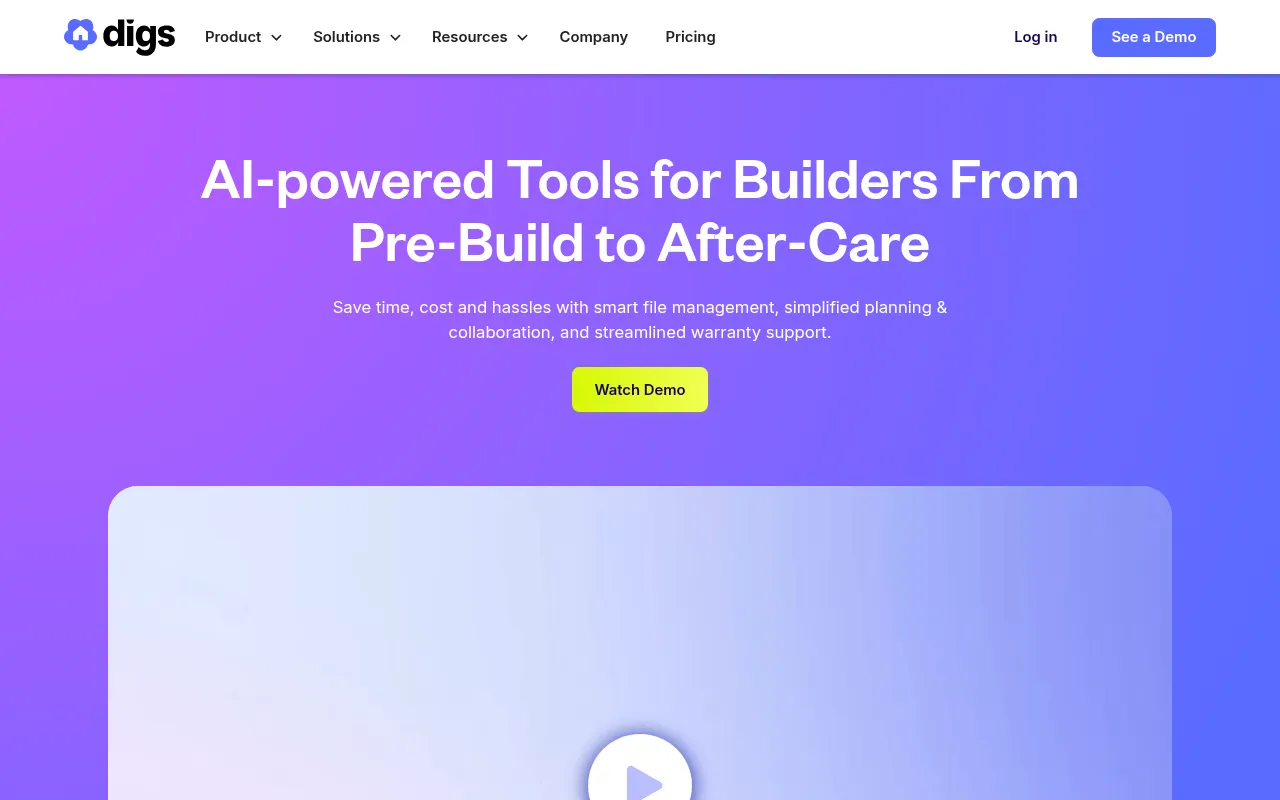
Digs is a project management platform tailored for the residential construction industry, including custom and production builders, remodelers, and designers. It supports the creation of a single source of truth for project files and design specifications.
The software supports the build lifecycle from pre-construction through after-care. It provides tools for digital markups, live collaboration on floor plans, and AI-driven assistance to help teams find project details.
For the final stage of a project, the platform is designed to facilitate the transition to the homeowner through a digital portal that includes warranty information and home documentation.
Buyers should confirm their specific needs regarding project volume and integration requirements, as administrative controls and ERP integrations are available on the Enterprise tier.
Key Features
AskDigs AI Chat
An AI-powered assistant designed to help users find specific information and answers across project files.
AI Takeoffs and Measurements
Tools that support digital measurements and trade-specific takeoffs directly from floor plans.
3D Floor Plans
Transforms 2D plans into interactive 3D models to provide spatial context for clients and trades.
Homeowner Portal
A branded space where homeowners can access handoff documents, warranty information, and project details.
Live Collaboration
Supports real-time markups, annotations, and synchronized commenting on plans and documents.
Electronic Signatures
Supports signing and tracking contracts and change orders digitally.
Use Cases
Pre-Construction Planning
Organizing plans and specifications while collaborating with designers and clients on initial layouts.
Design and Selection Management
Tracking fixtures, finishes, and materials in one place to provide the build team with current information.
Digital Homeowner Handoff
Converting project documentation into a digital home binder for the client upon completion.
Warranty and After-Care
Managing warranty requests and providing homeowners with AI-assisted guidance on home maintenance.
Integrations
- Dropbox integration
- ERP integration (Enterprise only)
FAQ
Who can use Digs and is it free for clients?
- Digs is designed for custom builders, production builders, remodelers, and designers. Clients and external collaborators can be invited to projects for free.
What is the difference between Digs Pro and Enterprise?
- Digs Pro provides essential collaboration and file management tools. The Enterprise plan adds custom ERP integrations, SSO security, dedicated customer success, and advanced analytics.
Does Digs offer a free trial?
- Yes, Digs offers a 14-day free trial for the Pro and DigsCare features.
Source category: Construction
Source subcategory: Project Management
More tools in Construction
Other published listings in the Construction category.


More tools in the Project Management software type
Related listings that share the same software type for comparison and shortlisting.


