AI TOOL PROFILE
Determine: Design Thinking Workspace

- Productivity
- Design Thinking Workspace
- Product designers
- UX designers
- Design leads
- Design teams
- Solo designers
Pricing
A free tier is available for up to 3 diary entries. A paid plan with unlimited entries is available for $49 USD per month.
At a glance
- Best for
- Product designers, UX designers, Design leads, Design teams, Solo designers
- Key use cases
- Documenting Design Reasoning, Validating Assumptions, Pre-design Alignment, UX Flow Refinement
- Official website
- Visit determine official website
How AI is used
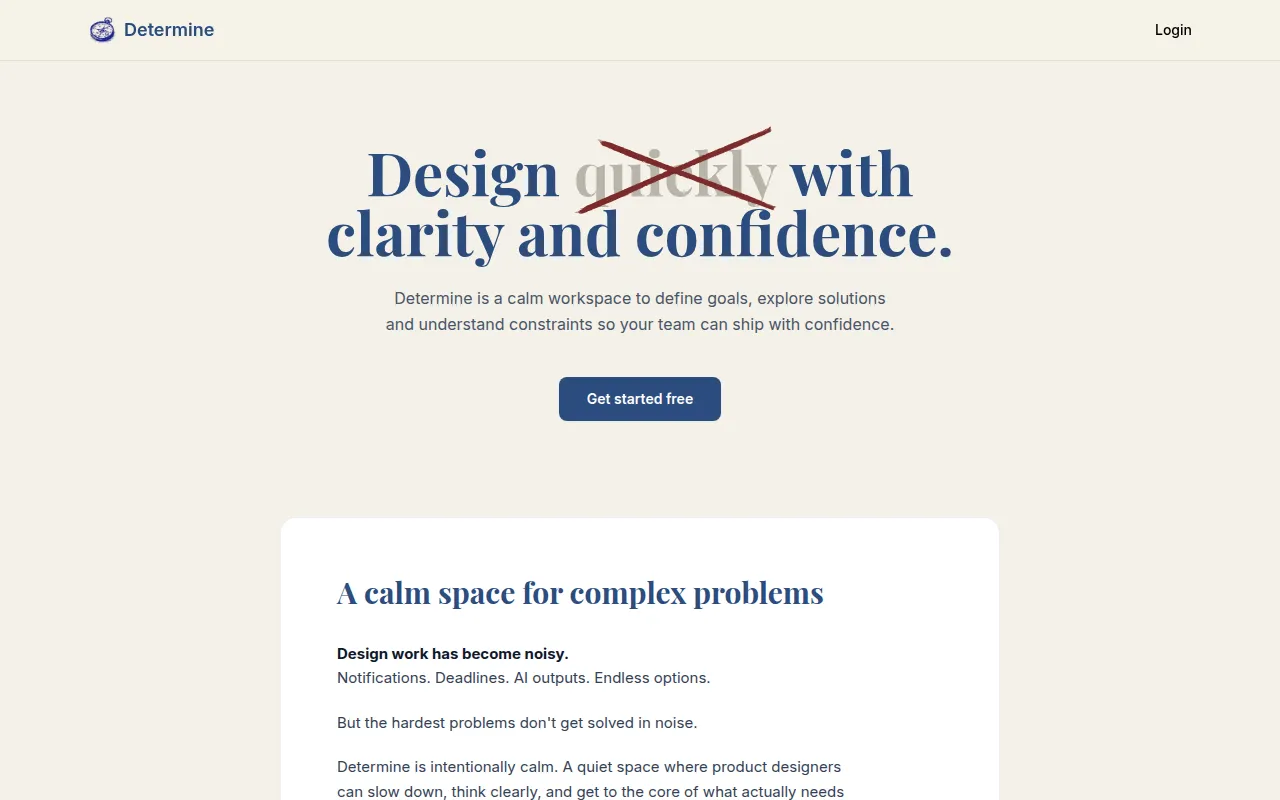
Determine is a workspace designed for the thinking phase of the design process. It provides a structured environment where users can define goals, map out constraints, and document the reasoning behind their choices.
It is built for product designers, UX designers, and design leads who want to think through complex problems before moving into visual tools. The platform helps users maintain a record of the reasoning behind their decisions, which can be shared with teammates for feedback.
The tool uses a structured diary format to guide users through research and pre-mortem analysis. It also includes a scoring system that may help users gauge how much research supports their current direction.
Buyers should note that this is a complementary tool to visual design software; it is intended to be used before visual design tools to establish clarity and alignment.
Key Features
Structured Design Diary
A document format for capturing goals, research, assumptions, and constraints for specific design decisions.
Confidence Score
A percentage based on research ratings across different categories that reflects how thoroughly a decision has been considered.
Pre-Mortem Analysis
A space to challenge assumptions by imagining potential reasons why a design might fail.
AI-Powered Summaries
Provides summaries of the design thinking and documentation process using AI.
Collaborative Feedback
Supports sharing reflections via links so collaborators can leave comments on specific sections.
Use Cases
Documenting Design Reasoning
Using the design diary to track the evolution of a project and explain the reasoning behind choices to stakeholders.
Validating Assumptions
Identifying and tracking assumptions and constraints before starting visual work.
Pre-design Alignment
Using shareable links and comments to gather team consensus on a direction before using a design tool.
UX Flow Refinement
Applying structured reflection to identify and fix broken UX flows or redesign onboarding experiences.
FAQ
What is a design diary in Determine?
- A design diary entry is a structured document used to capture the goal, research, assumptions, constraints, and pre-mortem analysis of a design decision.
How does the confidence score work?
- The confidence score is a percentage calculated based on ratings across various research categories, reflecting how much evidence supports the design direction.
Does Determine replace Figma?
- No, it is complementary. Determine is for the thinking and research phase, while tools like Figma are for creating the actual visual designs.
What are the pricing options for Determine?
- Determine offers a free tier limited to 3 diary entries and a paid plan for $49 USD per month for unlimited entries.
Source category: Productivity
Source subcategory: Design Thinking Workspace
More tools in Productivity
Other published listings in the Productivity category.


