AI TOOL PROFILE
DataStatPro Review: Statistical Analysis Software

- Data and Analytics
- Analytics and Reporting
- Academic researchers
- University students
- Data analysts
- Educational institutions
Pricing
Plans start at $39 per year for a Standard Account, with a Pro Account available for $89 per year. Educational accounts are free with a .edu email, and Edu Pro is available for $49 per year.
At a glance
- Best for
- Academic researchers, University students, Data analysts, Educational institutions
- Key use cases
- Academic Research Reporting, Hypothesis Testing, Relationship Analysis, Predictive Modeling
- Integrations
- Excel import, CSV import, Google Sheet integration, Word export, PDF export
- Official website
- Visit DataStatPro official website
How AI is used
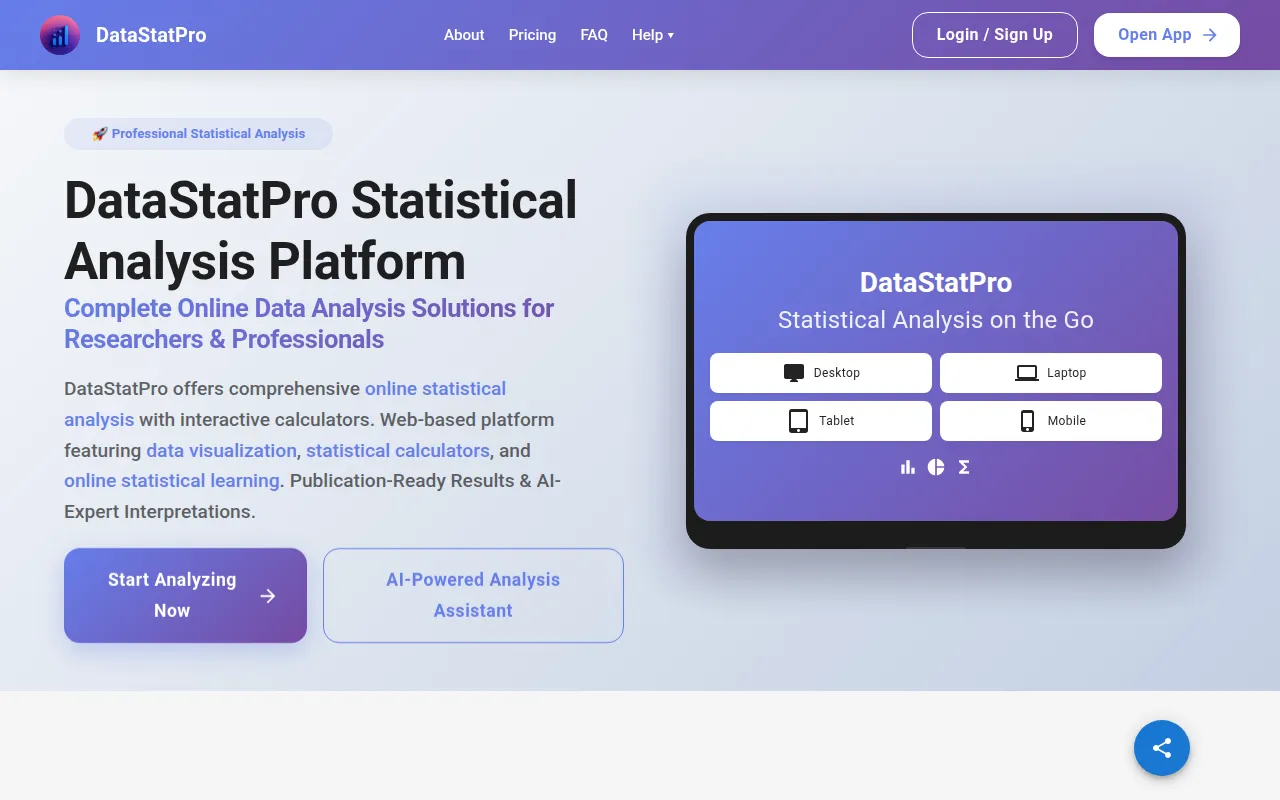
DataStatPro is a web-based statistical analysis platform designed for researchers, students, and professionals. It provides inferential statistics tools, including ANOVA, regression, and correlation analysis, accessible through a web browser without requiring installation.
The platform is geared toward users who need to move from raw data to academic or professional reporting. It includes features for generating APA 7th edition compliant tables and data visualizations, such as box plots and scatter plots, which can be exported for publications or presentations.
Buyers should note that functionality varies by plan. While educational users have broad access, business buyers can choose between Standard and Pro tiers depending on whether they require advanced analysis and AI-powered interpretations.
Because it is cloud-based, it supports real time collaboration and browser-based access, which may help remote research teams or academic group projects.
Key Features
Inferential Statistics Toolkit
Supports a variety of tests including t-tests, ANOVA, non-parametric tests, and repeated measures.
APA Tables Generator
Formats regression, ANOVA, and correlation results into APA 7th edition standards.
AI Analysis Studio
Provides AI-powered analysis assistance and interpretations of statistical results.
Data Visualization Tools
Creates charts, including violin plots, histograms, and correlation heatmaps.
Sample Size Calculators
Supports research planning by calculating required sample sizes for different study scenarios.
Cloud-Based Collaboration
Allows users to share projects with team members in real time with version control.
Use Cases
Academic Research Reporting
Generating APA tables and charts for journal submissions and dissertations.
Hypothesis Testing
Performing t-tests and ANOVA to compare group means in experimental or observational studies.
Relationship Analysis
Using Pearson and Spearman correlation to examine relationships between variables.
Predictive Modeling
Applying linear and logistic regression to predict outcomes based on multiple independent variables.
Integrations
- Excel import
- CSV import
- Google Sheet integration
- Word export
- PDF export
FAQ
Is DataStatPro free for students?
- Yes, it is free for students and educators who have a valid .edu email address.
Can I import my own data into DataStatPro?
- Yes, you can import your own data via Excel or CSV files if you have a Standard, Pro, or Educational account; the guest access is limited to sample data.
Does DataStatPro require any software installation?
- No, it is a web-based platform that works in a modern browser across different operating systems.
Source category: Data & Analytics
Source subcategory: Analytics & Reporting
More tools in Data & Analytics
Other published listings in the Data & Analytics category.


More tools in the Analytics and Reporting software type
Related listings that share the same software type for comparison and shortlisting.


