AI TOOL PROFILE
dadan: AI-Powered Video Recording and Editing

- Productivity
- Video and Animation
- Remote teams
- Educators
- Content creators
- Sales professionals
- Customer support teams
Pricing
A free plan is available (up to 25 videos). Paid tiers include Professional at $8 per user/month and Business at $10 per user/month (minimum 3 licenses).
At a glance
- Best for
- Remote teams, Educators, Content creators, Sales professionals, Customer support teams
- Key use cases
- Learning and Development, Remote Team Collaboration, Sales and Marketing Outreach, Customer Support
- Integrations
- MailChimp, HubSpot, YouTube, Slack, Trello
- Official website
- Visit dadan official website
How AI is used
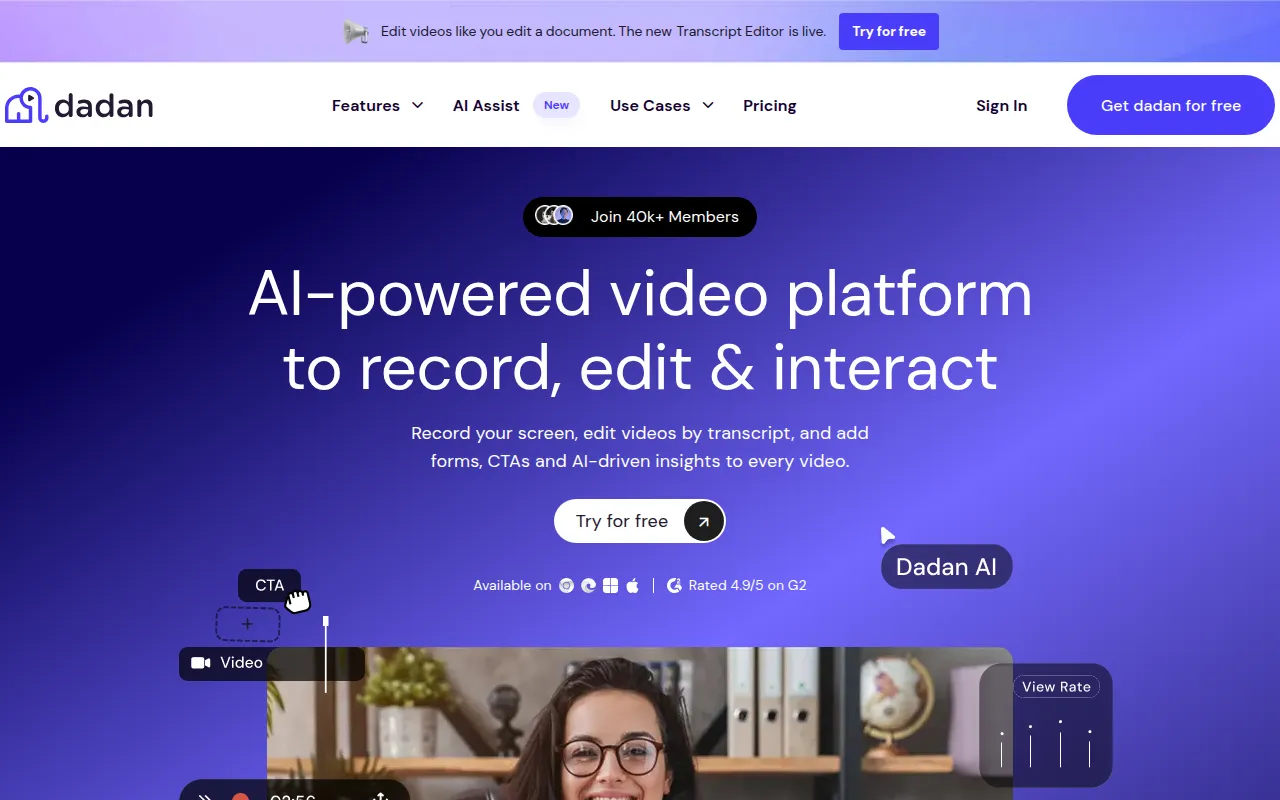
dadan is a video platform for recording, editing, and hosting content. It supports screen and webcam capture and provides a transcript-based editor that allows users to make changes to a video by editing the accompanying text.
Key Features
Screen and Webcam Recording
Captures screen and camera recordings with tools to draw and annotate on screen during recording.
Transcript-Based Editor
Supports editing video content by modifying the text transcript, including options to remove silence and fillers.
Interactive Elements
Allows the addition of polls, quizzes, call-to-action buttons, and lead generation forms within videos.
AI Assist
Supports the generation of transcriptions, summaries, chapters, meeting notes, and SEO metadata.
Team Collaboration
Provides shared workspaces and timestamped comments for asynchronous feedback.
Use Cases
Learning and Development
Creating instructional videos with interactive quizzes and polls to help track student comprehension.
Remote Team Collaboration
Sharing project updates and providing feedback via timestamped comments to support asynchronous workflows.
Sales and Marketing Outreach
Recording product demos and using lead forms to capture viewer information.
Customer Support
Creating help videos from support documentation or collecting issue reports via video.
Integrations
- MailChimp
- HubSpot
- YouTube
- Slack
- Trello
- Zendesk
- Asana
- Jira
- Google Meet
- Google Calendar
FAQ
What is included in the dadan free plan?
- The free plan supports up to 25 videos, 5 minutes per video, 10GB of storage, and basic screen drawing and downloading.
Can I edit videos in dadan without a paid plan?
- Basic recording is free, but the advanced editing suite and interactive elements are available on the Professional and Business plans.
How does the AI Assist feature work?
- AI Assist is designed to generate transcriptions, summaries, chapters, and metadata once a video is uploaded or recorded.
Source category: Productivity
Source subcategory: Video & Animation
More tools in Productivity
Other published listings in the Productivity category.


More tools in the Video and Animation software type
Related listings that share the same software type for comparison and shortlisting.


