AI TOOL PROFILE
anyclip Review: AI Video Management and Analytics

- Marketing
- Video and Animation
- Marketing Agencies
- Marketing Teams
- Digital Publishers
- Enterprise HR and Sales departments
Pricing
anyclip offers Essential, Growth, and Business tiers based on the number of video hours analyzed and admin users. A free trial is available.
At a glance
- Best for
- Marketing Agencies, Marketing Teams, Digital Publishers, Enterprise HR and Sales departments
- Key use cases
- Video Archive Activation, Content Monetization, Internal Knowledge Management, Automated Editorial Workflows
- Integrations
- CRM integration, MAP integration, Social network distribution
- Official website
- Visit anyclip official website
How AI is used
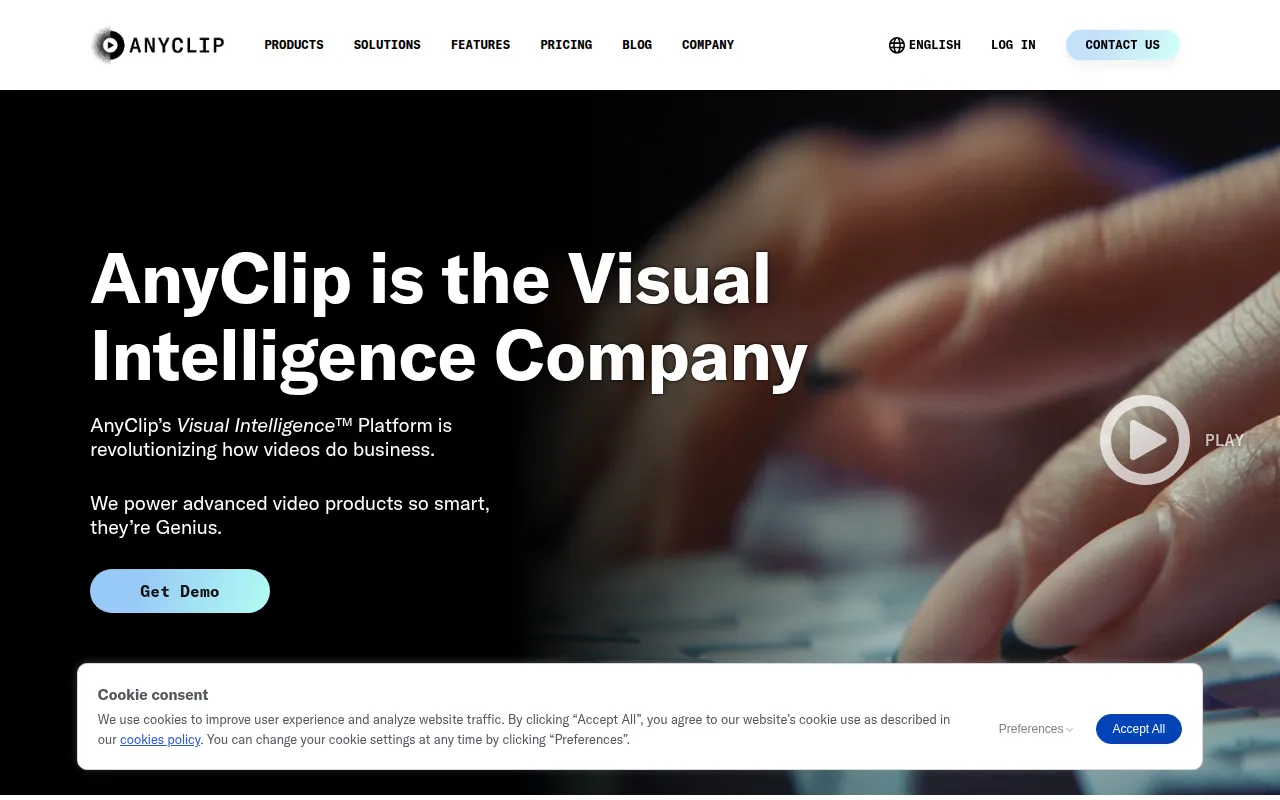
anyclip is a visual intelligence platform designed to automate how businesses handle video content. It uses AI to analyze video frames, which supports searching for specific people, brands, or objects within footage without manual tagging.
The tool is aimed at marketing agencies, publishers, and enterprise departments such as HR and Sales that manage significant amounts of video data. It supports the automation of content ingestion and distribution, which may reduce manual effort required to organize large catalogs.
Buyers can use the platform for external engagement—through interactive players and ad monetization—and internal knowledge sharing. The tool also offers an API for those who want to integrate these ML detection models into existing workflows.
Buyers should consider their specific volume of video hours, as pricing tiers are based on upload limits, and confirm if they require the integration and support options available in higher-priced plans.
Key Features
In-Video Search
Supports finding specific content, brands, or people within videos using AI detection.
Instant Video Chapters
Designed to segment videos into chapters based on topics during upload.
AI Video Highlights
Extracts key moments from longer videos to create highlight reels.
Auto Video Descriptions
Generates summaries and descriptions of video content using AI.
Interactive Touch Points
Supports clickable links within video frames to drive user engagement.
Real-time Closed Captions
Provides live transcriptions in multiple languages for accessibility.
Custom Facial Recognition
Identifies specific individuals within a video library using recognition technology.
Use Cases
Video Archive Activation
Converting dormant video archives into searchable assets to make content easier to resurface.
Content Monetization
Using an AI-driven ad marketplace to serve contextual ads based on video metadata.
Internal Knowledge Management
A platform for internal video sharing and collaboration across departments like IT and HR.
Automated Editorial Workflows
Using the AI Workbench to generate descriptions and chapters, which may reduce manual metadata entry.
Integrations
- CRM integration
- MAP integration
- Social network distribution
FAQ
What does anyclip do?
- anyclip uses AI to analyze video frames and audio, which allows businesses to automatically tag, categorize, and search for specific moments, people, or brands within their videos.
Who is anyclip designed for?
- It is designed for marketing agencies, publishers, and enterprise teams in departments like HR, Sales, and IT who manage large volumes of video content.
Which plan should I choose based on my needs?
- The Essential plan provides 20 hours of analytics. The Growth plan adds CRM/MAP integrations and video editing, while the Business plan provides 250+ hours and dedicated customer support.
Source category: Marketing
Source subcategory: Video & Animation
More tools in Marketing
Other published listings in the Marketing category.


More tools in the Video and Animation software type
Related listings that share the same software type for comparison and shortlisting.


