AI TOOL PROFILE
Boards Sales Enablement Software

- Sales
- Sales Enablement
- Direct sales teams
- Solo entrepreneurs
- Network marketers
- Customer-facing brands
Pricing
Boards uses a freemium model. Paid options include Starter, Professional, and Unlimited plans. Pricing was not clearly available from the provided evidence. Buyers should confirm current pricing on the vendor website.
At a glance
- Best for
- Direct sales teams, Solo entrepreneurs, Network marketers, Customer-facing brands
- Key use cases
- Content Sharing, Lead Generation, Team Alignment, Brand Distribution
- Integrations
- Google Sheets
- Official website
- Visit boards official website
How AI is used
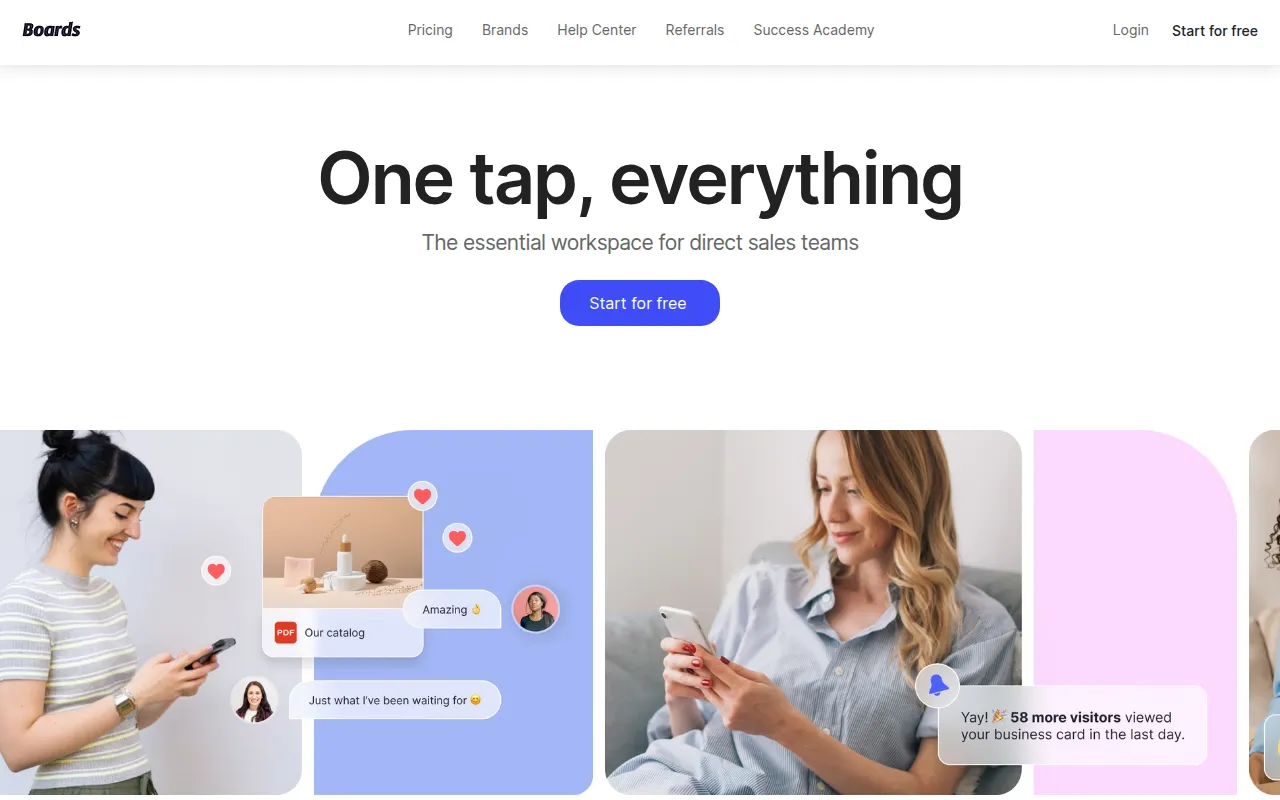
Boards is a sales enablement workspace designed for direct sales teams, solo entrepreneurs, and brands. It serves as a centralized hub for business content, allowing users to store and share resources across devices.
The platform uses a mobile-first approach, providing tools such as a dedicated mobile keyboard and Chrome extension to help reps share approved content during customer conversations. For brands and team leaders, it supports the distribution of updated materials to a network of sellers to help maintain brand alignment.
Buyers should consider whether they primarily operate via messaging channels, as the tool is designed to support content sharing within conversations. It also includes a web page builder for creating landing pages with forms to capture leads.
Users can start with a free version, and paid tiers are available for scaling teams.
Key Features
Mobile Keyboard
Supports accessing and sharing business content directly within messaging apps.
Content Updates
Supports the distribution of updated materials to teams in real time to maintain alignment.
AI-Driven Content Creation
Includes built-in AI tools to help create and optimize sales content.
Customizable Templates
Provides templates to help users create branded business materials.
Performance Analytics
Provides insights into how teams engage with specific pieces of content.
Chrome Extension
Provides access to organized content while browsing on a desktop.
Use Cases
Content Sharing
Using the mobile keyboard to send approved business resources during a customer chat.
Lead Generation
Building a landing page with integrated forms to capture and manage leads.
Team Alignment
Distributing announcements, promos, or training materials to a sales team via the Messages feature.
Brand Distribution
Companies creating Sponsored Boards to provide standardized content to their network of direct sellers.
Integrations
- Google Sheets
FAQ
Who is Boards designed for?
- Boards is designed for direct sales teams, solo entrepreneurs, network marketers, and customer-facing brands.
Does Boards help with lead management?
- Yes, it includes a web page feature with forms that can be integrated with Google Sheets to track lead submissions.
Is there a free version of Boards?
- Yes, Boards offers a freemium model where users can start for free before upgrading to paid plans.
Source category: Sales
Source subcategory: Sales Enablement
More tools in Sales
Other published listings in the Sales category.


More tools in the Sales Enablement software type
Related listings that share the same software type for comparison and shortlisting.


