AI TOOL PROFILE
BetterBugs Review: Browser-Based Bug Reporting Tool

- Software Development
- Bug Tracking
- QA Engineers
- Software Developers
- Product Managers
- Support Teams
- Software Company Founders
Pricing
Offers a free forever plan for small teams. A paid Team plan is available with a 10-day free trial, and custom Enterprise pricing is available with a 20% annual discount.
At a glance
- Best for
- QA Engineers, Software Developers, Product Managers, Support Teams, Software Company Founders
- Key use cases
- QA Testing and Documentation, Frontend Issue Tracking, Customer Feedback Collection, Software Development Lifecycle Documentation
- Integrations
- Slack, Jira, Linear, ClickUp, Asana
- Official website
- Visit betterbugs official website
How AI is used
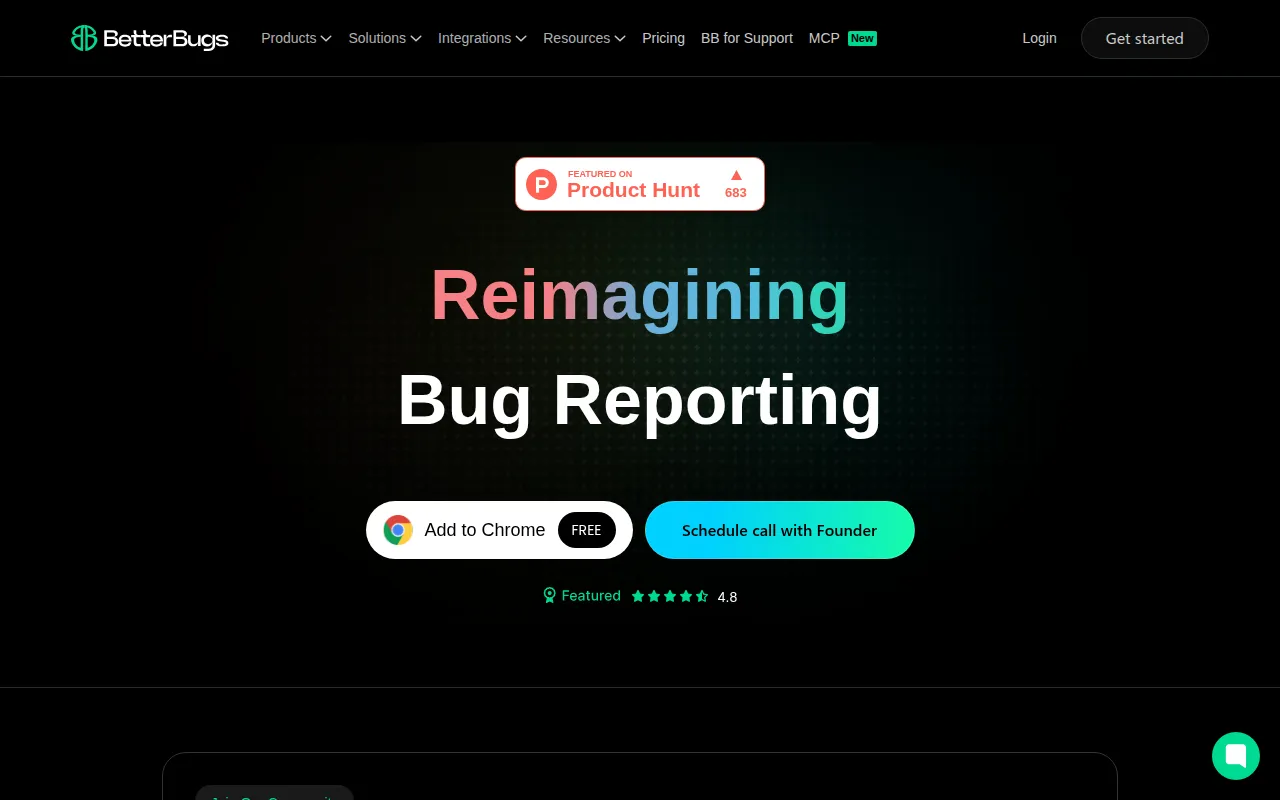
BetterBugs is a browser-based reporting tool designed to help QA engineers, developers, and product managers create detailed bug reports. It captures the technical context of an issue—such as console logs and network requests—alongside visual evidence, which may reduce the back-and-forth communication required to reproduce a bug.
The tool is built for software companies and development teams who need a way to document frontend issues. It supports the creation of visual reports via screenshots, screen recordings, and a rewind feature that captures recent browser activity.
Buyers should confirm that while there is a free tier, features such as the AI Debugger, video annotations, and two-way Jira sync are available on the Team and Enterprise plans. Teams should also verify if their specific project management tools are supported by the current integration list.
Key Features
Visual Capture
Supports cropped, full-page, and delayed screenshots with a toolbar for custom annotations and markups.
Screen Recording
Supports recording browser tabs or windows for up to 15 minutes, including microphone support.
Session Rewind
Captures the last 2 minutes of browser activity without requiring a manual recording to be active.
Automatic Developer Logs
Attaches console logs, network requests, device information, cookies, and local storage data to reports.
AI Debugger
Designed to provide automated reproduction steps for captured sessions to help developers identify the cause of an issue.
Feedback Widget
A widget that can be added to web apps to allow customers to submit visual and technical reports.
Use Cases
QA Testing and Documentation
Helping QA engineers create reports with technical logs to support the debugging process.
Frontend Issue Tracking
Capturing visual evidence and browser state for frontend developers to analyze UI and UX bugs.
Customer Feedback Collection
Using the embedded widget to collect technical bug reports from end-users.
Software Development Lifecycle Documentation
Supporting the documentation of software issues during the testing phase of the development lifecycle.
Integrations
- Slack
- Jira
- Linear
- ClickUp
- Asana
- GitHub
- MS Teams
- Trello
- Sentry
- Azure Boards
- LogRocket
- Fullstory
FAQ
What is the Rewind feature in BetterBugs?
- The Rewind feature captures the last 2 minutes of browser activity, allowing users to review and report issues without starting a manual recording.
Does BetterBugs have a free version?
- Yes, there is a free forever plan that includes essential features for small teams, with limits on recording links.
Which project management tools does it integrate with?
- It integrates with tools including Jira, Slack, Linear, ClickUp, Asana, GitHub, MS Teams, Trello, Sentry, and Azure Boards.
Is there a discount for paying annually?
- Yes, BetterBugs offers a 20% discount for annual subscriptions.
Source category: Software Development
Source subcategory: Bug Tracking
More tools in Software Development
Other published listings in the Software Development category.


More tools in the Bug Tracking software type
Related listings that share the same software type for comparison and shortlisting.


